Getting started with TradFi on Hotcoin is easy. This guide walks you through how to access TradFi on the Hotcoin App and Web, find the product you want to trade, and start trading.
I. Access TradFi on the Hotcoin App
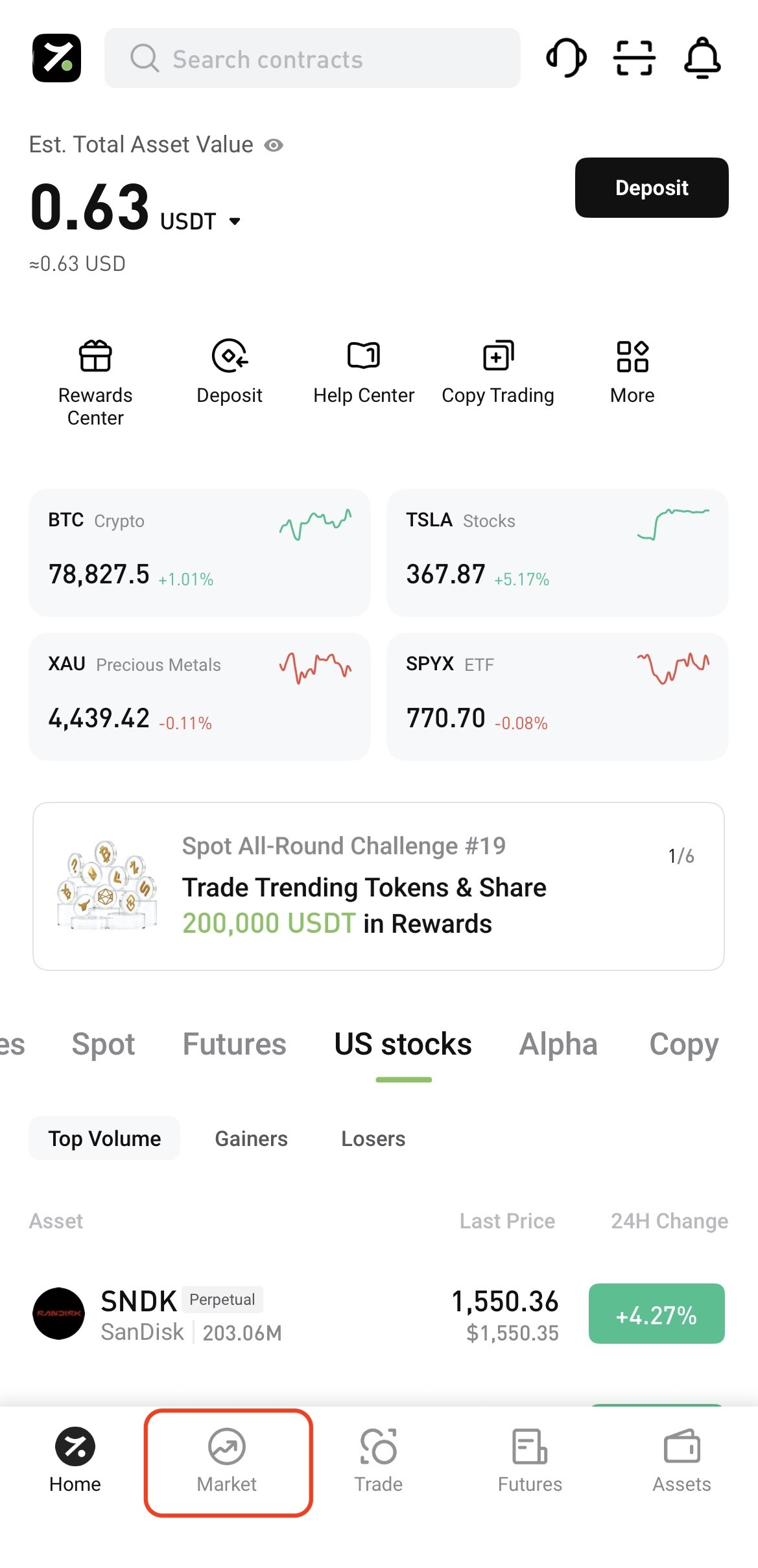
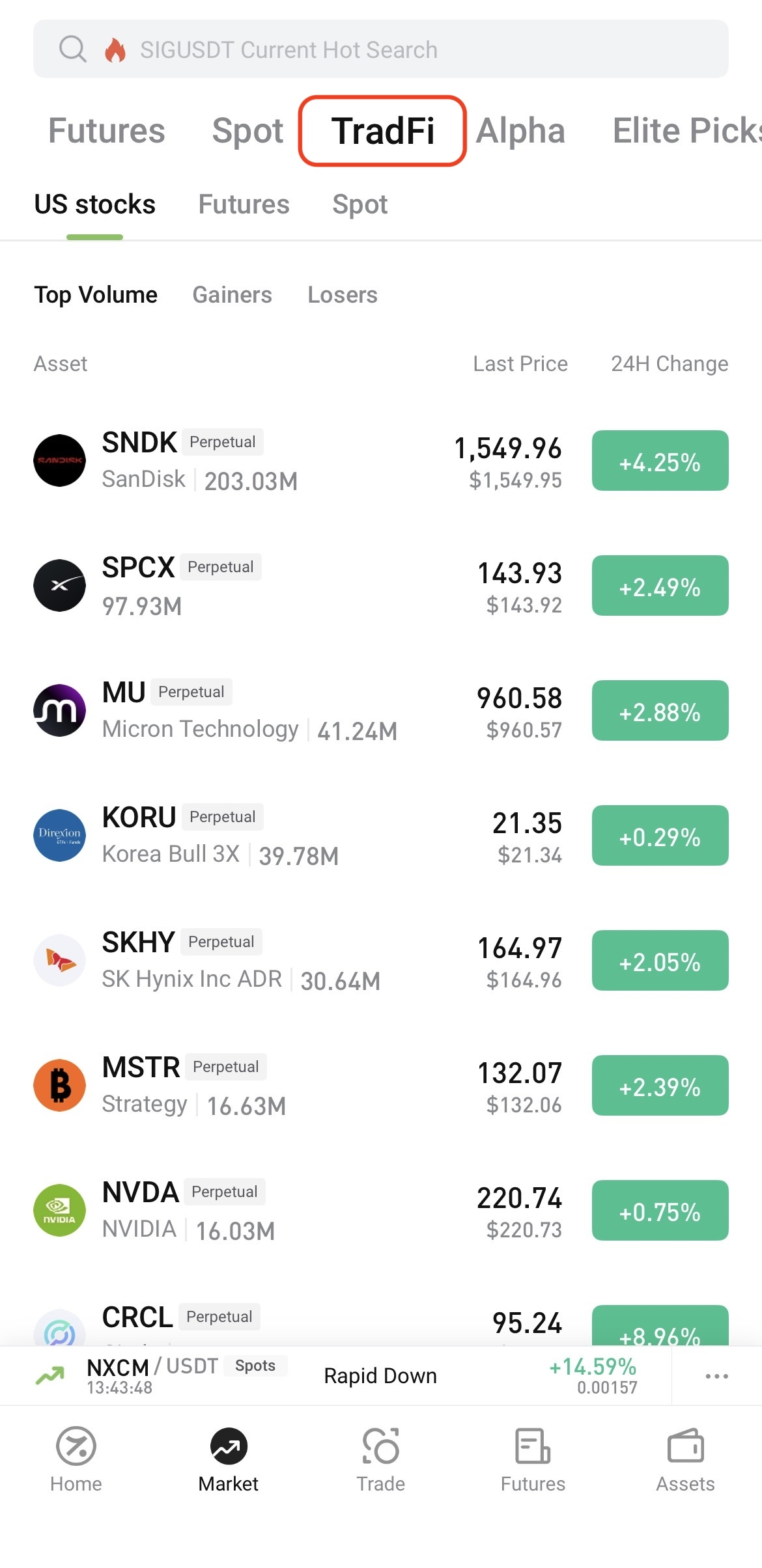
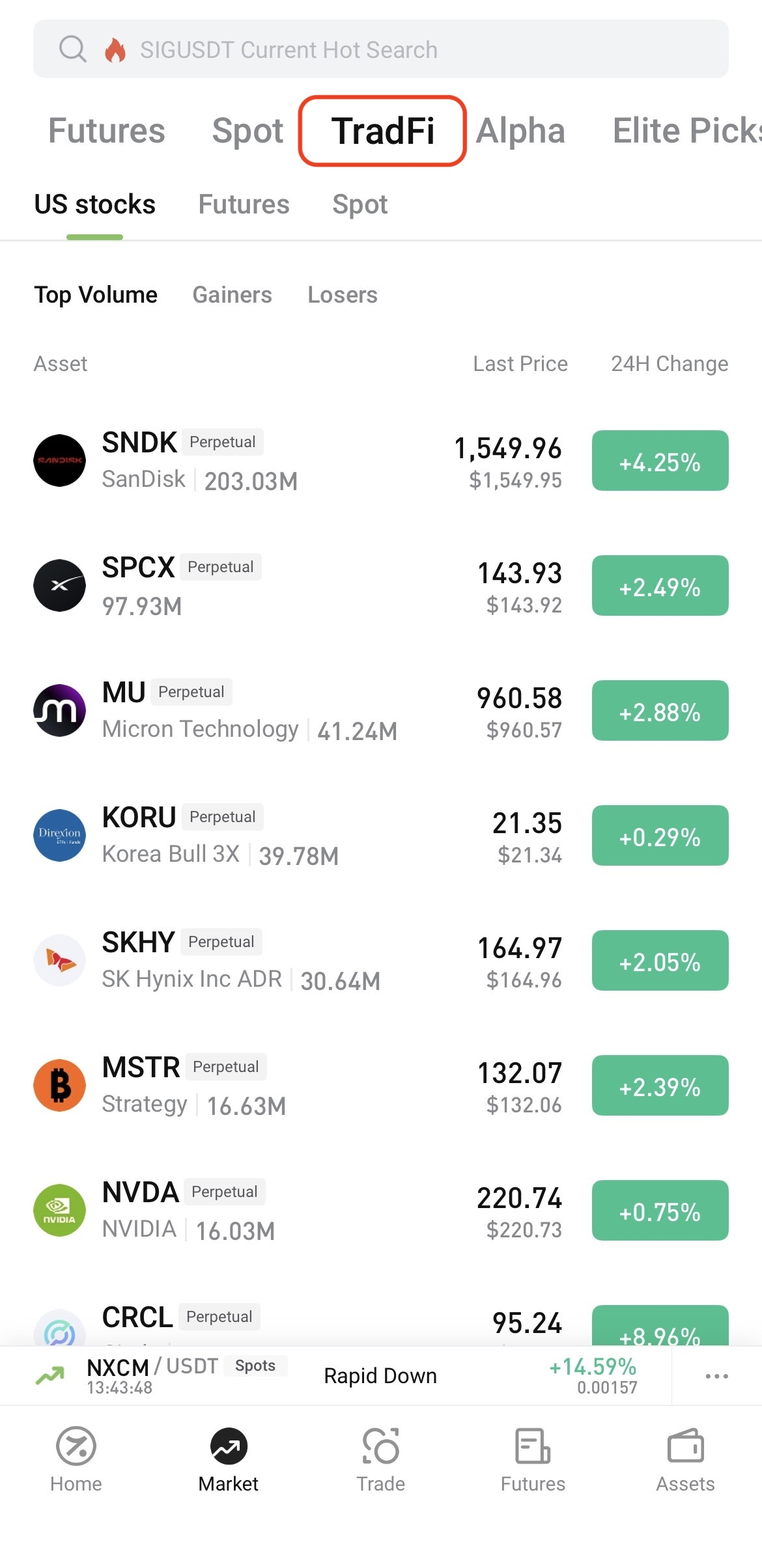
Log in to the Hotcoin App and tap Market at the bottom of the screen. On the Market page, tap TradFi at the top, then select U.S. Stocks, Futures, or Spot.
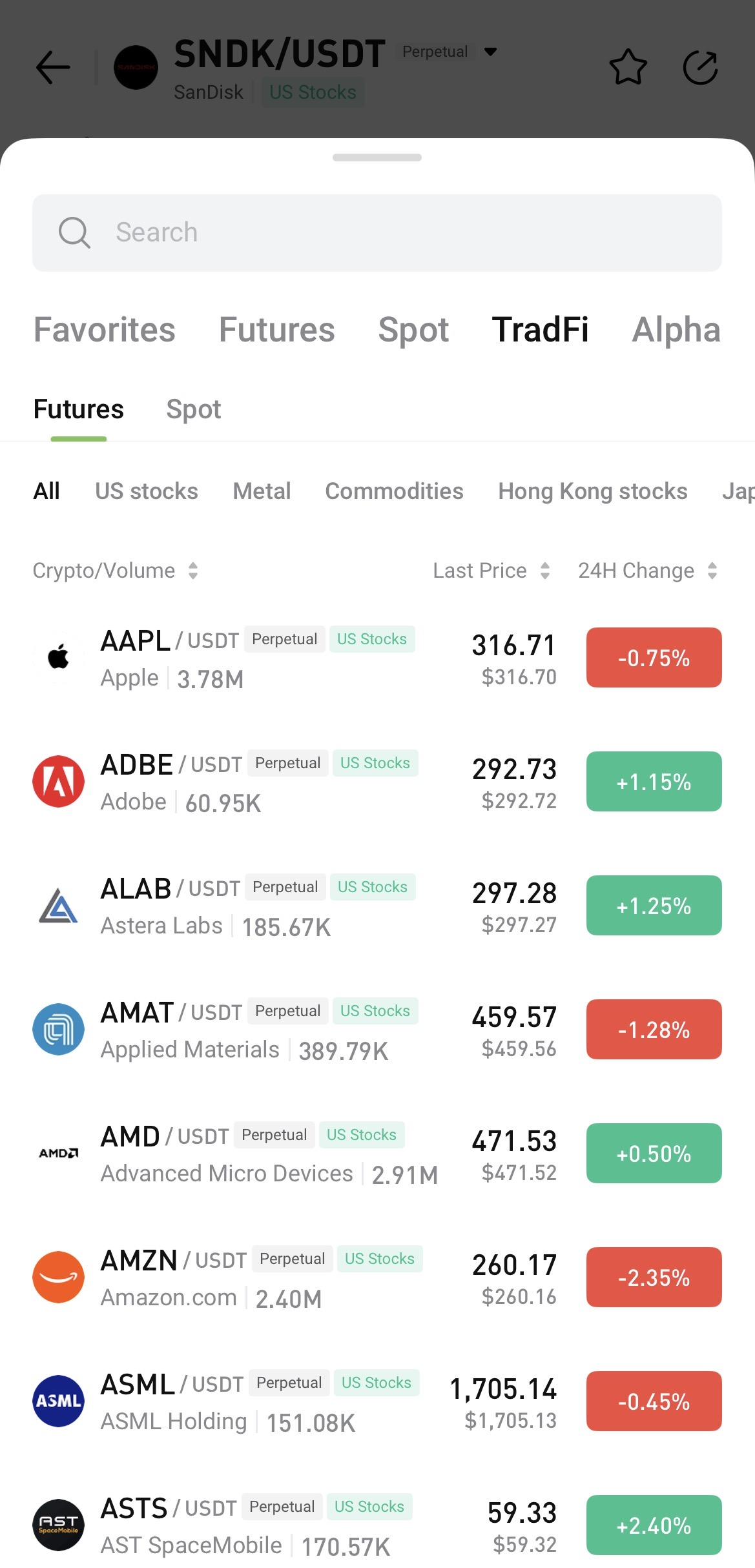
To search, open any trading page, tap the asset name, and enter the name or symbol you want to find.
II. Access TradFi on Hotcoin Web
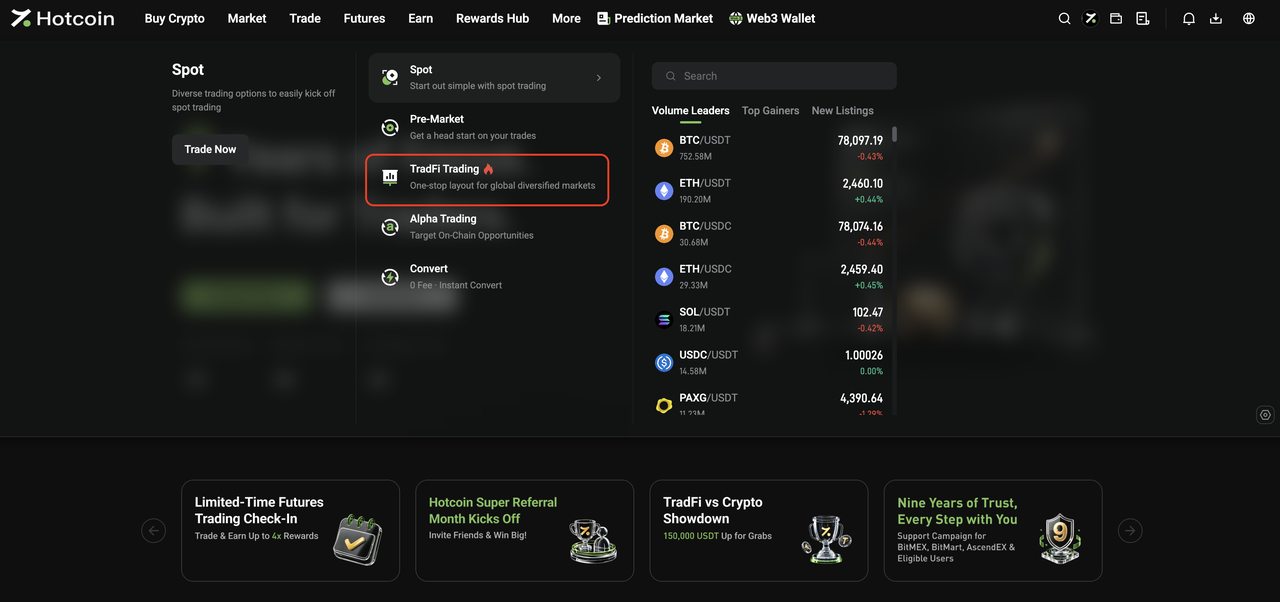
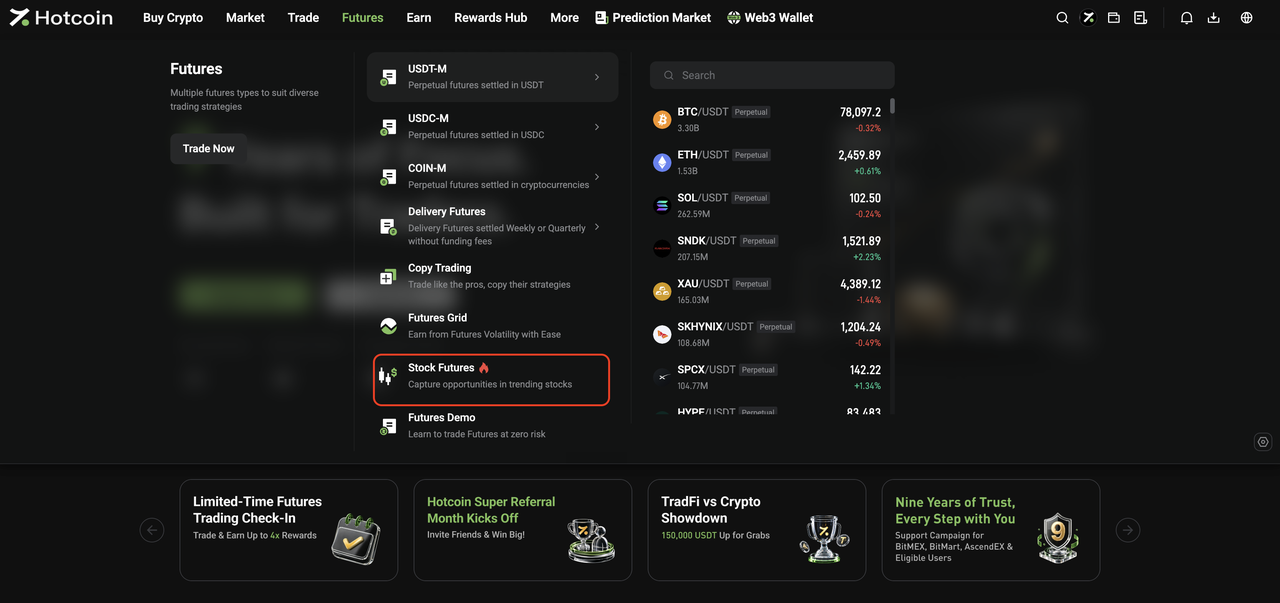
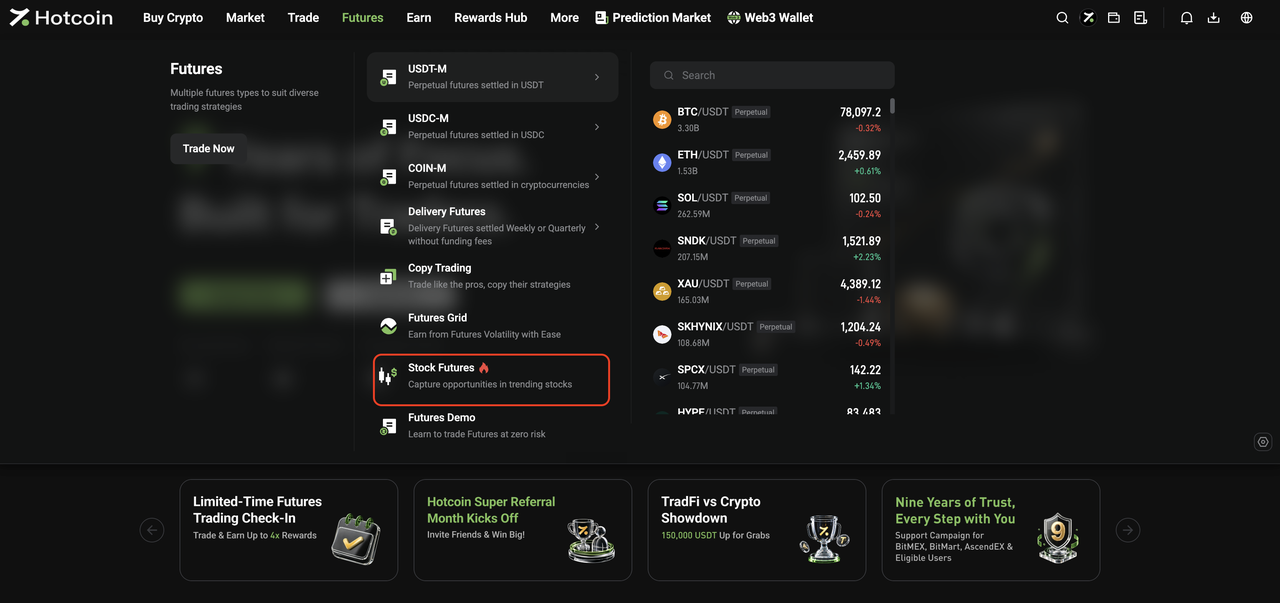
After logging in to Hotcoin Web, you can access TradFi in the following ways:
-
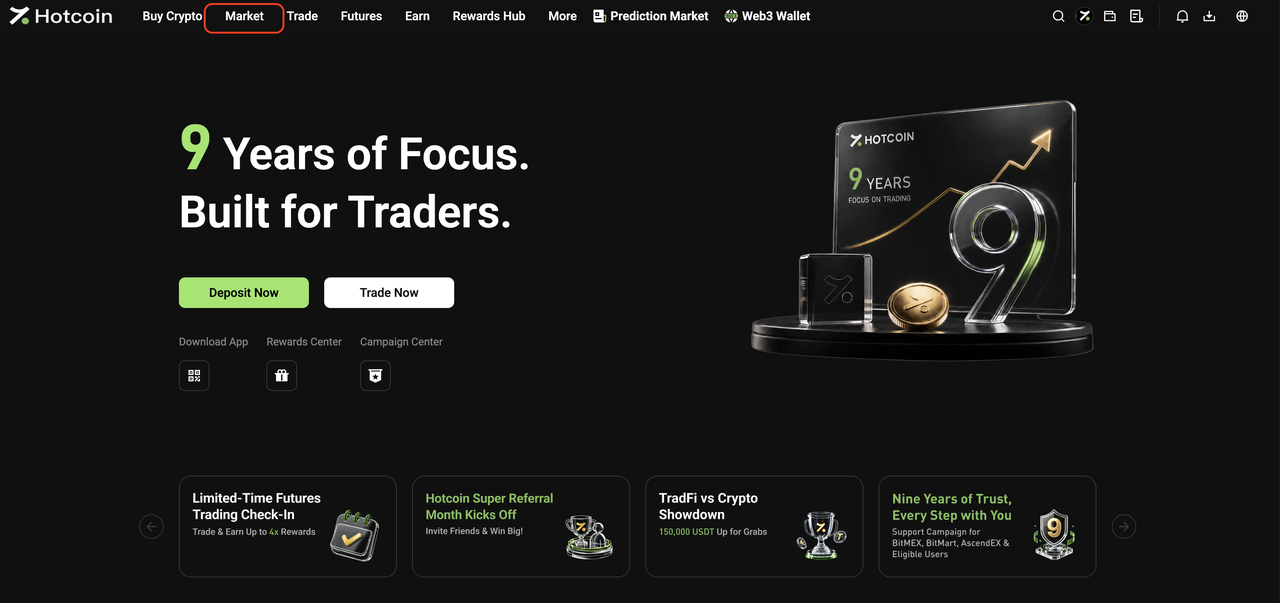
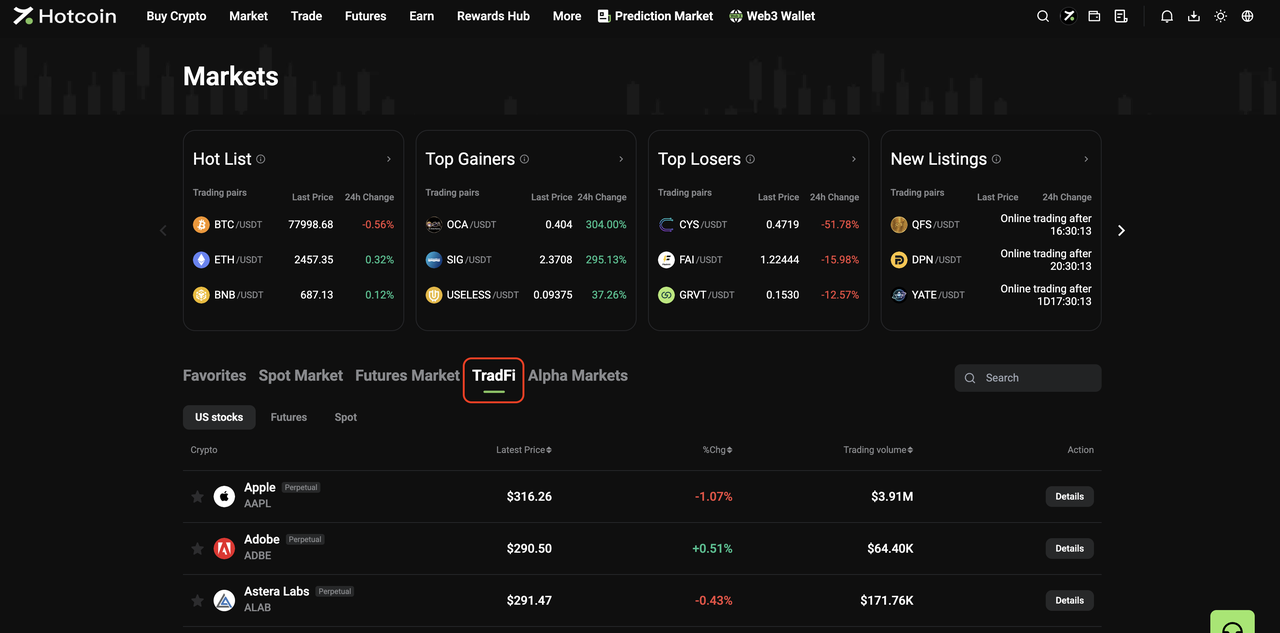
From the Market page: Click Market in the top navigation bar, then click TradFi on the Market page. Select U.S. Stocks, Futures, or Spot and choose an asset from the list, or use the search function to find one directly.
III. Start Trading TradFi
The basic trading flow for Hotcoin TradFi Spot and Futures is the same as for standard Spot and Futures trading on Hotcoin.
Once you enter the relevant trading page, you can place orders as you normally would.
For step-by-step instructions, see:
Risk Warning: TradFi trading involves market risk, and asset prices may fluctuate significantly. Before trading, make sure you understand the relevant product rules and risks, and trade cautiously based on your risk tolerance.
Related Articles

 hotcoin.com