
Customer Support
service hotcoin.com
Product Feedback
producthotcoin.com
Business Inquiries
businesshotcoin.com
Law Enforcement
casecnhotcoin.com
About
Services
Support
© 2017-2026 Australian Hotcoin Global Exchange Pty Ltd
servicehotcoin.com
producthotcoin.com
businesshotcoin.com
casecnhotcoin.com
1. Access the Referral Page
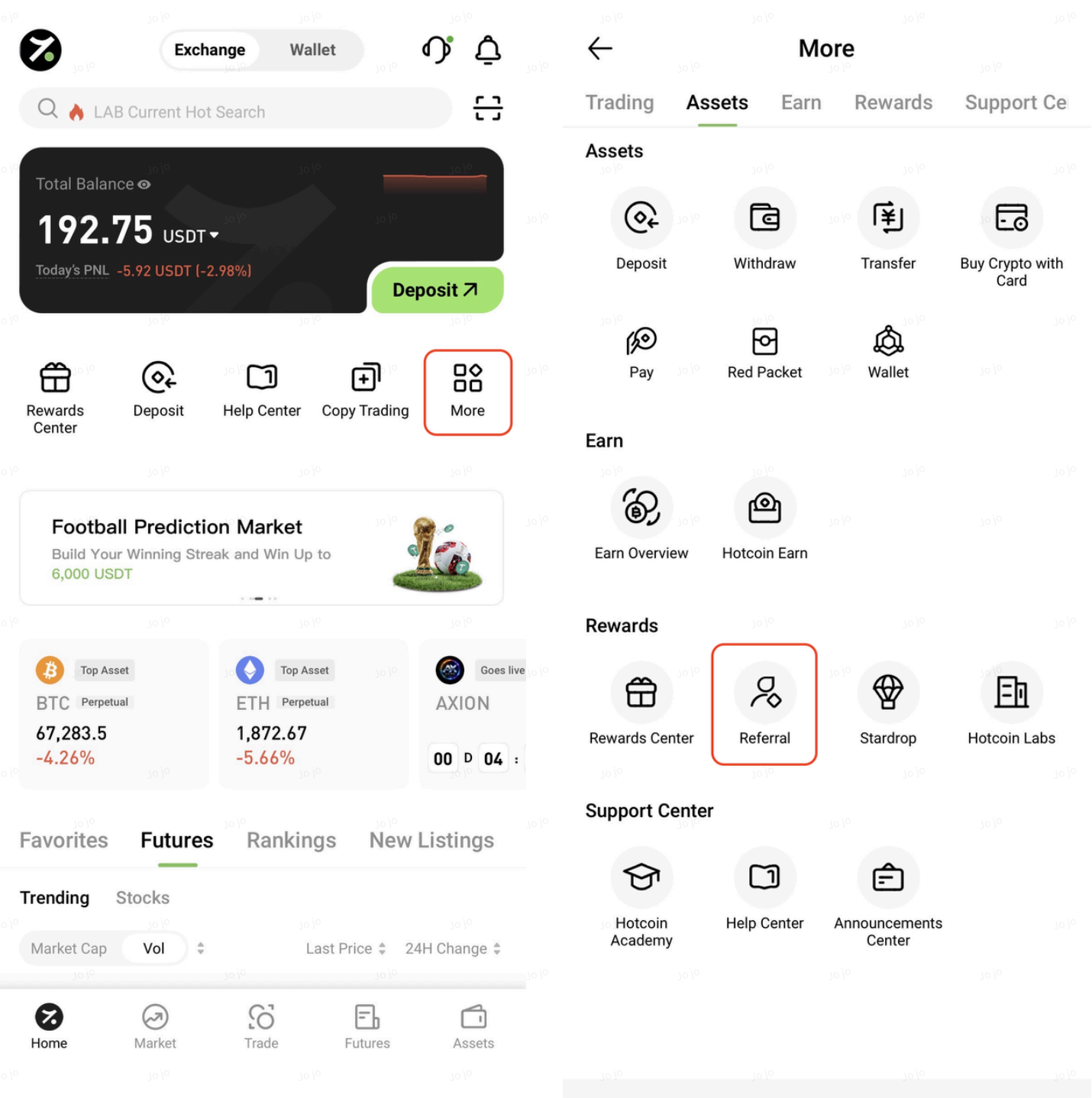
Open the Hotcoin App, tap More on the homepage, and then select Referral Program to access the referral page.
2. Invite Friends
You can invite friends to create a Hotcoin account using any of the following methods:
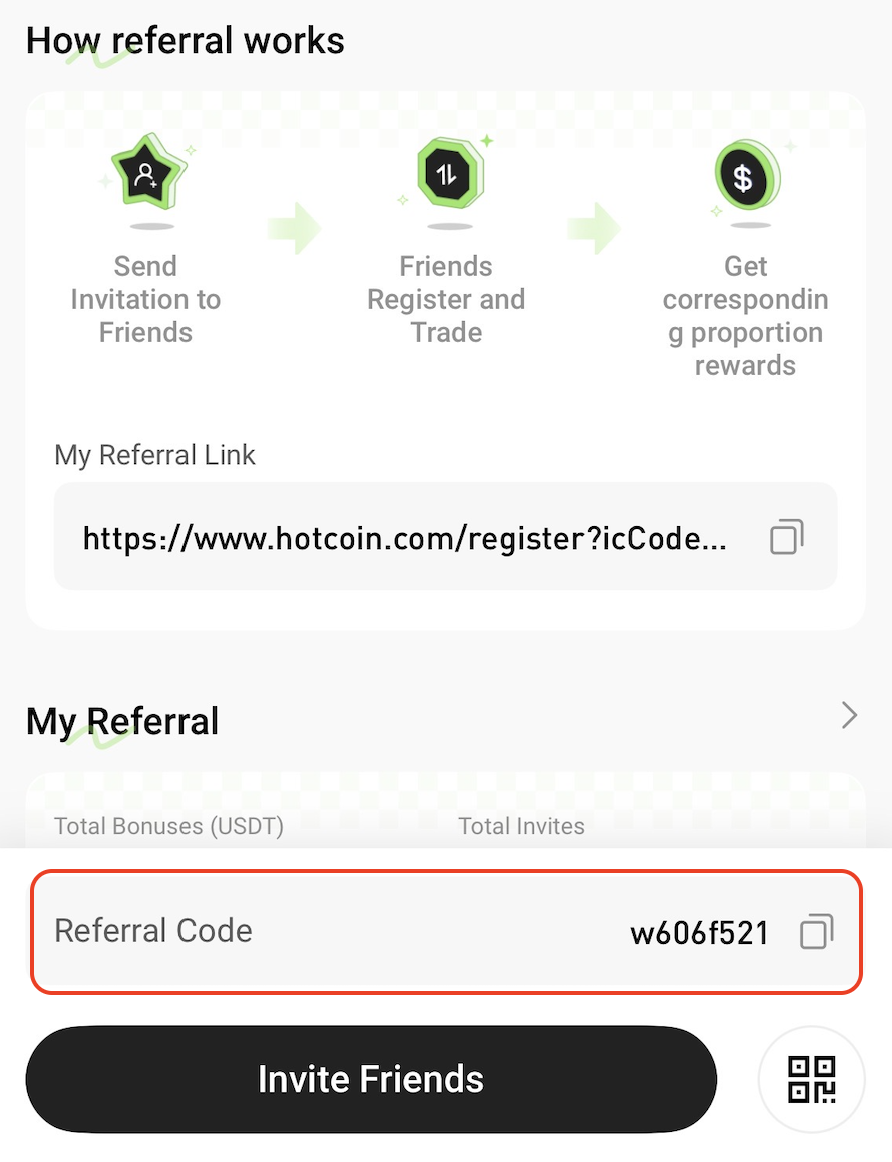
Method 1: Share Your Referral Code
Send your referral code directly to your friends. They can enter the referral code during registration to link their account to yours.
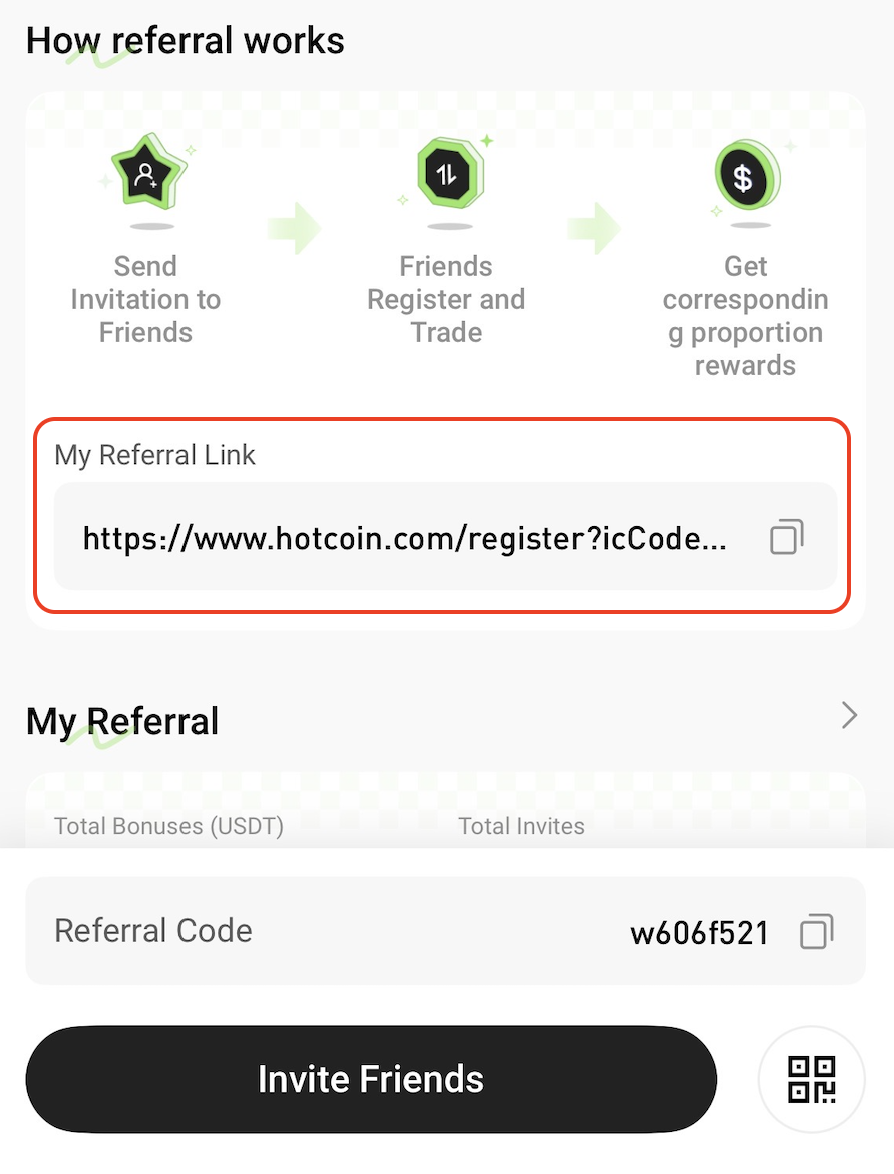
Method 2: Share Your Referral Link
Copy your referral link and send it to your friends. When they register through the link, your referral code will be filled in automatically.
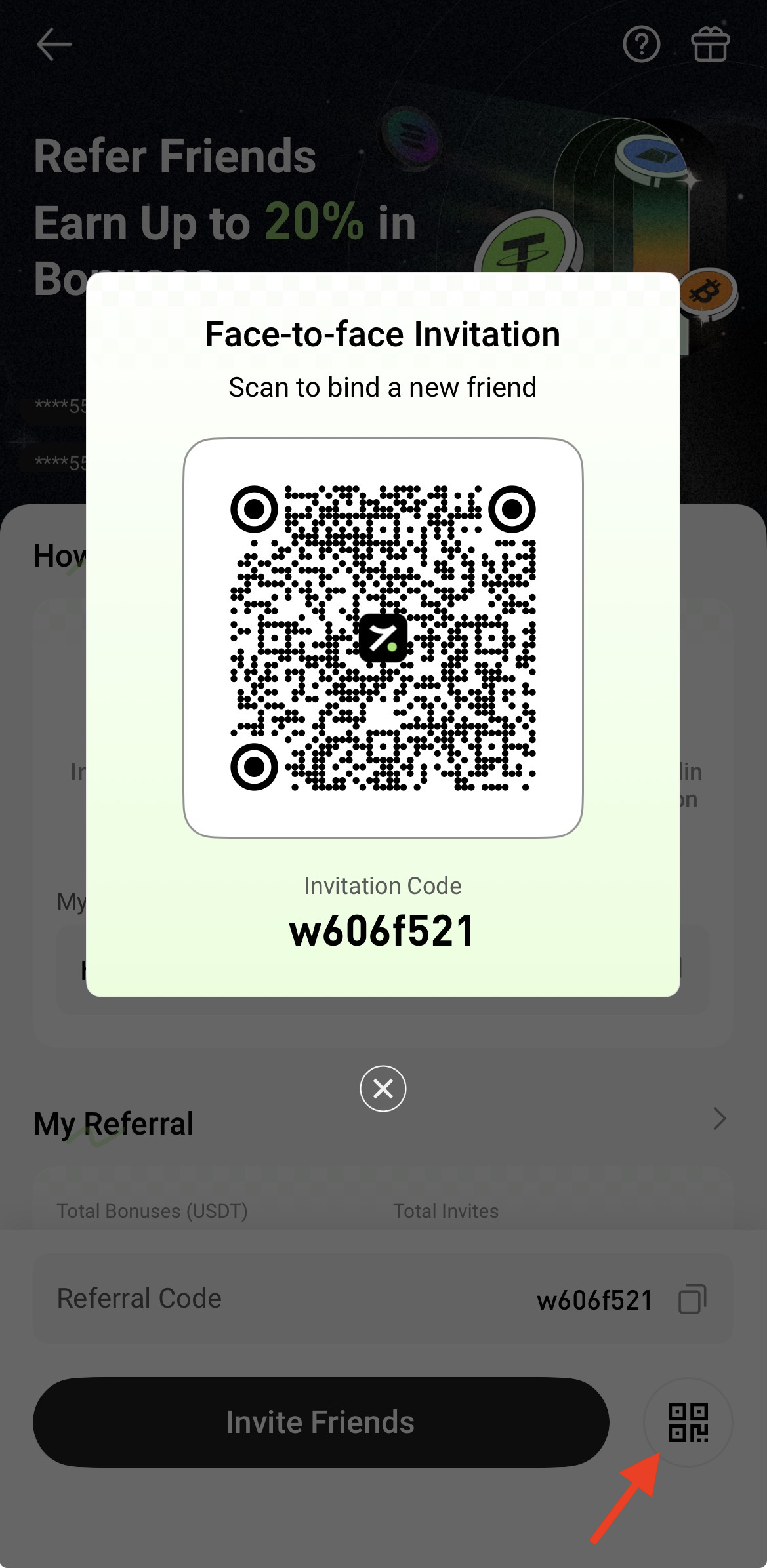
Method 3: Face-to-Face Invitation
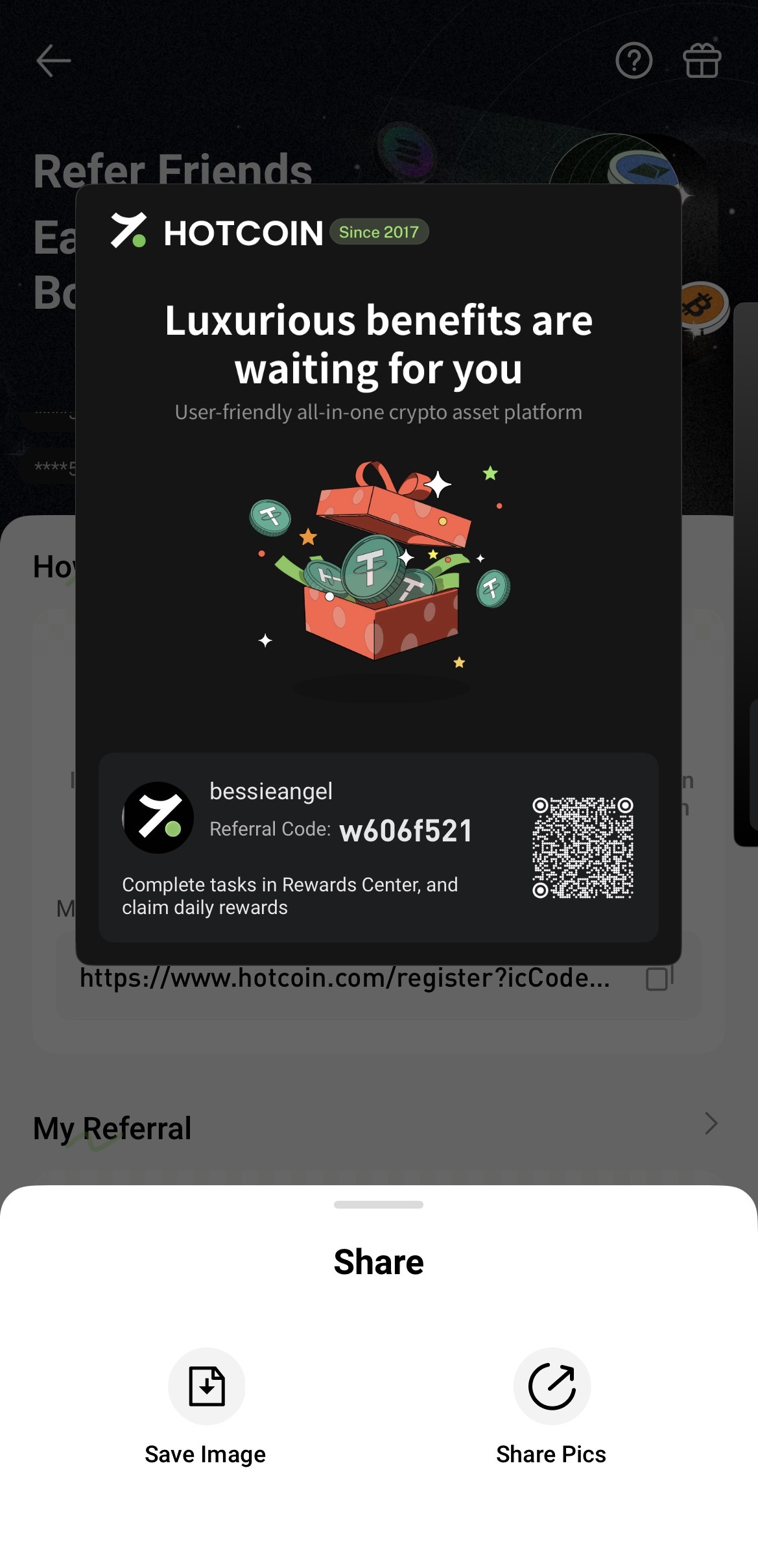
Tap Face-to-Face Invitation to display your personal referral QR code.
Friends who scan the QR code using the Hotcoin App will be directed to the registration page with your referral code automatically applied. Users scanning the QR code with other QR code scanners will also be redirected to the registration page with the referral code automatically filled in.
Method 4: Generate a Promotional Poster
Tap Generate Poster to create a personalized referral poster that can be shared via channels such as WeChat and Moments.
3. View Referral Records and Reward Details
Scroll down to the My Referrals section on the referral page to view:
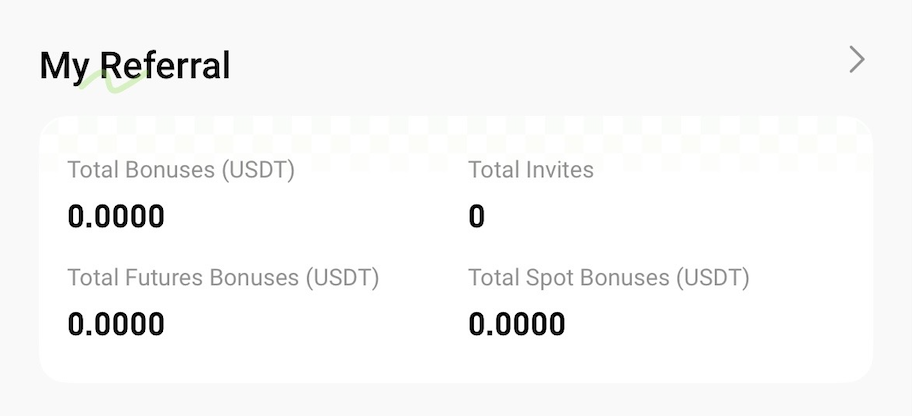
Tap the arrow on the right to view referral records and reward details.
Related Articles