HOTCOIN Logo
Mua Crypto
Thị Trường
Giao dịch
Hợp đồng tương lai
Kiếm tiền
Trung tâm phần thưởng
Thêm
Ví Web3
Liên hệ dịch vụ

Service@hotcoin.com

Phản hồi sản phẩm

Product@hotcoin.com

Hợp tác kinh doanh

Business@hotcoin.com

Liên hệ pháp lý

Casecn@hotcoin.com

Liên hệ với chúng tôi
Liên hệ dịch vụ

Service@hotcoin.com

Phản hồi sản phẩm

Product@hotcoin.com

Hợp tác kinh doanh

Business@hotcoin.com

Liên hệ pháp lý

Casecn@hotcoin.com

Về chúng tôi
Giới thiệu nền tảng
Trung tâm thông báo
Trạng thái hệ thống
Thỏa thuận người dùng
Chính sách bảo mật
Mô tả pháp lý
sản phẩm
Futures
Giao dich
Sao chép hợp đồng
Đòn bẩy
Earn
Mua P2P
Mua Crypto bằng Thẻ
Ví Web3
Phục vụ
Phát trực tiếp
Lựa chọn nghiêm ngặt các đồng tiền nóng
Hub Phúc lợi
Lời mời bạn bè
Quyền lợi VIP
Tải xuống
Áp dụng cho người bán P2P
hỗ trợ
Đại học Hotcoin
Trung tâm trợ giúp
Tài liệu API
Biểu Phí
Thông tin tiền điện tử
Ứng dụng niêm yết
dịch vụ trực tuyến
Phản hồi của khách hàng
xác minh chính thức
Giao dịch
BTC USDC
ETH USDC
BTC USDT
ETH USDT
PI USDT
SOL USDT
XRP USDT
©2017-2026
Trung tâm trợ giúp
/Account Function/Account Function Guide/
Android App Edition Download and Installation Guidance Tutorial
Trung tâm trợ giúp
/Account Function/Account Function Guide/
Android App Edition Download and Installation Guidance Tutorial

Android App Edition Download and Installation Guidance Tutorial

Hotcoin
chia sẻ đường link

Android(  Android Phone)download APP and complete register

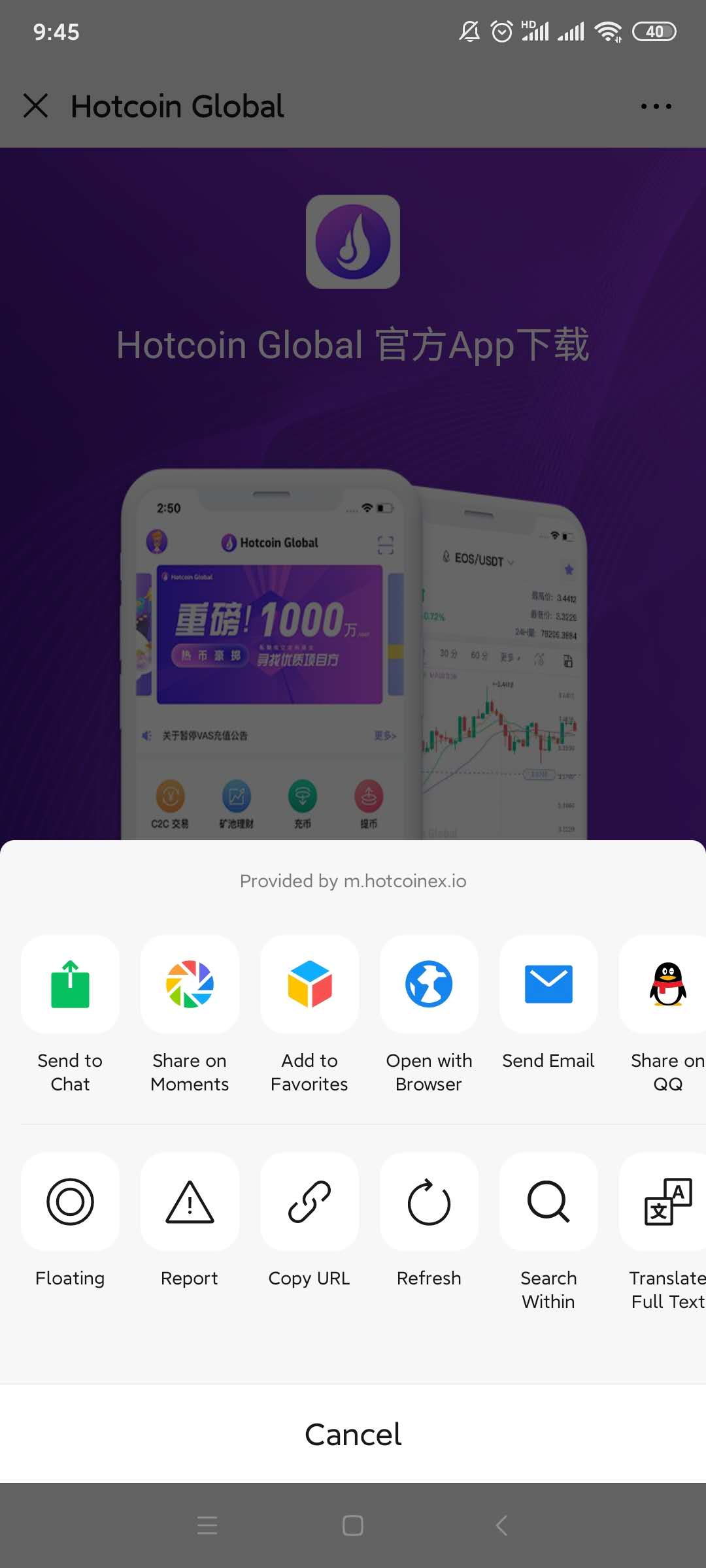
1.Scanning the QR Code below, download and install the Hotcoin Official App.

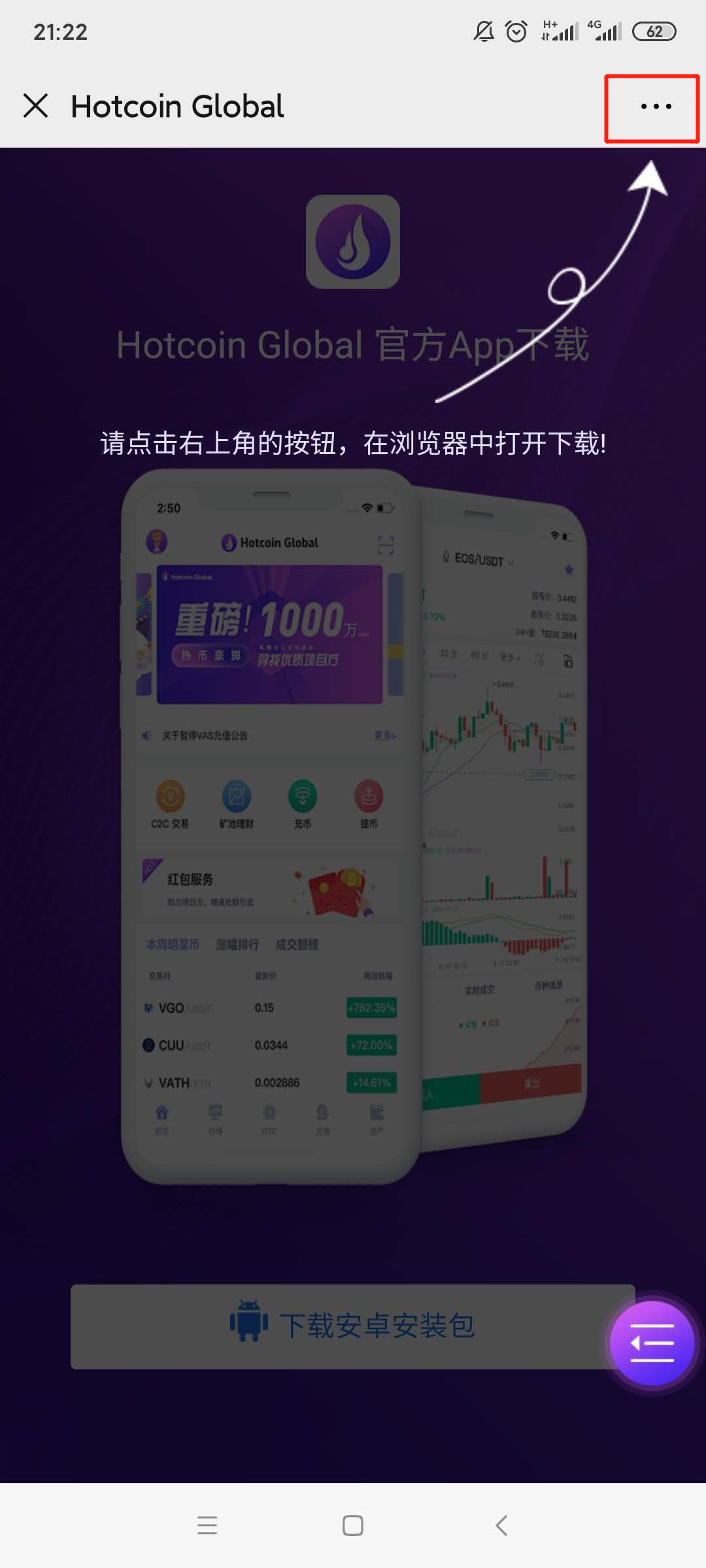
2.Download page will be poping up , please click on the “...” symbol on the upper right corner( ellipsis has been highlighted by red box)and select to open it in browser ;
 

mceclip3.png

1___20200414111400.jpg

3.

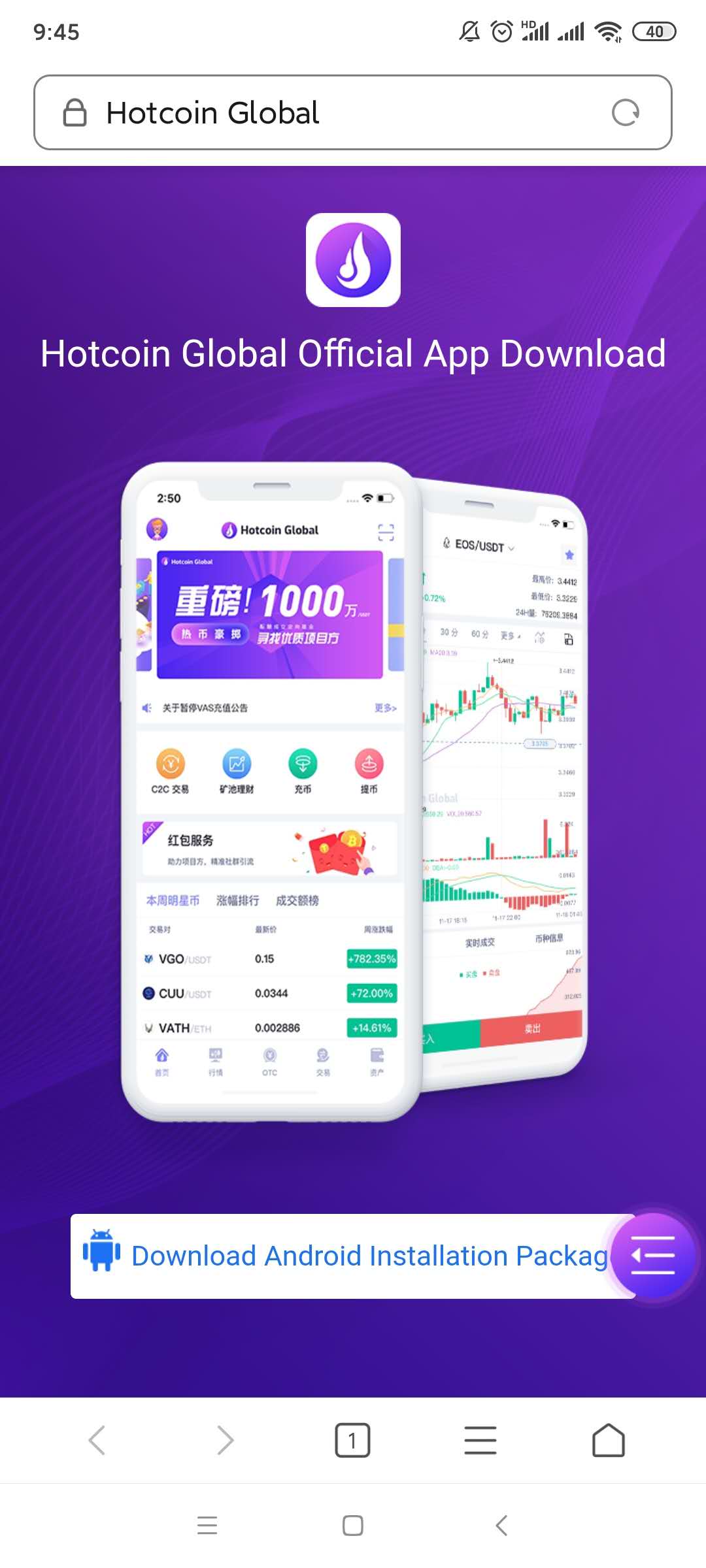
Turn to the download page and click the 【download Android installation package】button;
2___20200414111414.jpg

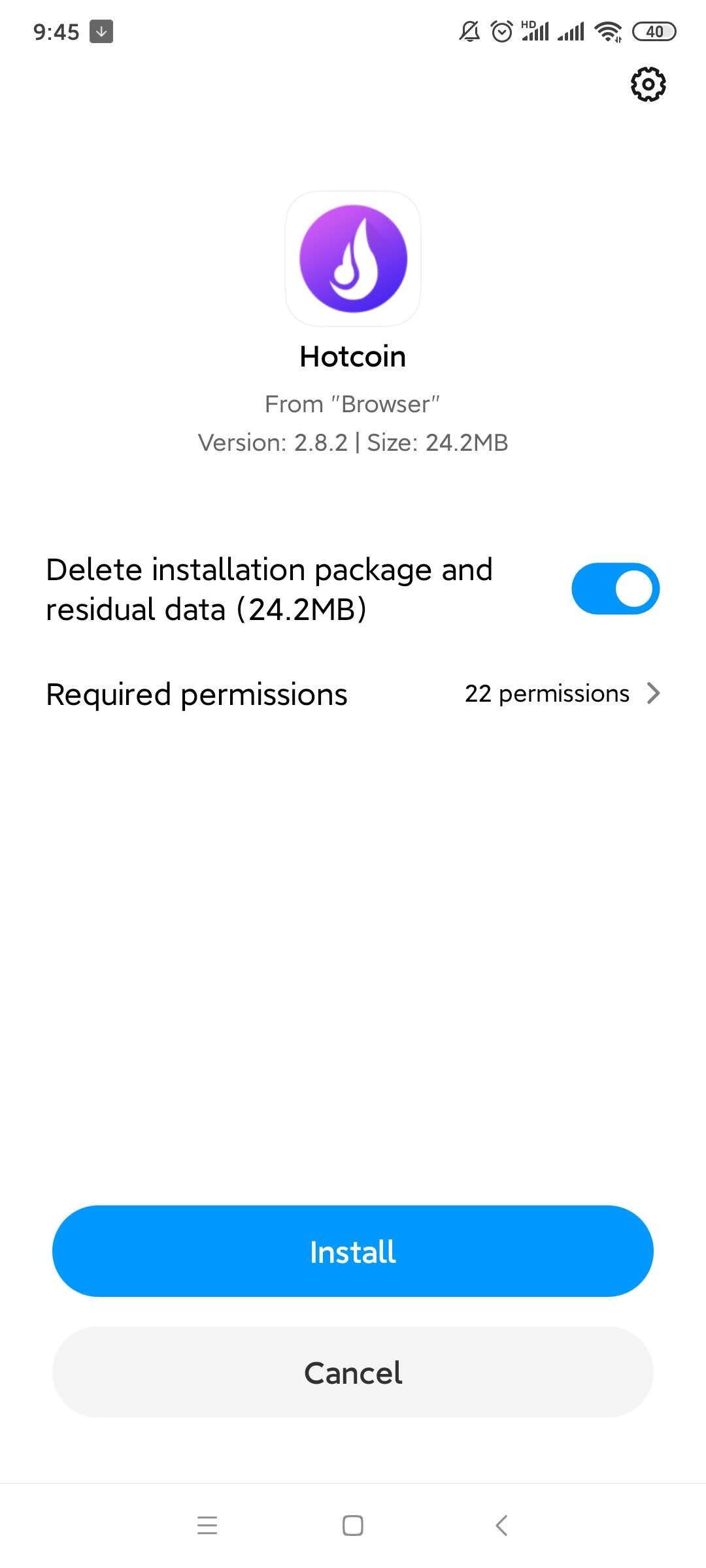
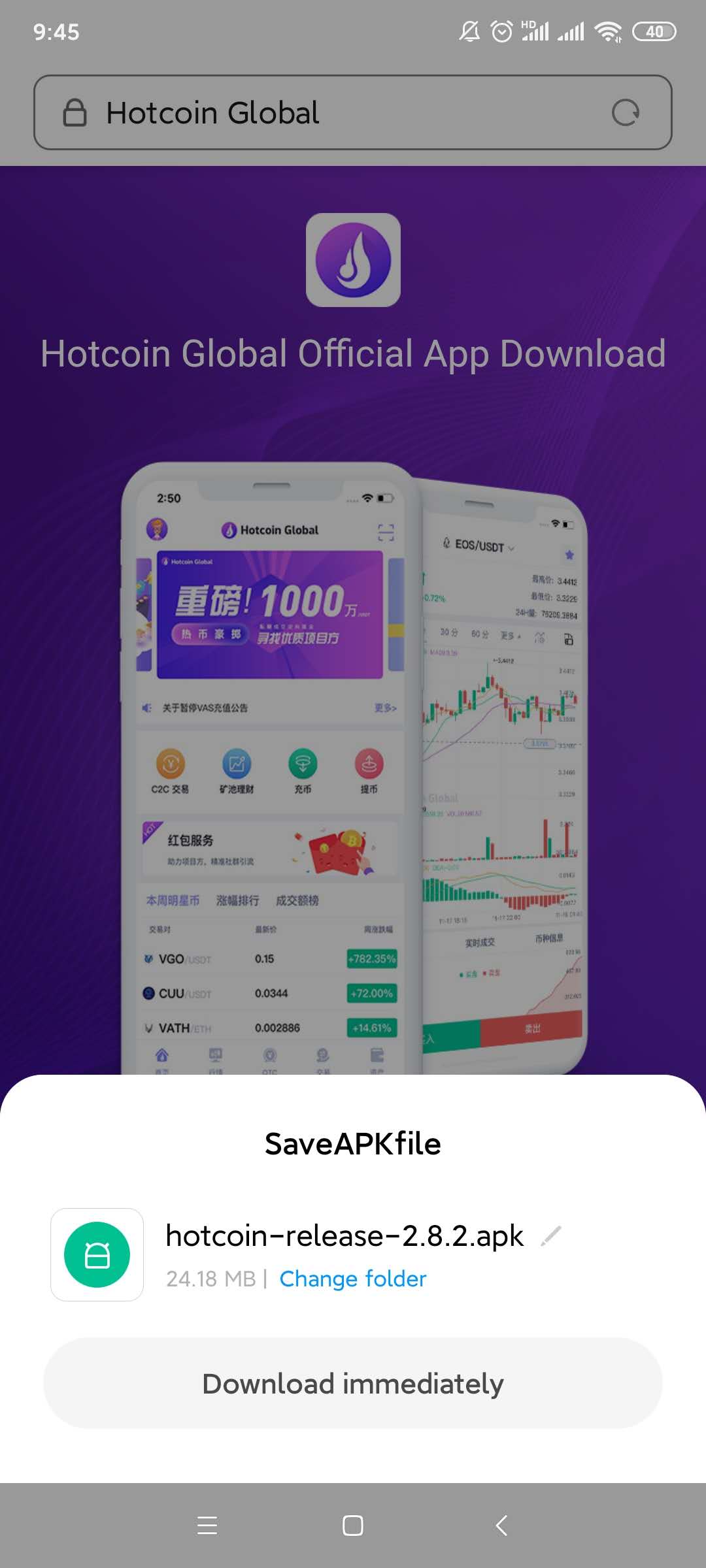
4.A file download box will be poping up, click on the “ Regular Download Version”; Select the “Install “ option after download finished;  
4___20200414111439.jpg

5___20200414111450.jpg

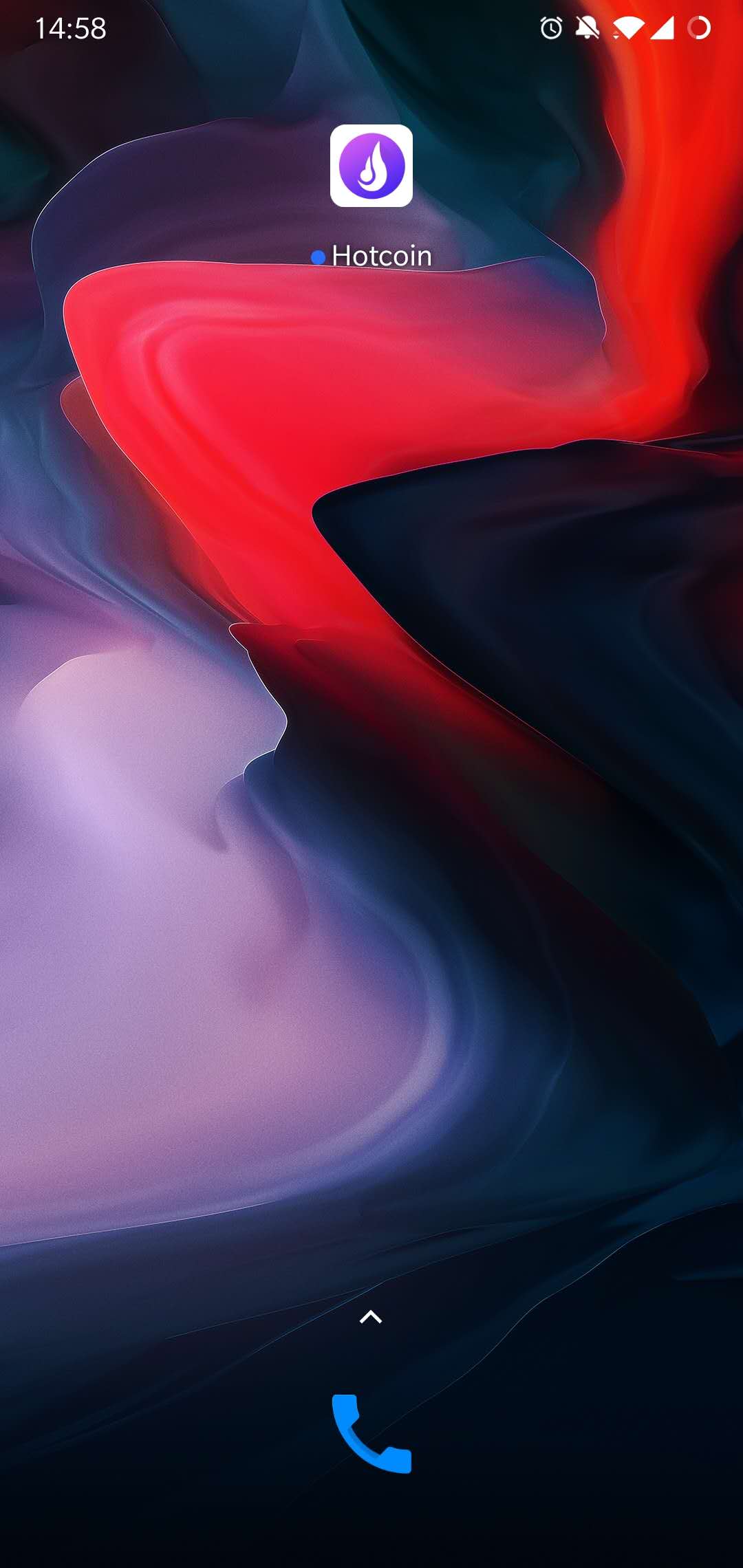
5.Installation Completed, please check on the home page of mobile phone.
7.jpg

6.

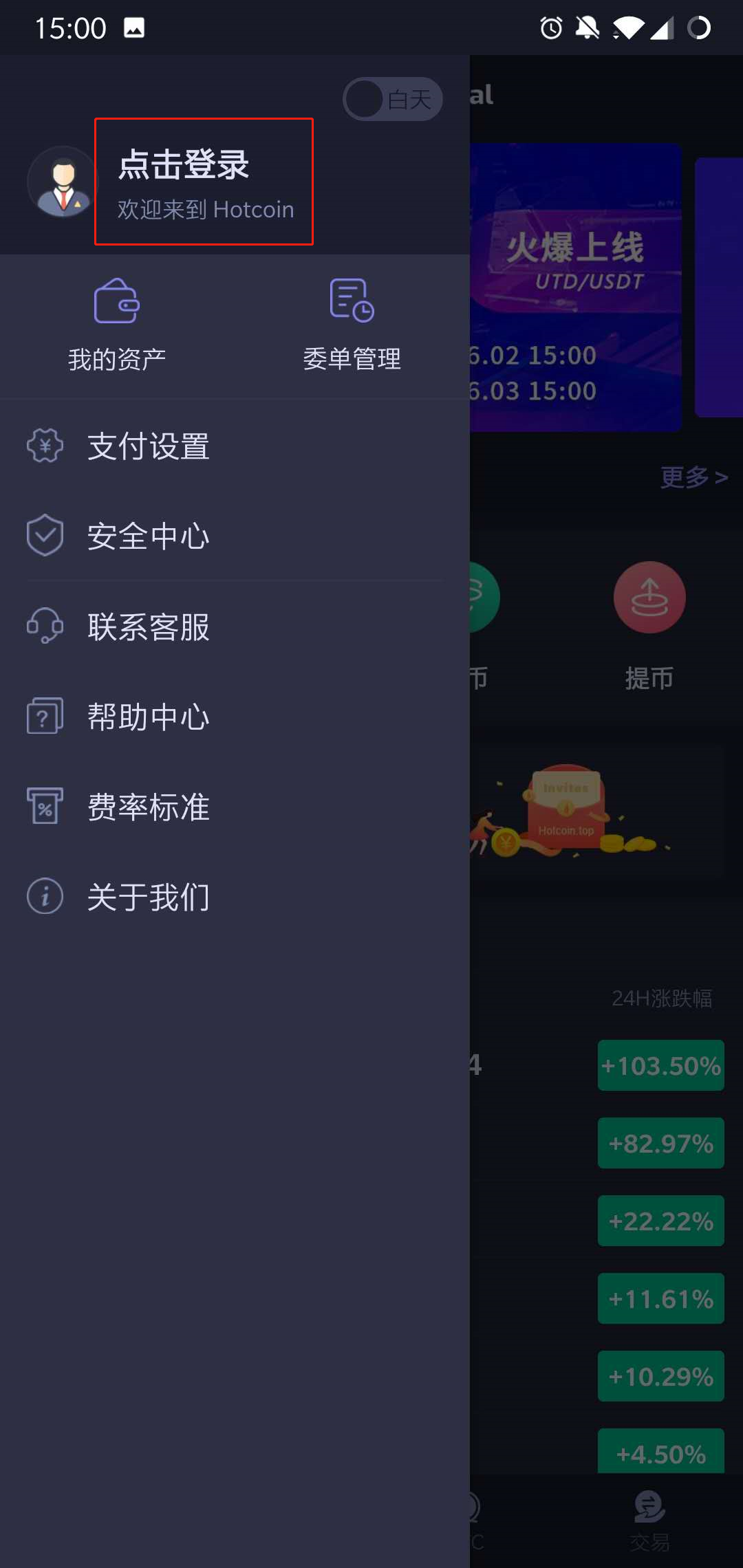
Open the App, enter the “ Personal Account”page,Press on the “Click To Login” Button.
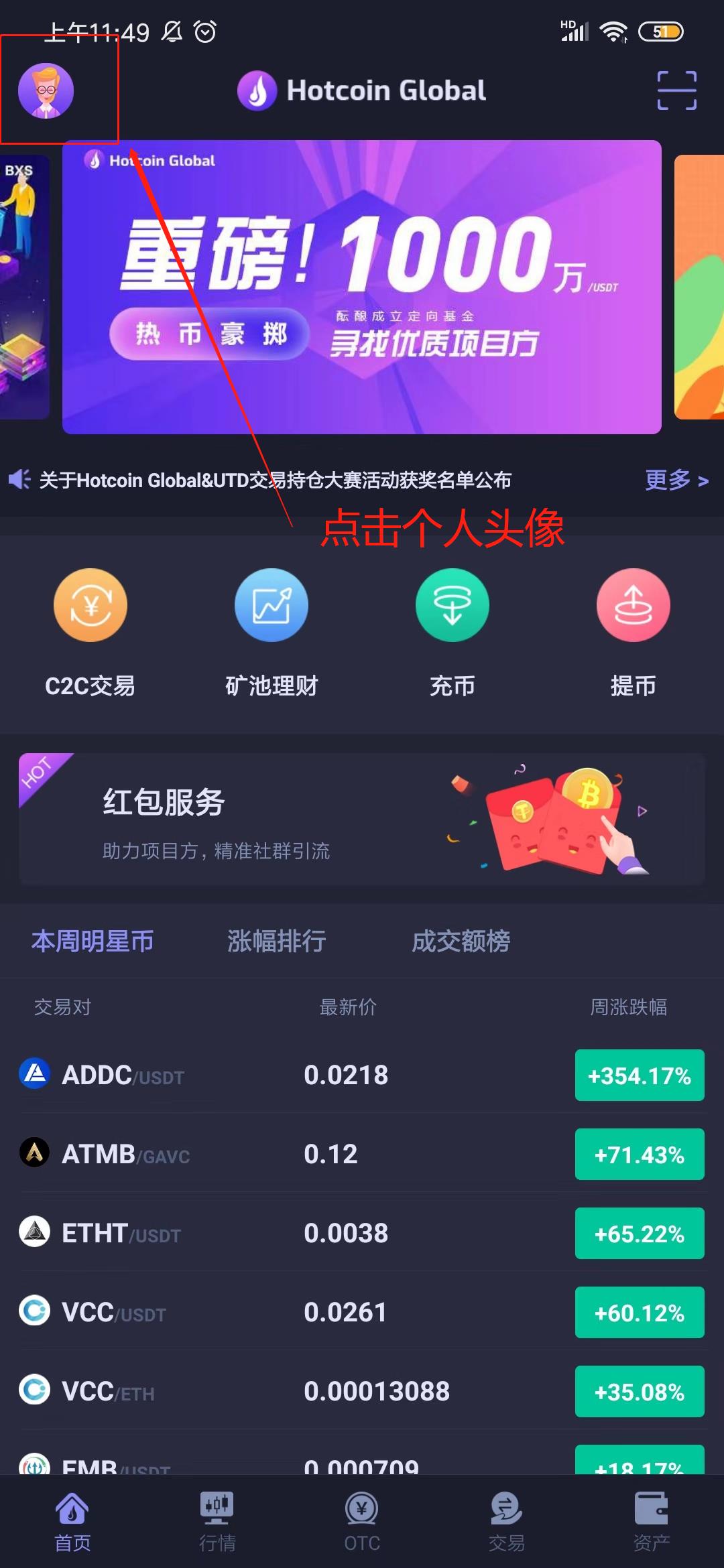
_______20191012135246.jpg 1560239202_1_.jpg

7.Click on the “Start Register” button, fill in the nickname, mobile No. and invitation code(Not required fields), and move on to the next steps.
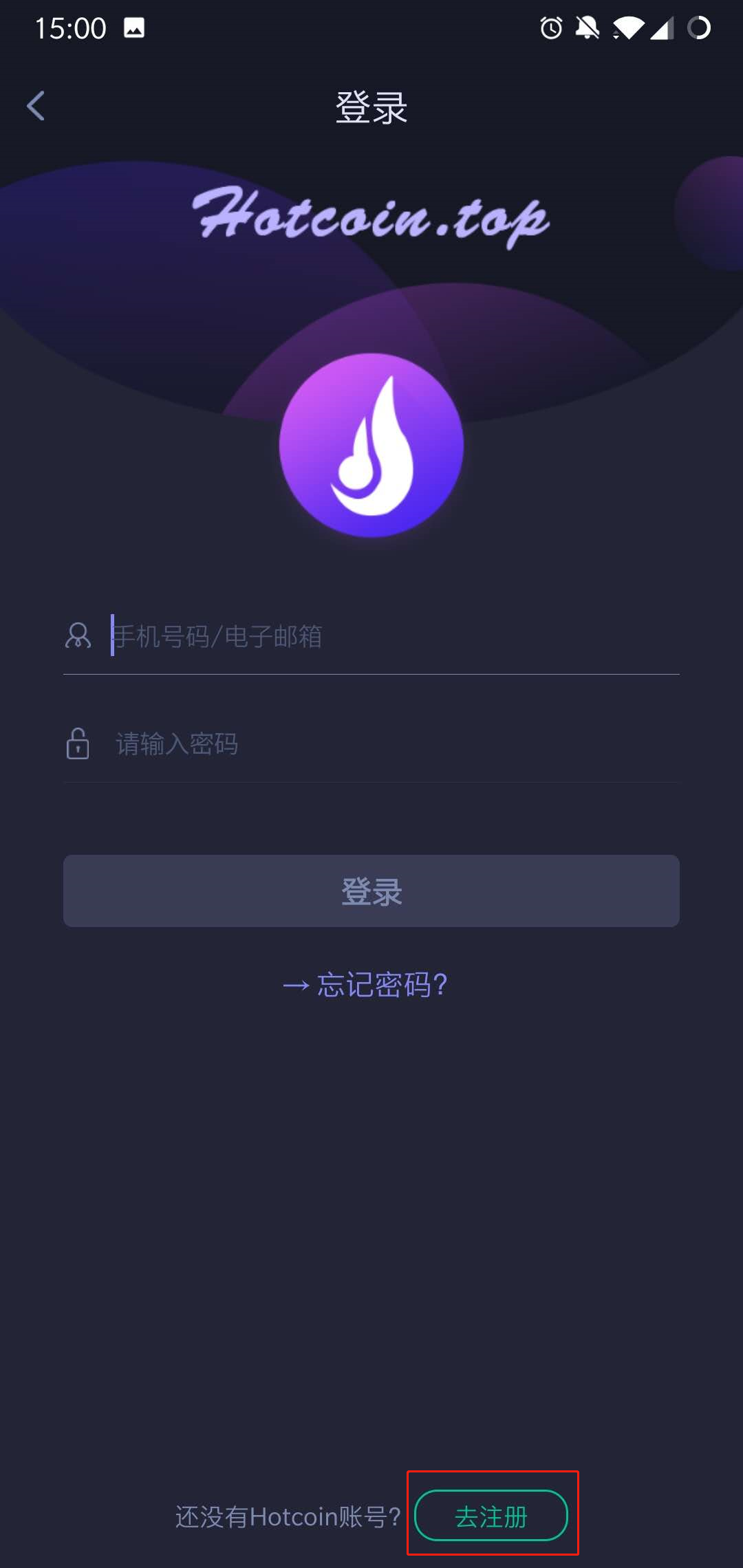
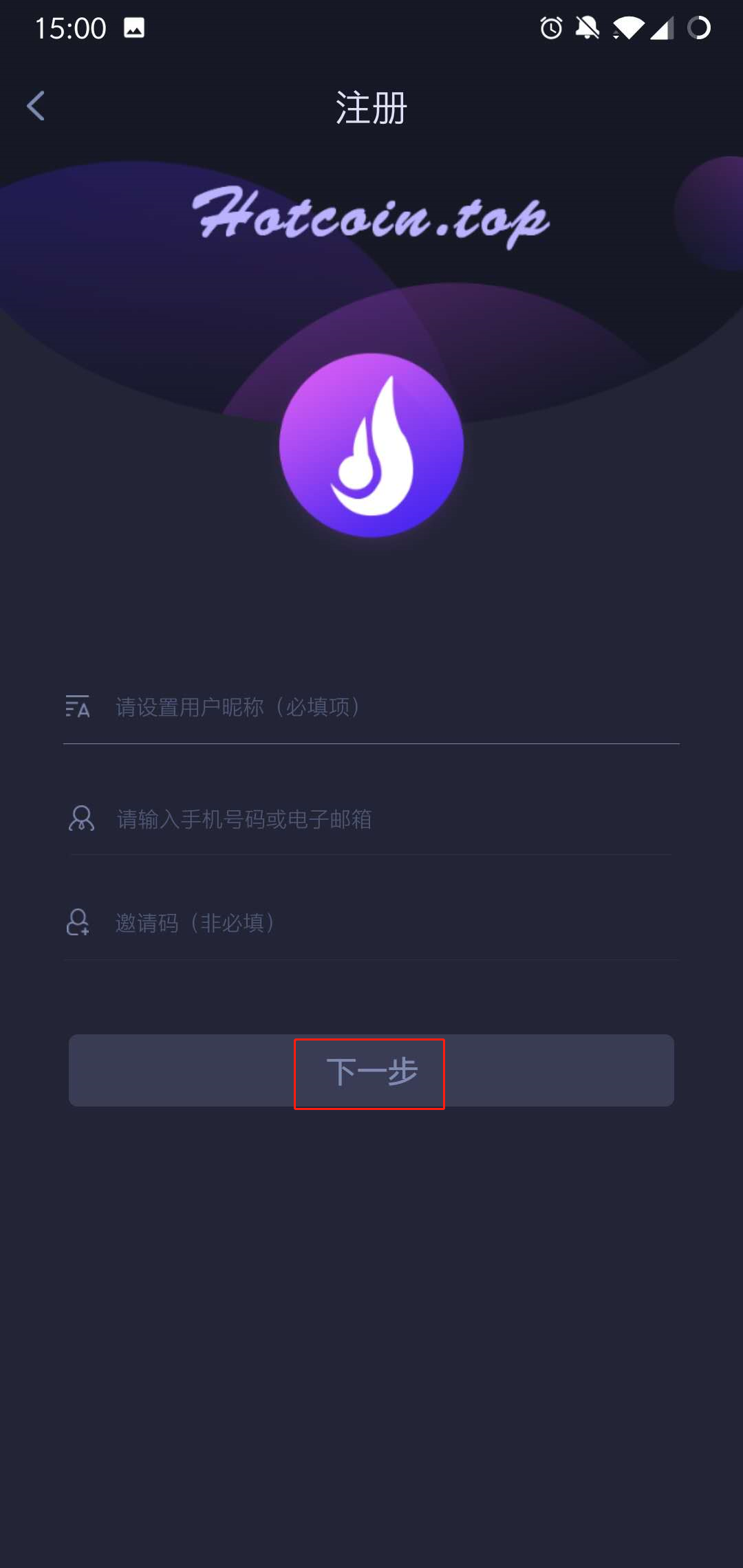
1560239251_1_.jpg 1560239309_1_.jpg

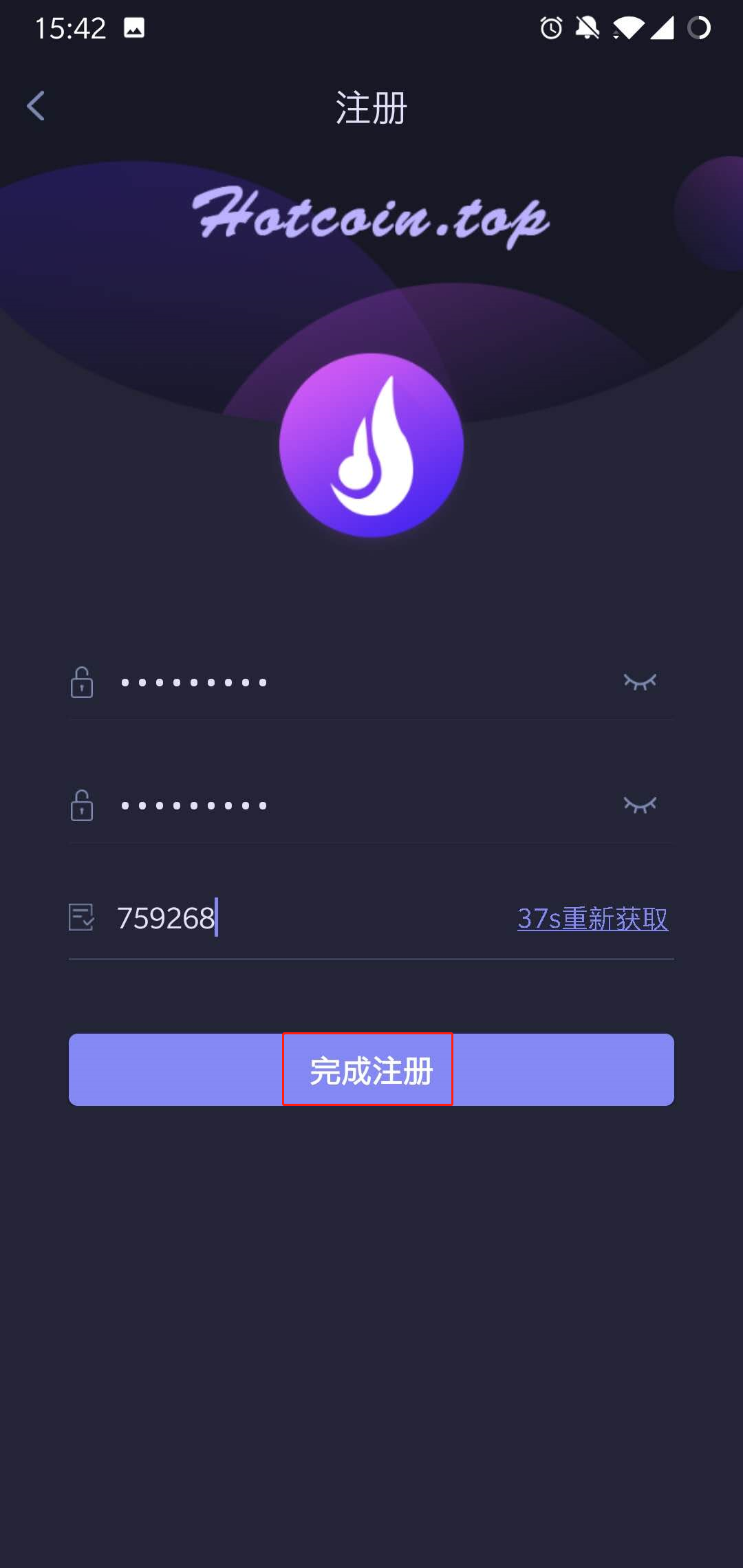
8.Setting passwords and confirm it, press on the 【Obtain verification code 】option, enter the password to complete registration
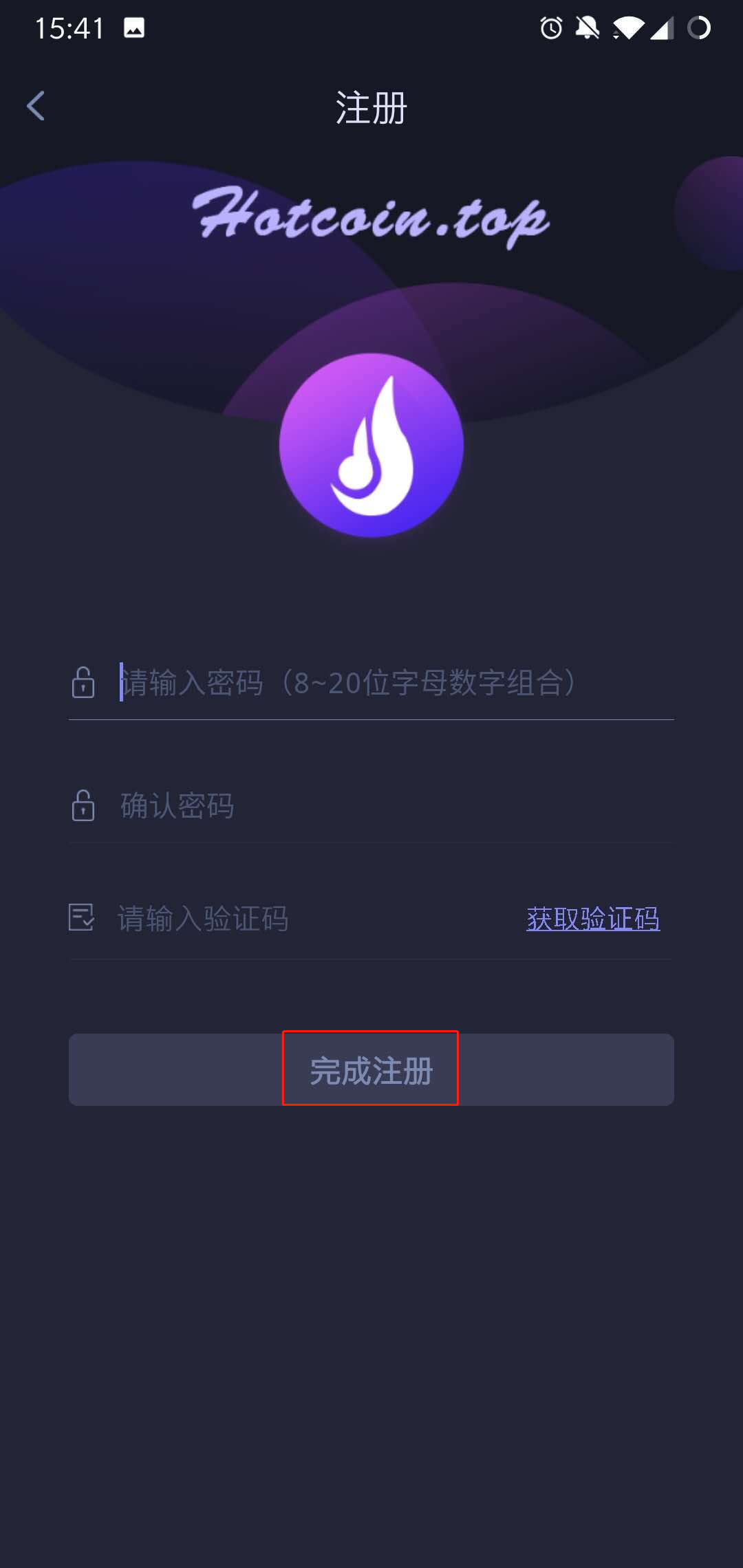
1560239409_1_.jpg 1560239488_1_.jpg

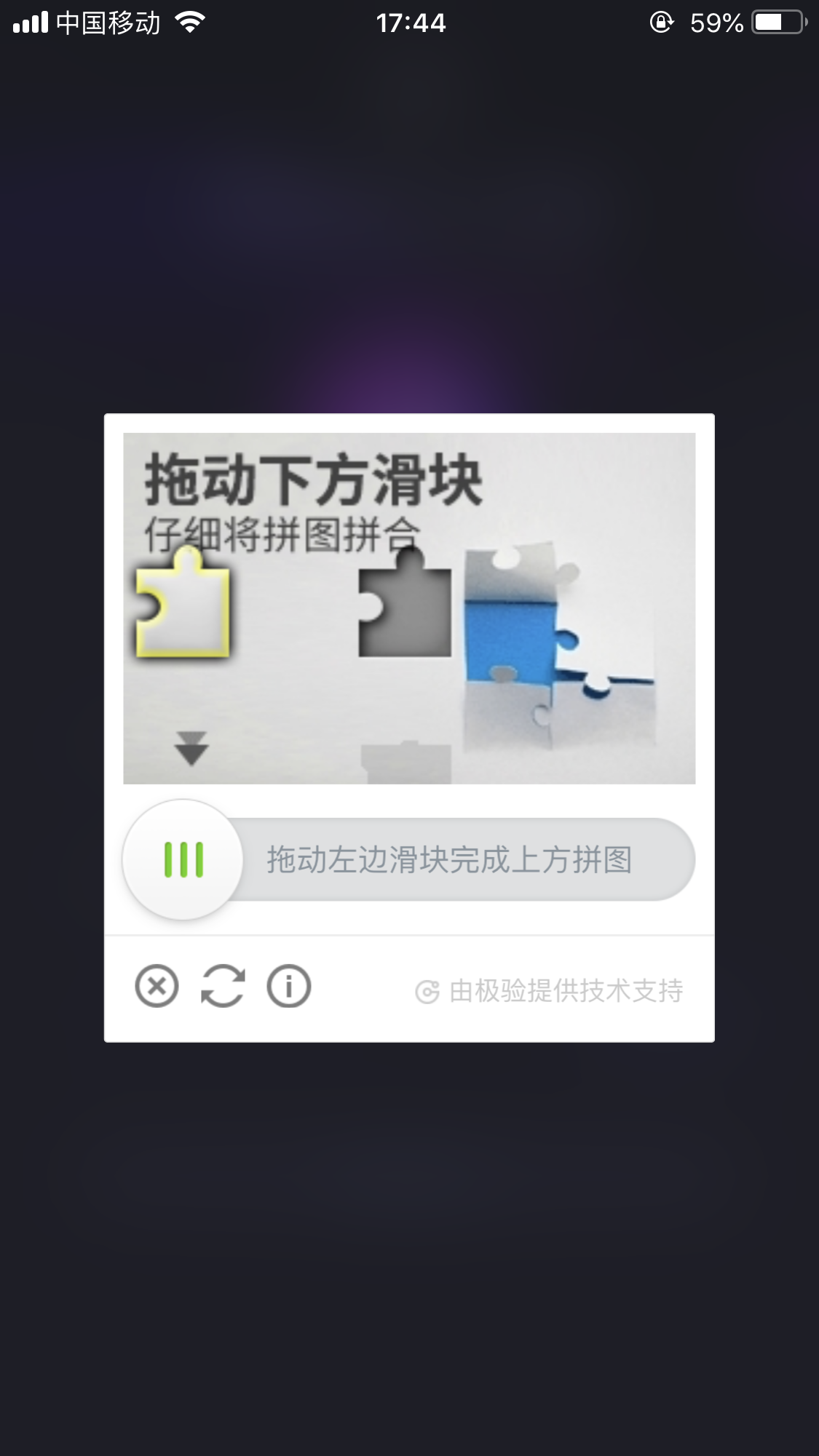
Notes: When you’re waiting for the verification code sent to the phone, there might be Slider Captcha pattern (slider verification pattern) occurred, please piecing them together to certain place.
_____20191012174935.png

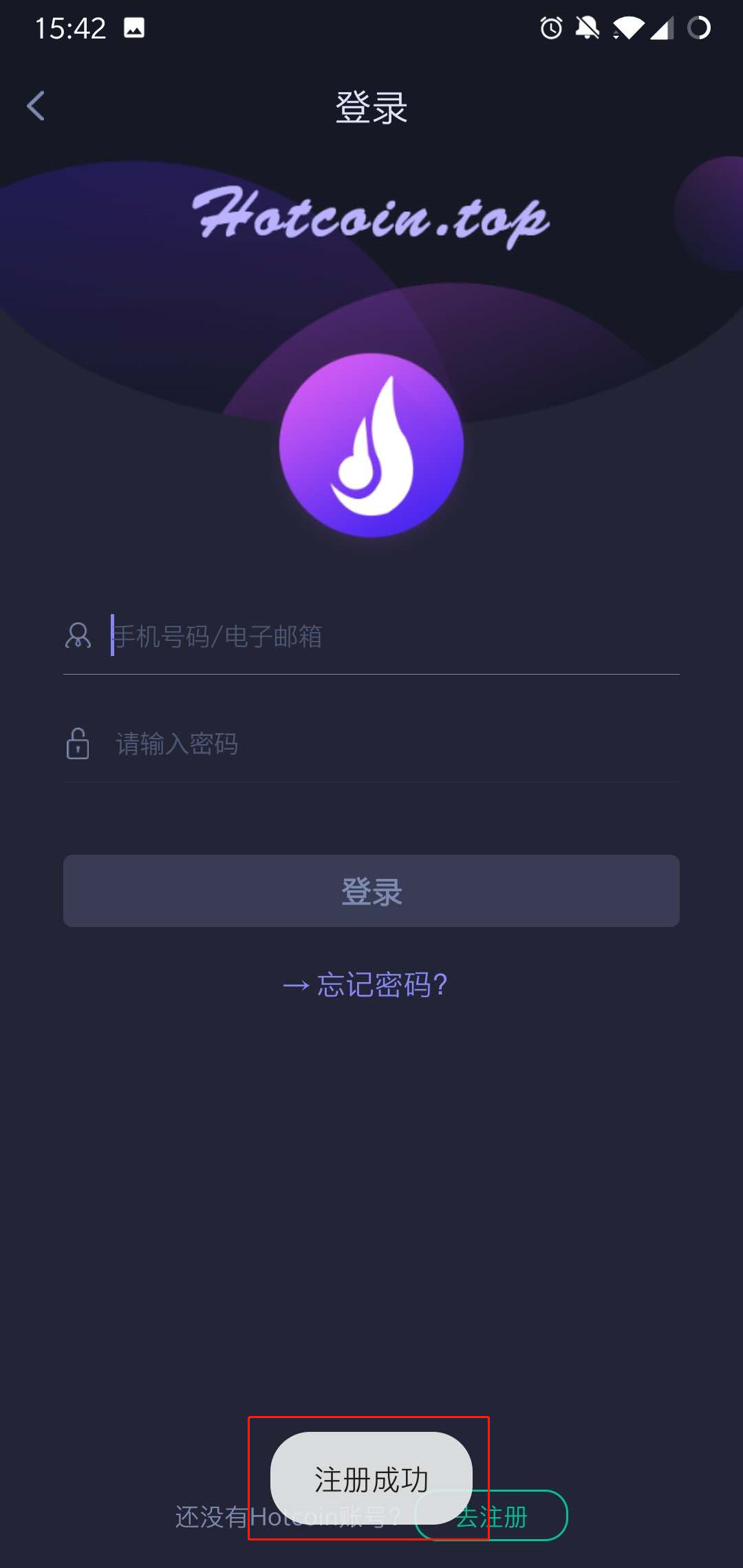
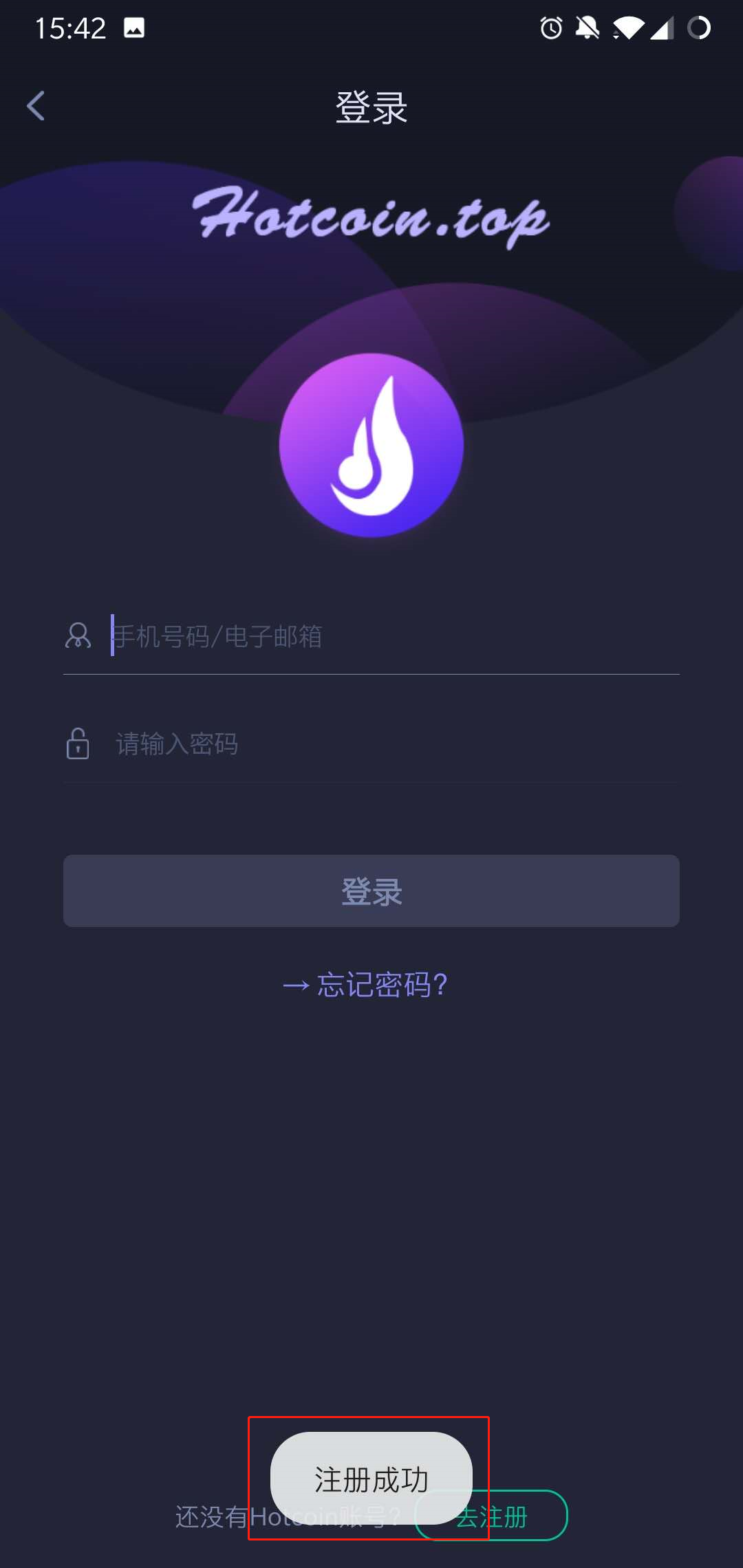
9..After the registration completed, you can login Hotcoin on the login page .
1560239559_1_.jpg

Final_10.jpg


Nạp & Rút tiền
Deposit
Withdrawal
mua tiền điện tử
P2P FAQ
quản lý thương gia
quy tắc giao thức
Giao dịch giao ngay & ký quỹ
giao dịch giao ngay
giao dịch tương lai
Contract Grid
Contract documentary
Getting Started
Follower Guide
Lead Trader Guide
tài chính hotcoin
Các chủ đề khác (liên quan đến giao thức)
NFT