
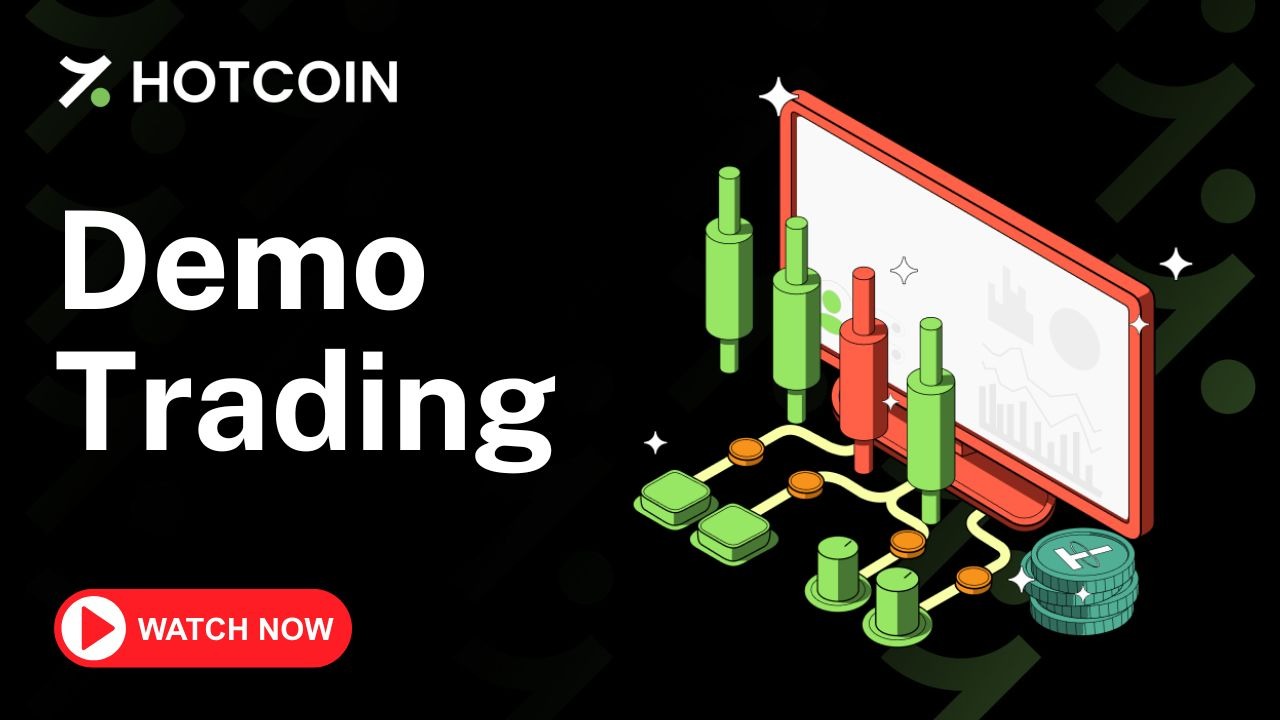
Demo Trading
Curious about crypto trading but worried about the risks?
Let’s explore Demo Trading on the Hotcoin app, the safest way to learn and practice trading without using real money.
How to Use Demo Trading on Hotcoin
1. Open Demo Trading
- Open the Hotcoin app.
- On the Home page, tap More.
- Go to the Trade section.
- Select Demo Trading.
2. Explore Your Demo Account
- You will see 10,000 USDT in virtual demo funds.
- Everything works like real trading, but with zero risk.
3. Choose a Trading Mode
-
Select Perpetual or Delivery, just like real futures trading.
4. Select a Crypto Pair
- Tap the crypto pair selector.
- Choose assets like BTC, ETH, or others to practice with.
5. Set Your Margin Mode
- Choose Cross or Isolated margin.
- Read the on-screen explanations to understand how each mode works.
6. Adjust Your Leverage
- Set your preferred leverage.
- Leverage multiplies gains and losses, but remember that it’s all virtual, no real risk.
7. Open a Trade
- Enter your trade amount.
- Tap Open Long if you expect the price to rise.
- Tap Open Short if you expect the price to fall.
- Your simulated order will execute instantly.
8. Monitor & Close Positions
- Track your open positions in real time, just like live trading.
- When you’re ready to exit, tap Close.
Whether you’re a beginner testing the waters or an experienced trader fine-tuning strategies, Demo Trading helps you practice, experiment, and grow, all without spending a dime.
Feeling confident after some practice? Once you’re ready, tap “Back to Live” to start trading with real funds and apply what you’ve learned in the real market.
Demo Trading is your first step toward mastering the art of crypto trading, safely and smartly.
Đề xuất đọc
Xem thêm
Follower Copy Trading Operation Guide
Hotcoin Guides
How to Download and Install the Hotcoin Android App (Xiaomi Devices)
Hotcoin Guides
How to Download and Install the Hotcoin Android App (Other Devices)
Hotcoin Guides

Liên hệ dịch vụ
Service@hotcoin.com
Phản hồi sản phẩm
Product@hotcoin.com
Hợp tác kinh doanh
Business@hotcoin.com
Liên hệ pháp lý
Casecn@hotcoin.com
Về chúng tôi
Phục vụ
hỗ trợ
©2017-2026