
How can I view an overview of my assets?
After logging in, enter the interface from "Assets Overview" in the upper right corner of the official website.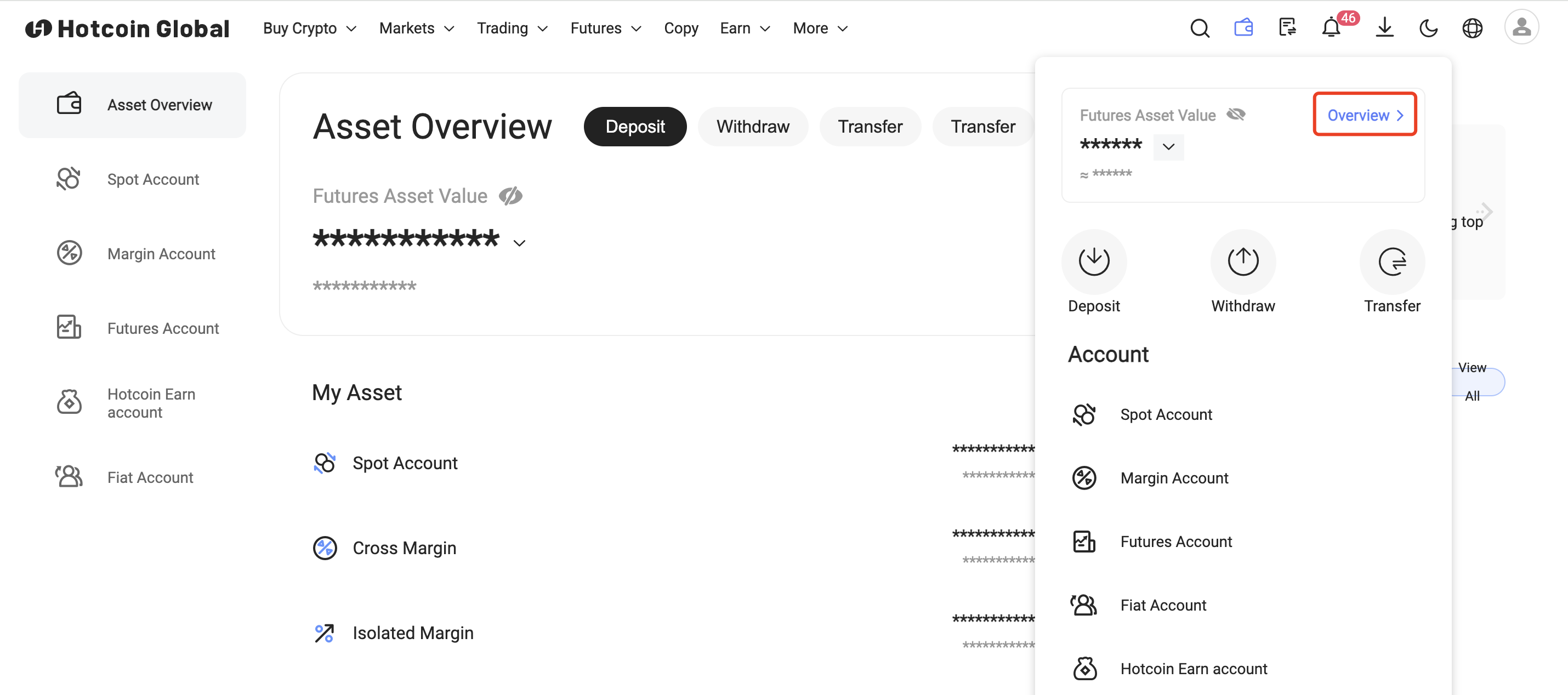
In order to make it easier for you to check your assets, we have launched the "Asset Overview" page, which integrates several major accounts: spot account, contract account, margin account, C2C account and wealth management account.
In the asset overview interface, you can quickly browse your account status and perform some quick operations:
- The total asset balance of the account and its corresponding USDT/BTC valuation;
- The distribution and valuation of total assets in various accounts;
- Shortcut operation keys: recharge, withdraw coins, transfer, transfer;
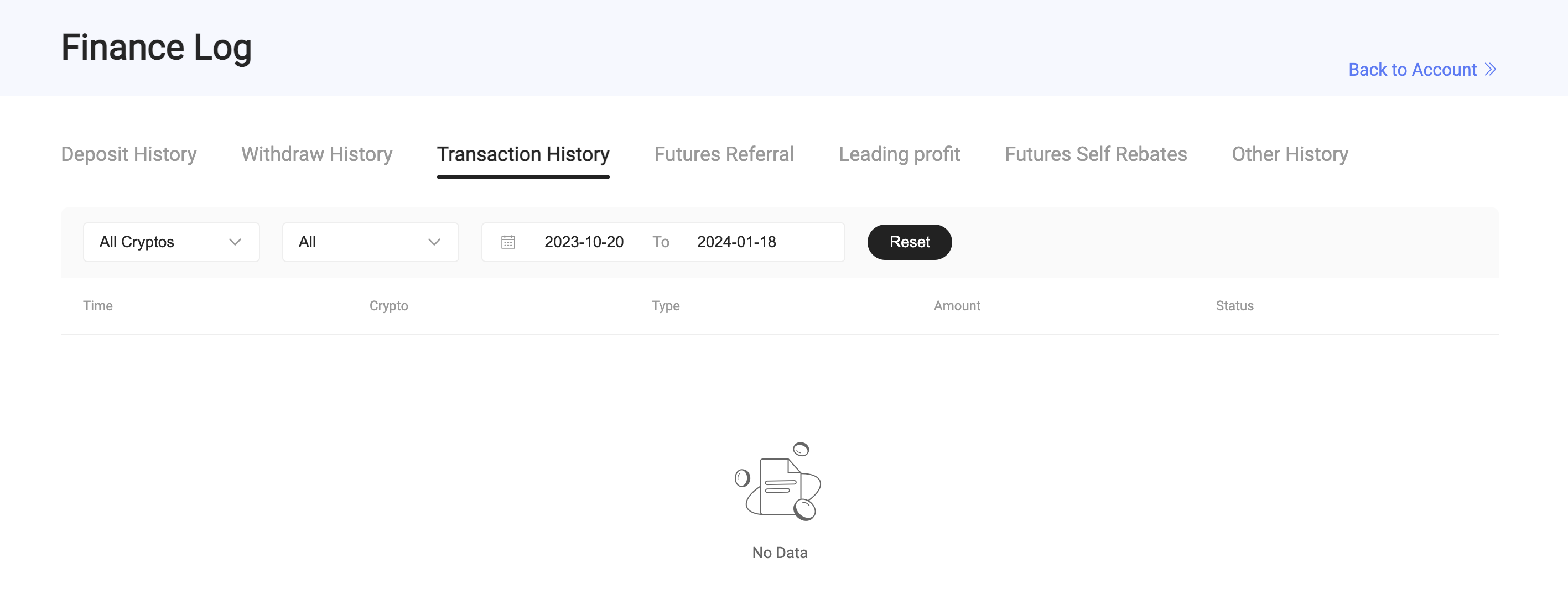
- View recent account dynamics, deposit and withdrawal transactions and other fund records, click "View All" to jump to the account's "Financial Log";
Leitura recomendada
Veja mais


Service@hotcoin.com
Product@hotcoin.com
Business@hotcoin.com
Casecn@hotcoin.com