
What Is Pi Network? Pi Coin Listing Date, KYC, and Risks
Open a market page and you may already see PI/USDT. Go back to the Pi App, and the balance you accumulated is still waiting for verification or migration. Both screens say Pi, so why can one side trade while the other cannot transfer out? And if someone messages you saying they can pay to "unlock" it, how should you judge the situation?
Key Takeaways
- Pi mainnet opening time: Pi Network entered the Open Network phase at 08:00 UTC on February 20, 2025.
- Pi Coin listing time: OKX opened PI/USDT spot trading at the same time. Each exchange's listing, deposit, and withdrawal times are subject to its own announcements.
- KYC and mainnet migration: After passing KYC, you still need to check the Mainnet Checklist, migration progress, and how much PI in your wallet is already usable.
- Wallet security: If you receive a message claiming it can speed up KYC, handle migration for you, or unlock your account for a fee, go back to the official App to check your account status first. Your wallet passphrase should only be entered in the official Pi Wallet interface.
What Is Pi Network? Where Does Pi Coin Come From?
How are Pi Network and PI related?
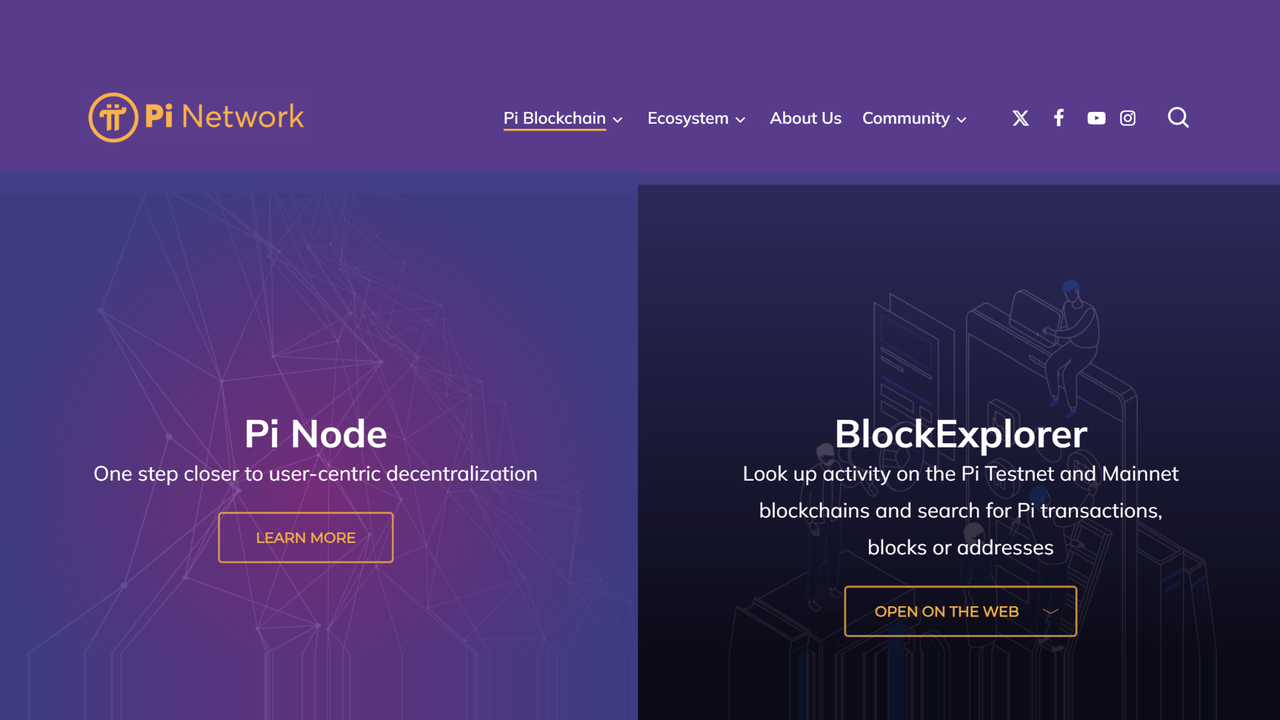
Pi Network is a blockchain project that uses a mobile App as its participation entry point, and PI is its native token. Users can accumulate participation rewards through the Pi App, then move eligible balances to the Pi mainnet wallet through Mainnet Migration. The App, mainnet, and wallet each serve different purposes. When checking your balance, first look at which interface you are on and whether the screen shows accumulated, migrated, or available balance. You can read the official Pi Network introduction to learn more.
What is the difference between mobile "mining" and an airdrop?
Pi Network calls the method by which users start participation cycles and accumulate rewards in the App mobile "mining". This process records participation through the App, and the phone does not need to compute continuously like Bitcoin Proof of Work mining. The accumulated rewards shown in the App must go through eligibility checks and mainnet migration before they become the balance in the mainnet wallet.
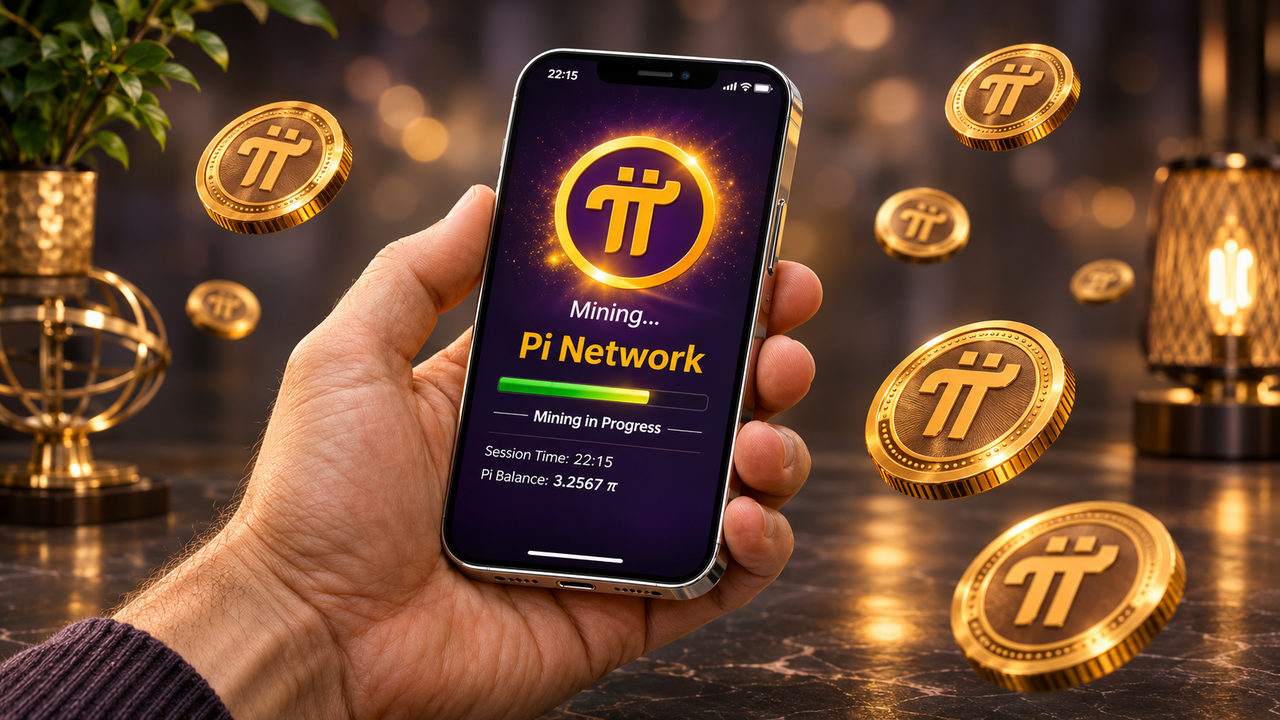
If you came to Pi through a token distribution method like what an airdrop is, you can distinguish them by how rewards accumulate. Airdrops usually distribute tokens according to specified eligibility or campaign rules, while the Pi App accumulates rewards by participation cycle and then confirms the migratable amount according to the project's rules.
When Will Pi Coin Be Listed? Open Network and Spot Listing Times
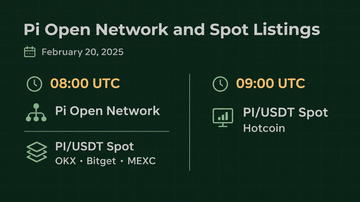
Pi Coin (PI) gradually opened spot trading on multiple exchanges on February 20, 2025. At 08:00 UTC that day, Pi Network entered the Open Network phase, and OKX, Bitget, and MEXC also opened PI/USDT spot trading at that time. Hotcoin opened PI/USDT spot trading at 09:00 UTC the same day; the original announcement time was 17:00 (UTC+8).
| Exchange | PI/USDT spot opening time (UTC) | Official announcement |
|---|---|---|
| Hotcoin | 2025-02-20T09:00:00.000Z | Hotcoin listing announcement |
| OKX | 2025-02-20T08:00:00.000Z | OKX listing announcement |
| Bitget | 2025-02-20T08:00:00.000Z | Bitget listing announcement |
| MEXC | 2025-02-20T08:00:00.000Z | MEXC trading schedule announcement |
After the mainnet opened, the Pi network can connect with external systems. Exchanges arrange their own opening times for spot trading, deposits, and withdrawals. Hotcoin's listing announcement also states that the deposit and withdrawal times for PI will be announced separately. To confirm whether PI can currently be deposited or withdrawn, check Hotcoin's latest announcements and deposit/withdrawal page.
How Do You Complete Pi Network KYC? When Can You Transfer Out After Passing?
From KYC to mainnet migration
If you are not yet familiar with what KYC is, you can first understand it as identity verification. In Pi Network, KYC is one of the steps for migrating eligible App balances to the mainnet. Open the official Pi App's Mainnet Checklist to view the verification result, wallet settings, and which steps remain to be completed.
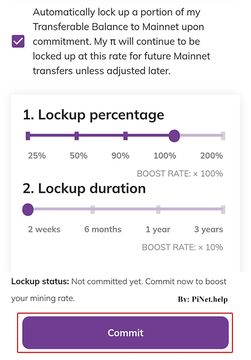
Pi Network's 2026 official announcement states that eligibility for both the first and second migrations involves Pi Wallet two-factor authentication (2FA), which can be set in step 3 of the Mainnet Checklist. The second migration has been gradually rolled out since 2026, and the applicable users and progress can be checked in your personal account.
How do you confirm available balance after migration?
| Status you see | What does it mean? | Where to check? |
|---|---|---|
| App accumulated balance | The accumulated rewards shown in the App, which may include portions still awaiting verification or migration. | The mainnet-related pages in the Pi App. |
| Migrated balance | PI that has been moved into the Pi mainnet wallet, some of which may be locked. | The mainnet balance and migration records in Pi Wallet. |
| Available balance | PI currently usable in the mainnet wallet. If transferring to an exchange, also confirm that the exchange supports native Pi mainnet deposits. | The available balance in Pi Wallet and the deposit page of the receiving platform. |
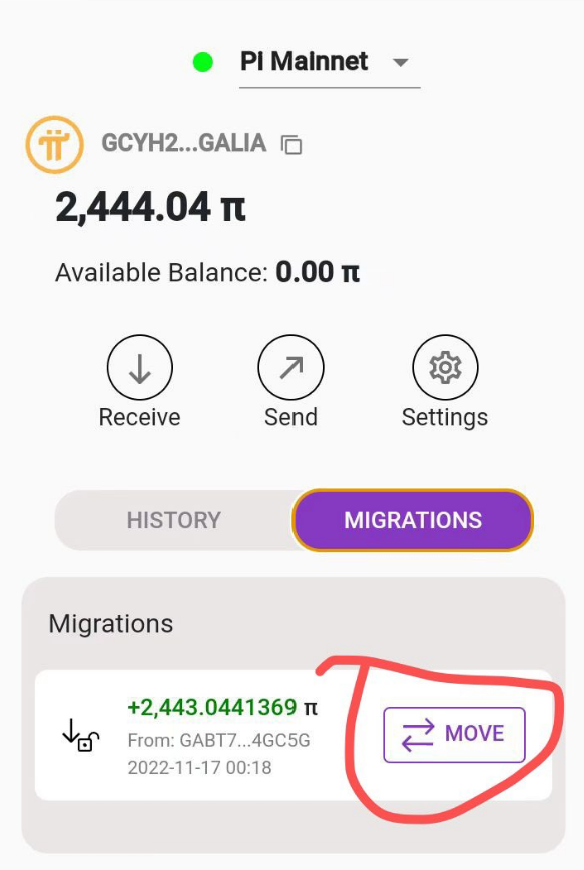
If the App has a balance but the wallet has no PI available to transfer out, first check whether migration is complete, then check the wallet's available balance and lock status. These two steps can help you distinguish whether the issue is account progress or the receiving platform's deposit/withdrawal service.
Common misunderstanding:
When does the Pi lockup expire? How do you transfer out after it expires?
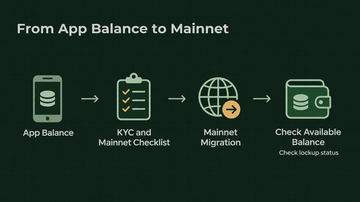
If PI has appeared in the mainnet wallet but the available balance is still 0, first confirm whether this PI was just migrated and is still in the waiting period, or has entered the lockup period. Both states temporarily restrict transfers out, but the dates to check are different.
- Migration just completed, still in the 14-day waiting period. PI may already appear in the mainnet wallet, but it cannot be transferred out during the waiting period. If you set a lockup before migration, the lockup term for that amount starts counting after these 14 days end.
- Already in the lockup period and you want to confirm the expiry date. Open Pi Wallet from Pi Browser and switch to Mainnet. For PI locked during migration, find the corresponding batch in Migrations to view the locked amount and expiry date. If you created a separate lockup from the wallet after migration, check Lockups. Confirmed lockups must wait until expiry before use; even if you later change the lockup settings, that lockup cannot be released early.
- Already expired, but the available balance has not increased. Open the corresponding record and check whether Move appears. If it does, complete the operation according to the official wallet screen, then return to Available Balance to confirm. If it has expired but there is still no button, first check whether the mainnet wallet address currently open matches that migration record, then query the Pi Network Support Center.
What Risks Does Pi Coin Have?
Price, liquidity, and platform restrictions
The quote on a market page is market information at a certain point in time. The price at which you can actually trade also depends on how many buy and sell orders are in the order book. If buy orders are thin, a larger sell order may execute at multiple price levels, and the average execution price may be lower than the quote you first saw.
Holding crypto assets, conducting spot trading, and whether a platform can provide services to you may also be subject to different rules. When checking whether cryptocurrency is legal in your location, you can check these three items separately, then review the platform's terms of service.
Fake KYC, fake customer support, and wallet phishing
| Situation you encounter | How can you verify? |
|---|---|
| Someone messages you claiming that paying a fee can speed up KYC. | Open the Mainnet Checklist from the official Pi App and directly view the verification status and pending steps. |
| Someone claims to be customer support and asks you to enter your wallet passphrase to unlock it. | Close the page they sent and open the official Pi Wallet yourself. Only enter the passphrase in the official wallet interface. |
| A third party claims it can handle migration for you and asks you to transfer funds or submit identity documents first. | First check the official Mainnet Checklist and announcements. When a third-party merchant is involved, you can check Pi's published Know Your Business (KYB) list. |
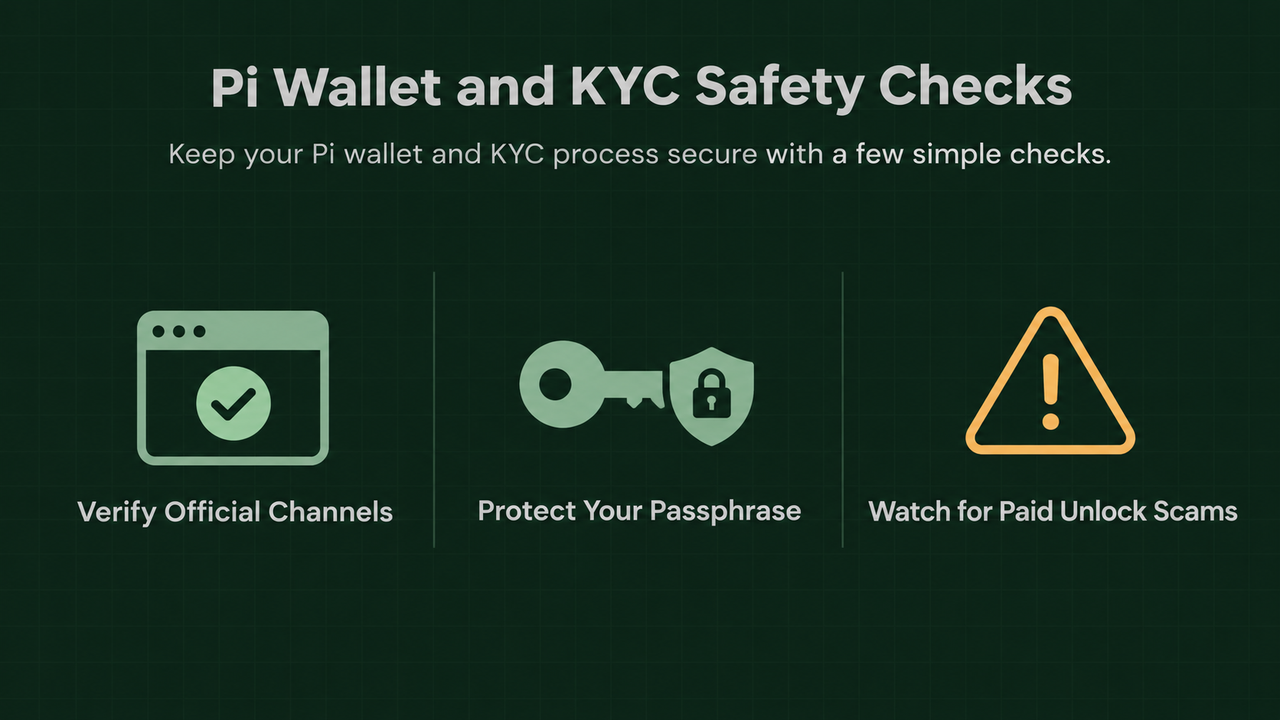
Your wallet passphrase (Passphrase) relates to control of your assets. Identity documents should also be submitted only through the official verification entry point. When you receive a message that appears to come from customer support, querying directly through an official entry point you already know is a better way to verify the source than following links in the message.
Pi Network FAQ
Q1. Pi KYC has passed. Why is it still waiting for migration?
Passing KYC means identity verification is complete, while mainnet migration has separate wallet settings and processing procedures. First confirm in the Mainnet Checklist whether steps such as 2FA are complete, then check the migration status. Pi Network also published a process update in 2026 for some stalled cases, but your personal progress is still subject to what your account shows.
Q2. Pi has migrated to the mainnet. Why can't it be transferred out yet?
First check whether the PI is within the wallet's available balance. If that balance is still in the lockup period, check the unlock status shown in the wallet. If the wallet shows it as available but you encounter problems when transferring to an exchange, then check whether the receiving platform supports the Pi mainnet and whether deposits are open.
Q3. After completing Pi Network KYC, will the exchange still require verification?
Possibly. Pi Network's KYC is used for the project's identity verification and migration process. Exchanges decide which verifications are required based on their own account rules, services, and applicable regions.
Conclusion
To check the Pi Coin listing date, look at the project's mainnet announcements and the exchanges' spot listing announcements. To check whether your own Pi can be transferred out, go back to the App and wallet and verify KYC, migration, and available balance. If someone claims they can speed things up or unlock your account for a fee, confirm through official entry points first, and especially protect your wallet passphrase.
Risk warning: This article is for educational and informational purposes only and does not constitute any investment advice. Information about the Open Network and exchange listings is only used to explain announced events and does not constitute a basis for buying, selling, or using leverage. Crypto asset prices are highly volatile and may lead to loss of principal. Please make decisions based on your own risk tolerance and consult a professional advisor when necessary.
読書をお勧めします
もっと見る