HOTCOIN Logo
Acheter Crypto
Marchés
Trading
Contrats à terme
Gagner
Centre de récompenses
Plus
Portefeuille Web3
Service Contacts

Service@hotcoin.com

Commentaires sur les produits

Product@hotcoin.com

Coopération commerciale

Business@hotcoin.com

Contacts juridiques

Casecn@hotcoin.com

Contactez-nous
Service Contacts

Service@hotcoin.com

Commentaires sur les produits

Product@hotcoin.com

Coopération commerciale

Business@hotcoin.com

Contacts juridiques

Casecn@hotcoin.com

Qui sommes-nous
Présentation de la plateforme
Centre d'annonces
État du système
Conditions d’utilisation
Politique de confidentialité
Description légale
produit
Futur
Spot
Copier le contrat
Trading sur marge
Earn
Achat P2P
Achetez des cryptomonnaies avec une carte
Portefeuille Web3
Servir
Diffusion en direct
Sélection stricte de pièces chaudes
Hub Bonus
Invitation d'amis
Avantages VIP
Télécharger
Postuler pour le marchand P2P
Support
Collège hotcoin
Centre d'Aide
Documentation de l'API
Taux de Frais
Crypto Info
Demande d’inscription
un service en ligne
commentaires des clients
vérification officielle
Trading
BTC USDC
ETH USDC
BTC USDT
ETH USDT
PI USDT
SOL USDT
XRP USDT
©2017-2026
Centre d'Aide
/Account Function/Account Function Guide/
Android App Edition Download and Installation Guidance Tutorial
Centre d'Aide
/Account Function/Account Function Guide/
Android App Edition Download and Installation Guidance Tutorial

Android App Edition Download and Installation Guidance Tutorial

Hotcoin
Partager

Android(  Android Phone)download APP and complete register

1.Scanning the QR Code below, download and install the Hotcoin Official App.

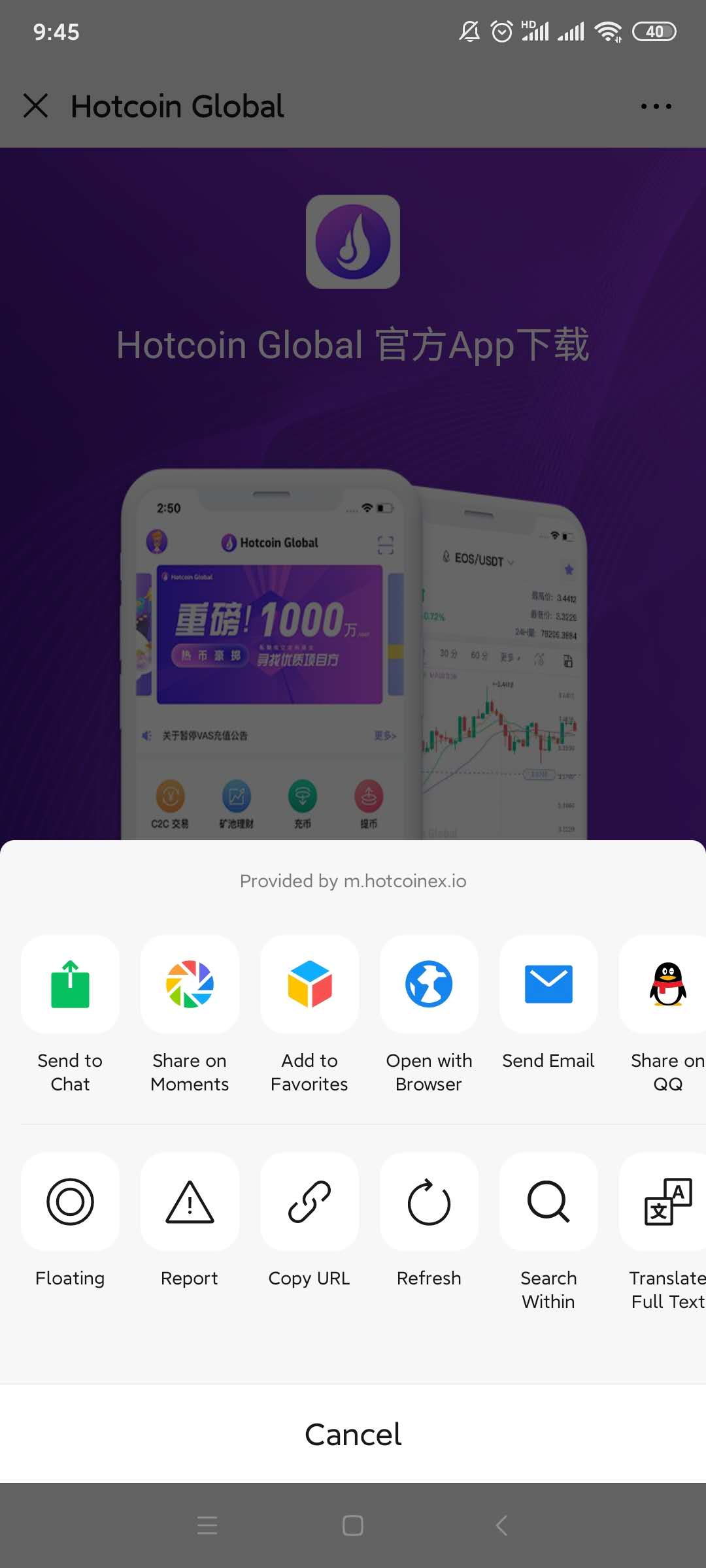
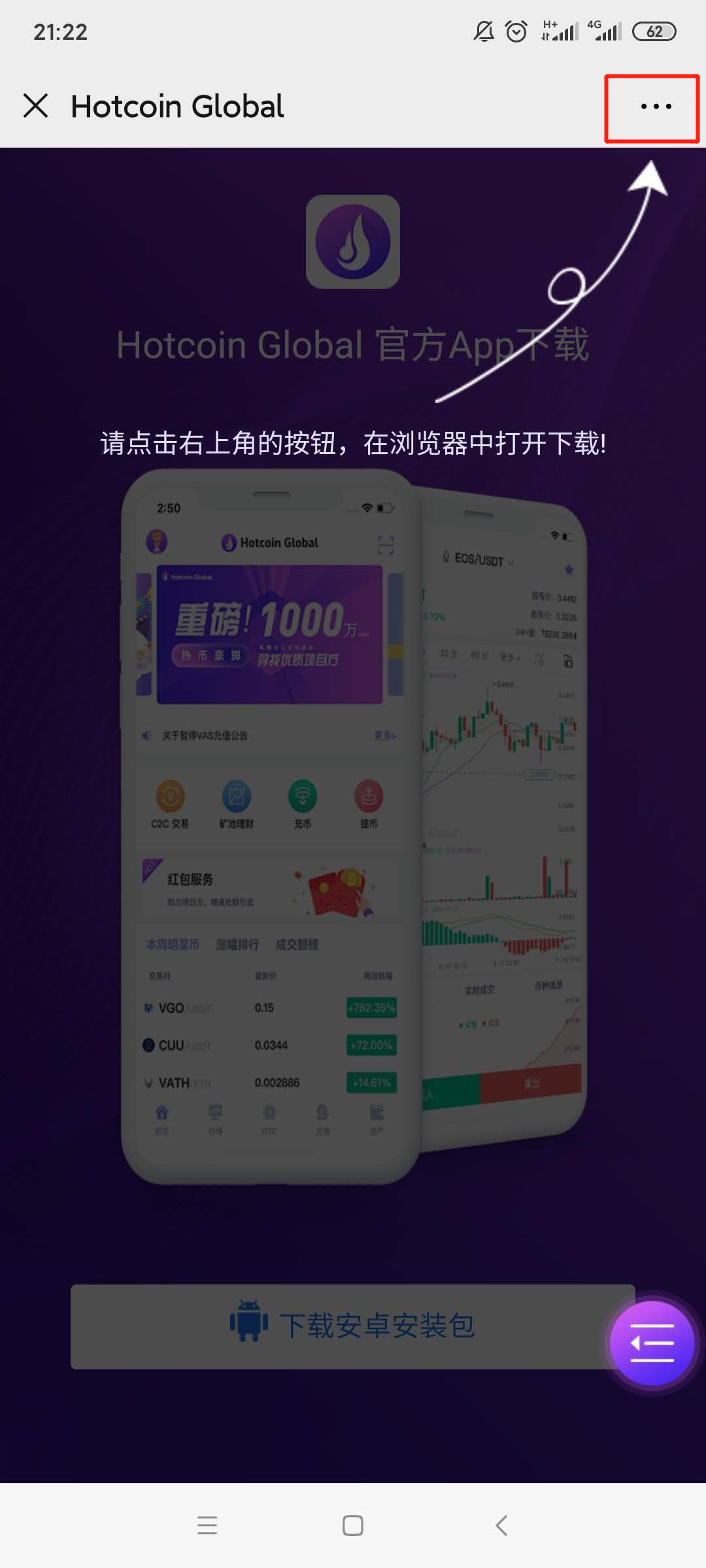
2.Download page will be poping up , please click on the “...” symbol on the upper right corner( ellipsis has been highlighted by red box)and select to open it in browser ;
 

mceclip3.png

1___20200414111400.jpg

3.

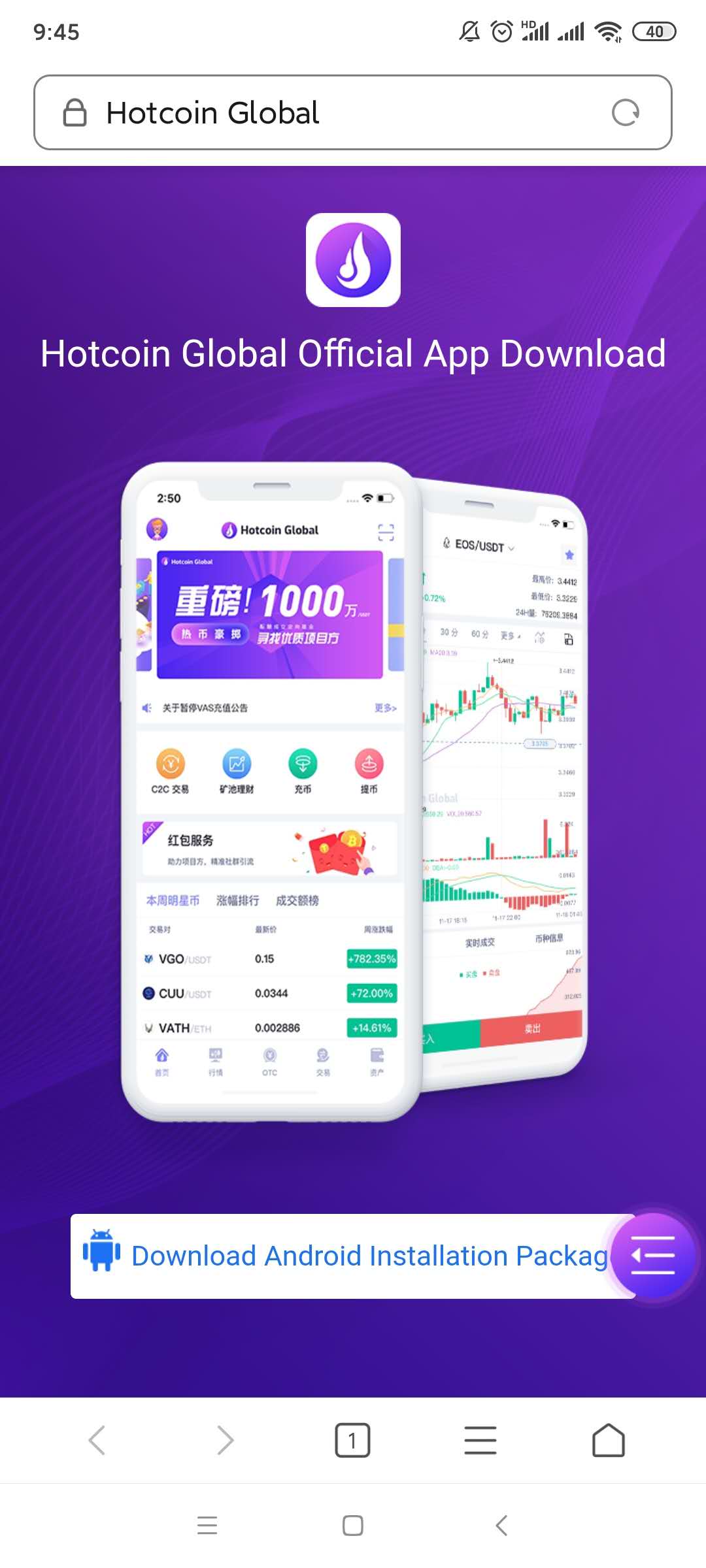
Turn to the download page and click the 【download Android installation package】button;
2___20200414111414.jpg

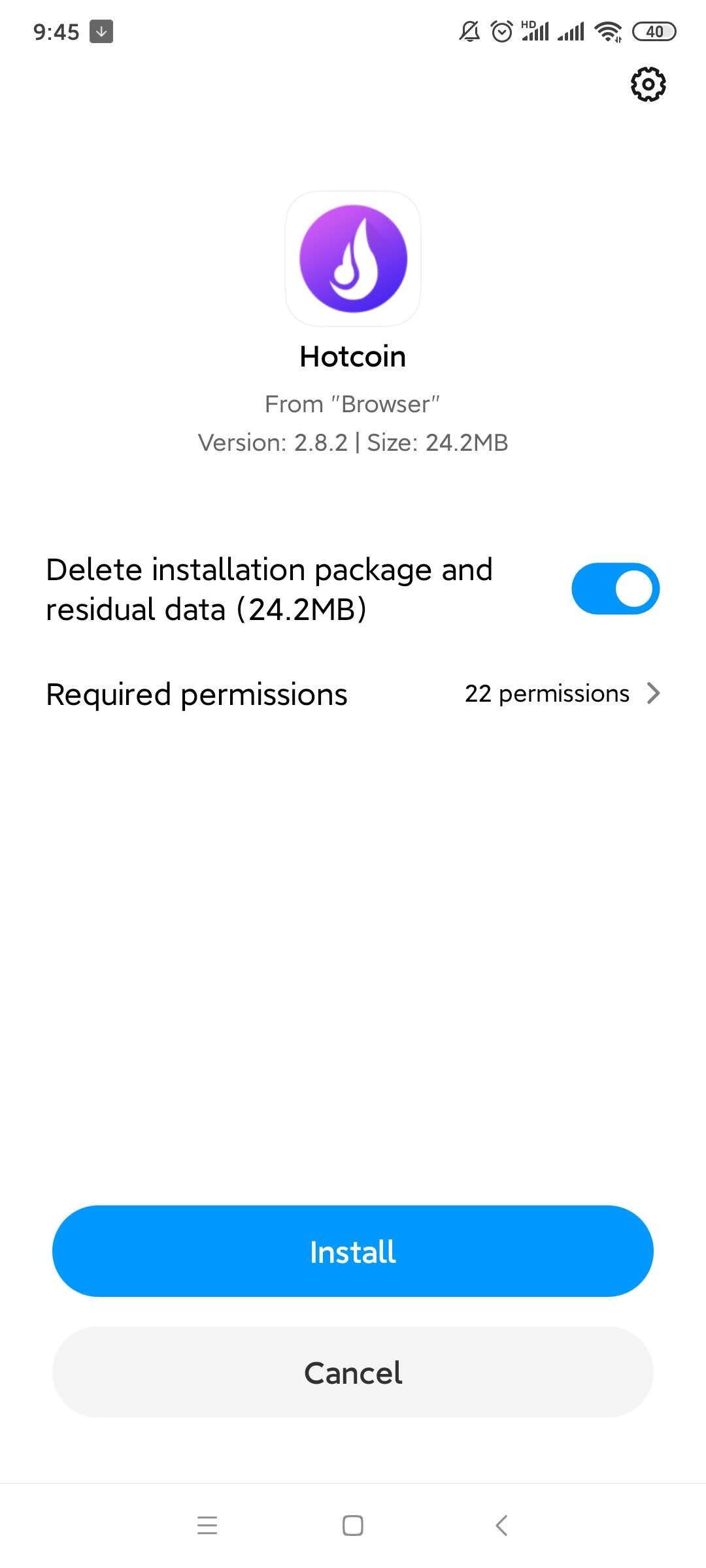
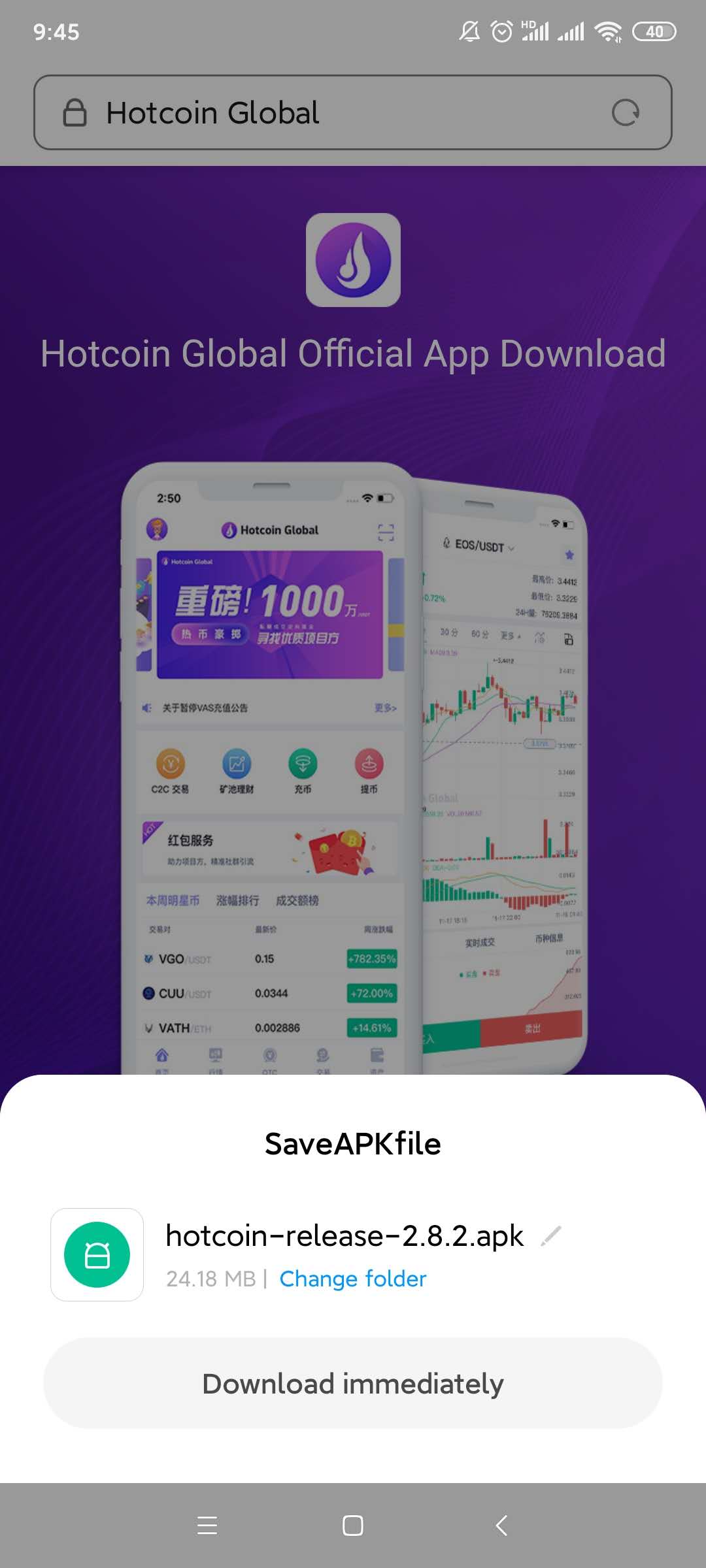
4.A file download box will be poping up, click on the “ Regular Download Version”; Select the “Install “ option after download finished;  
4___20200414111439.jpg

5___20200414111450.jpg

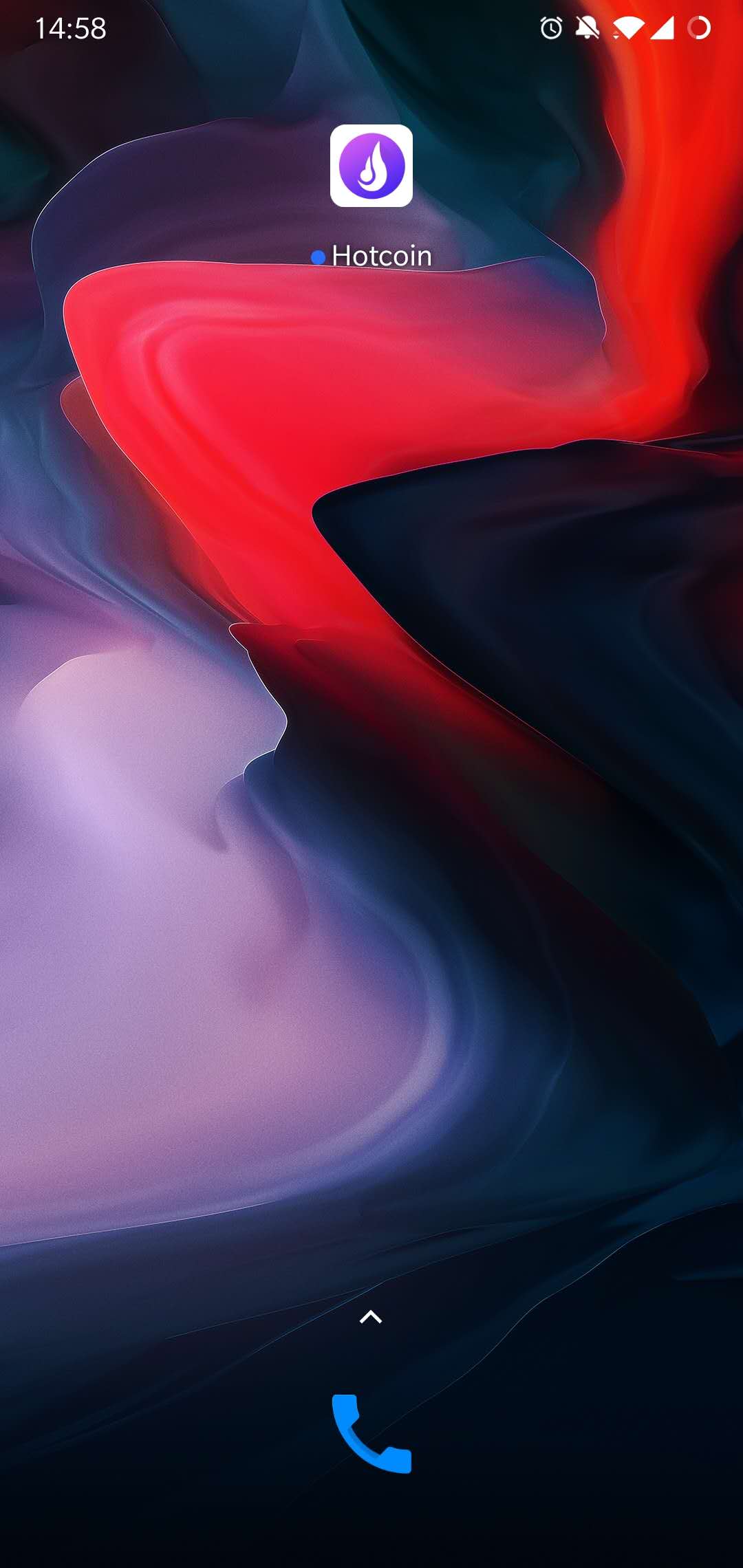
5.Installation Completed, please check on the home page of mobile phone.
7.jpg

6.

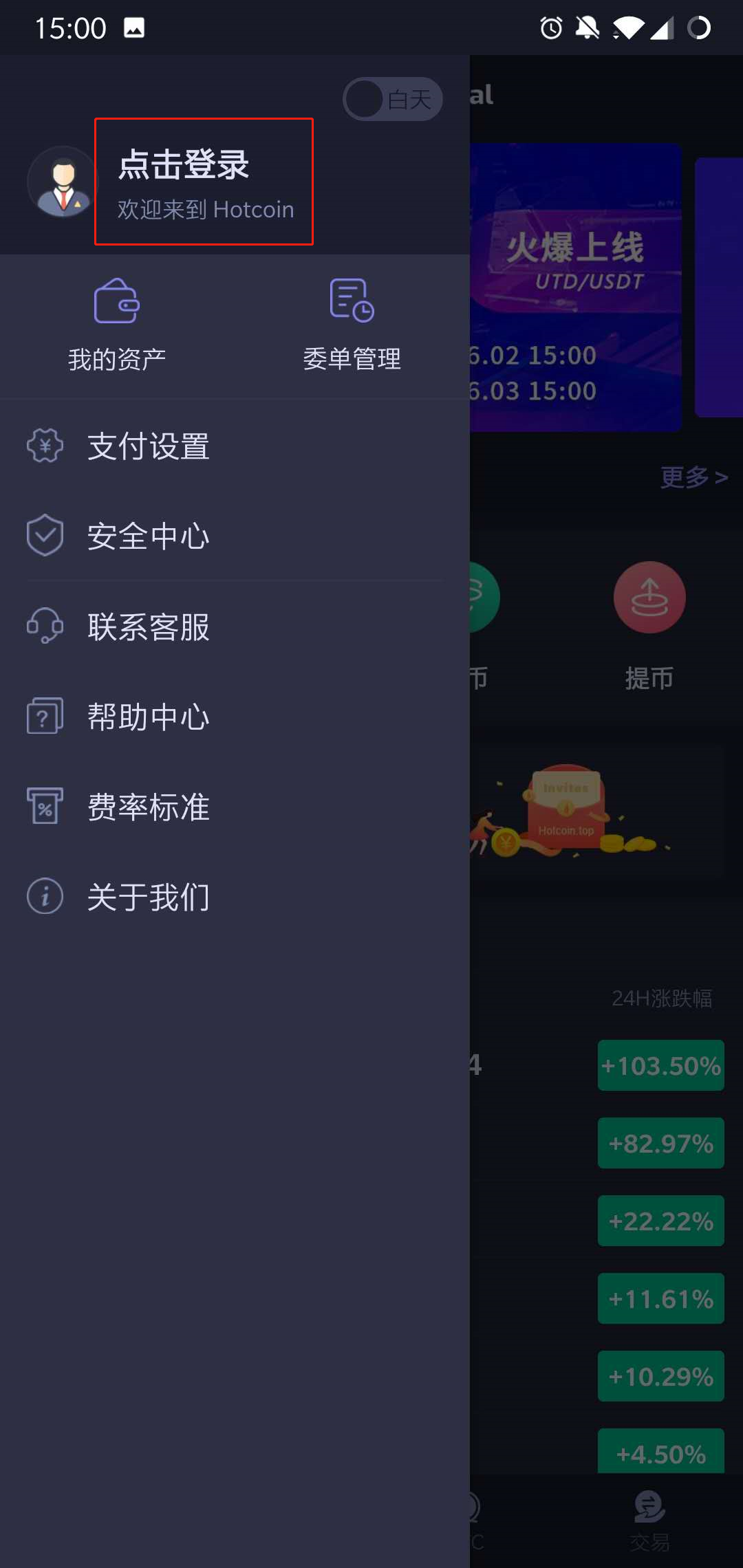
Open the App, enter the “ Personal Account”page,Press on the “Click To Login” Button.
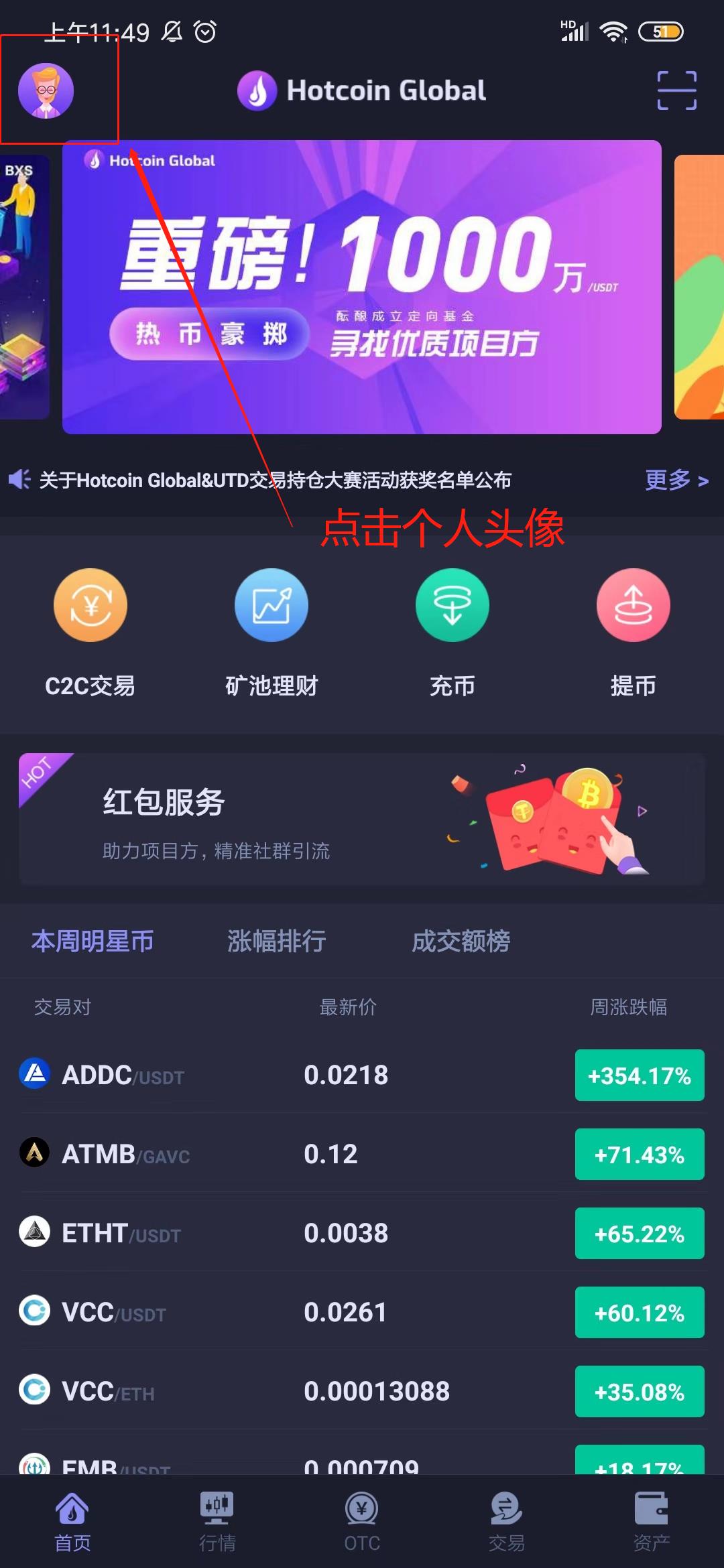
_______20191012135246.jpg 1560239202_1_.jpg

7.Click on the “Start Register” button, fill in the nickname, mobile No. and invitation code(Not required fields), and move on to the next steps.
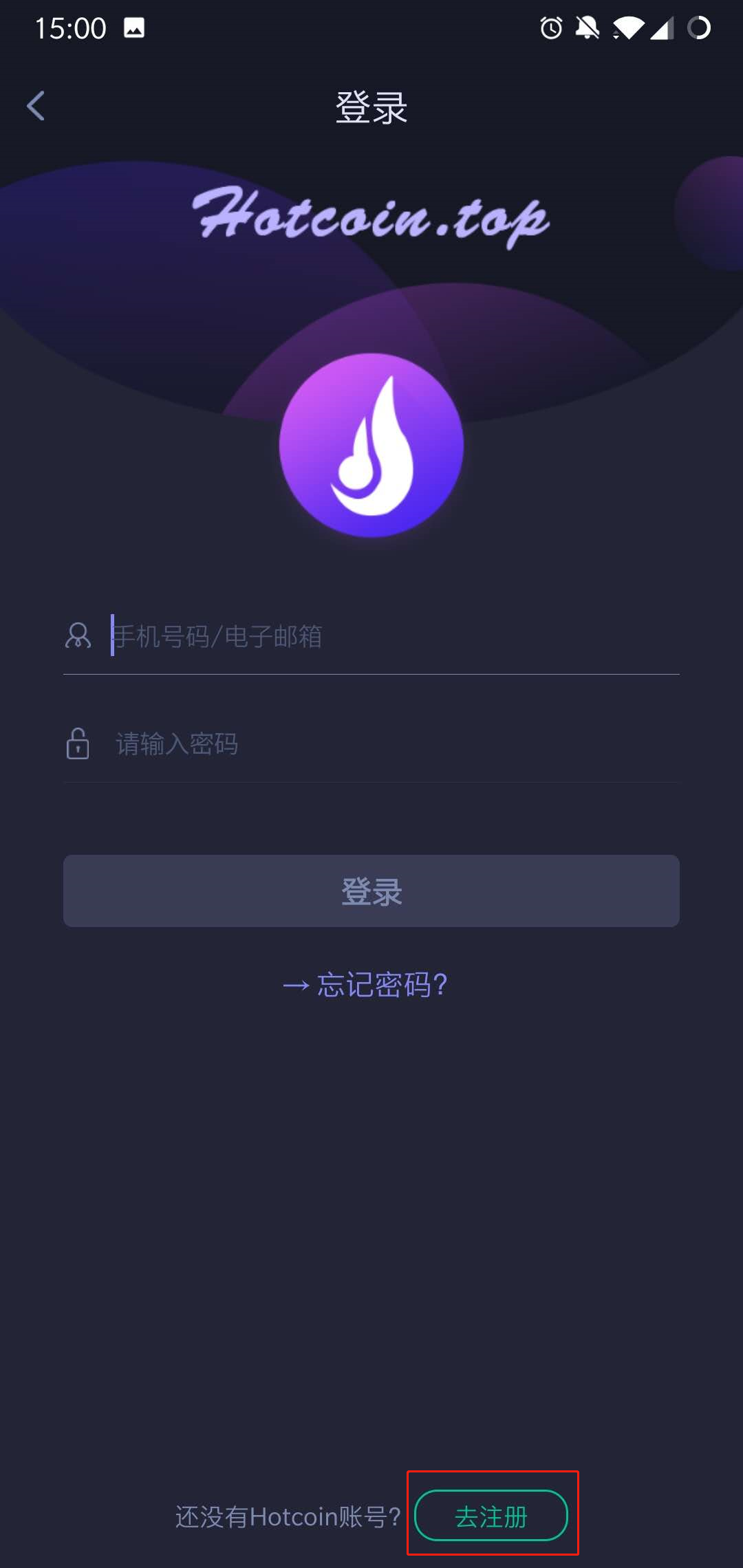
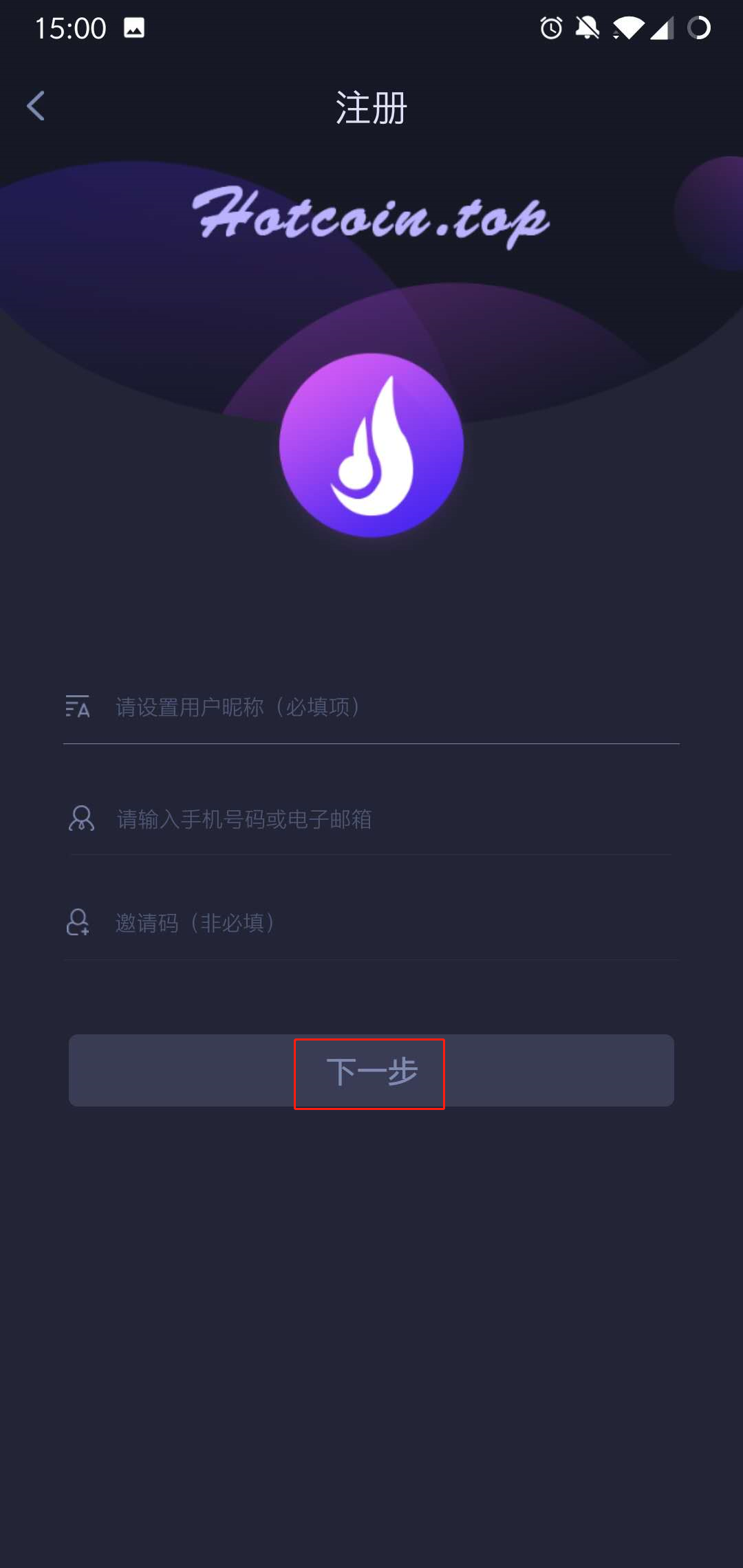
1560239251_1_.jpg 1560239309_1_.jpg

8.Setting passwords and confirm it, press on the 【Obtain verification code 】option, enter the password to complete registration
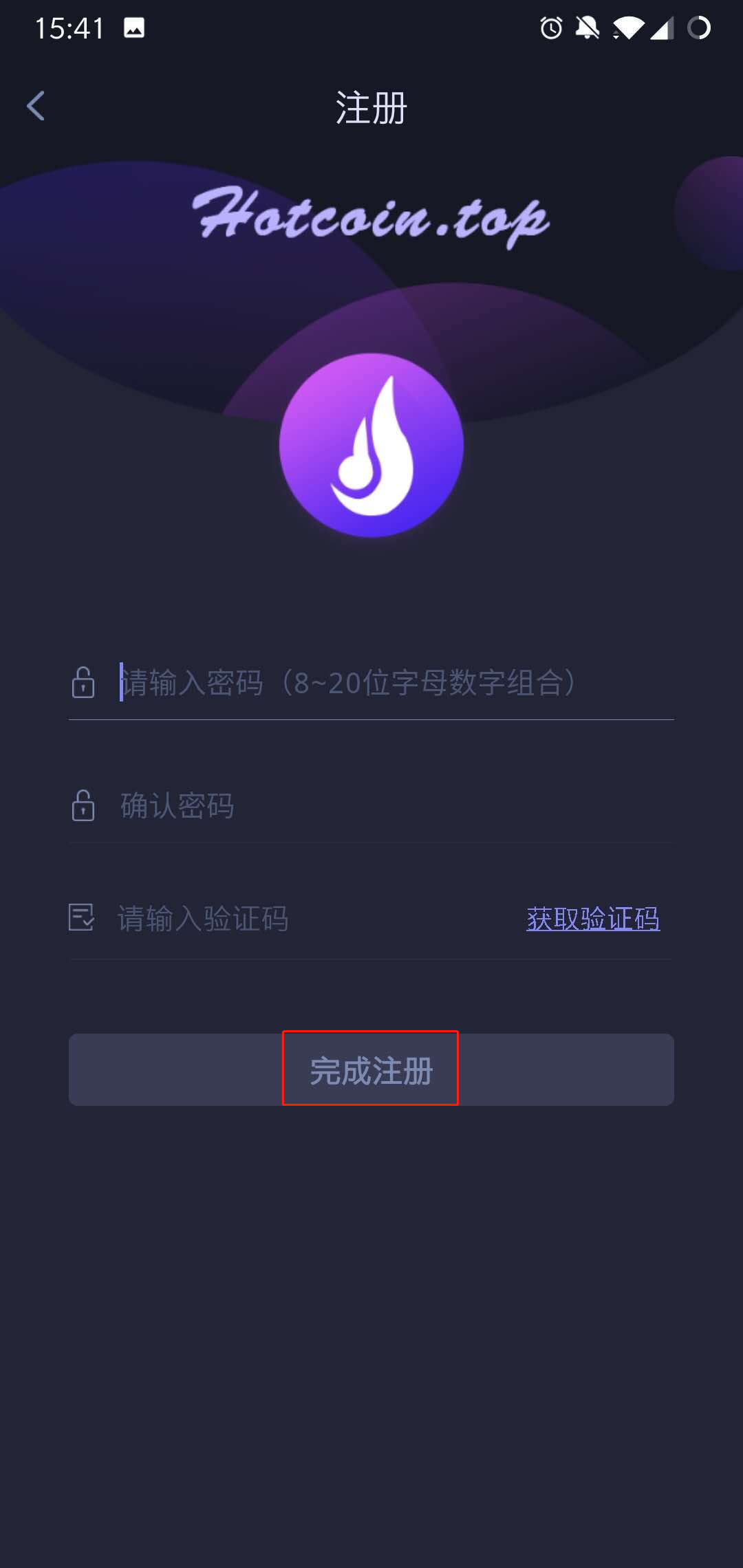
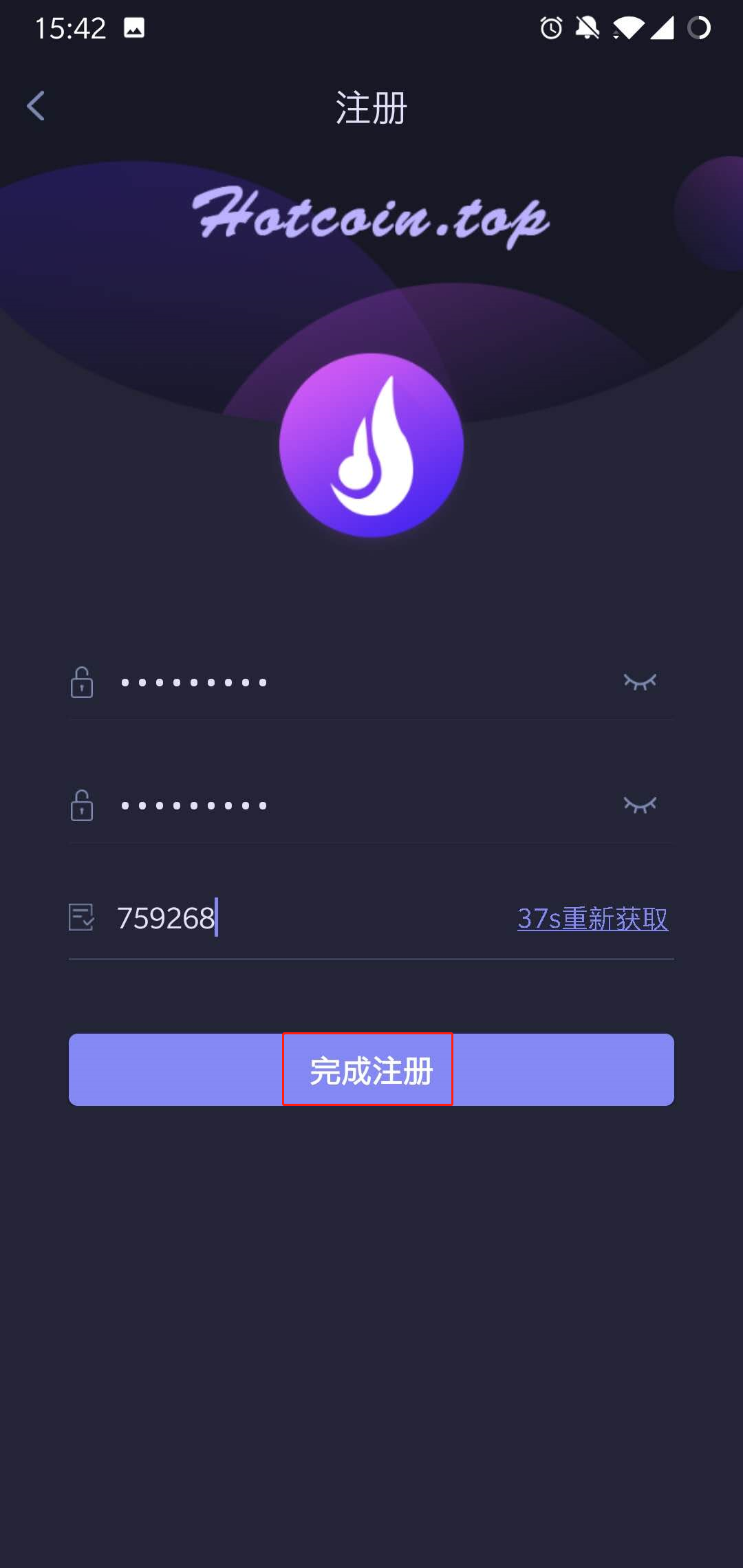
1560239409_1_.jpg 1560239488_1_.jpg

Notes: When you’re waiting for the verification code sent to the phone, there might be Slider Captcha pattern (slider verification pattern) occurred, please piecing them together to certain place.
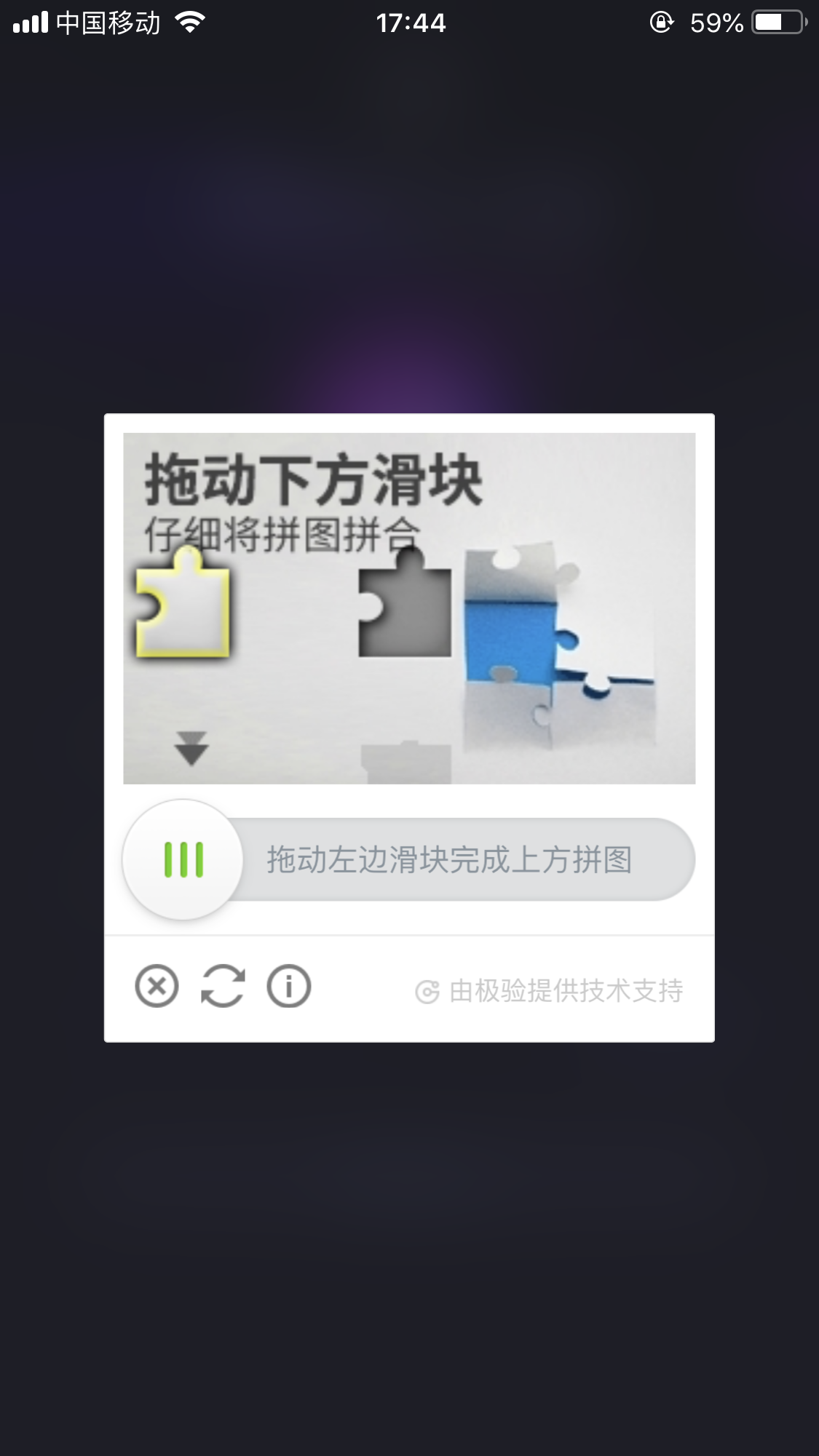
_____20191012174935.png

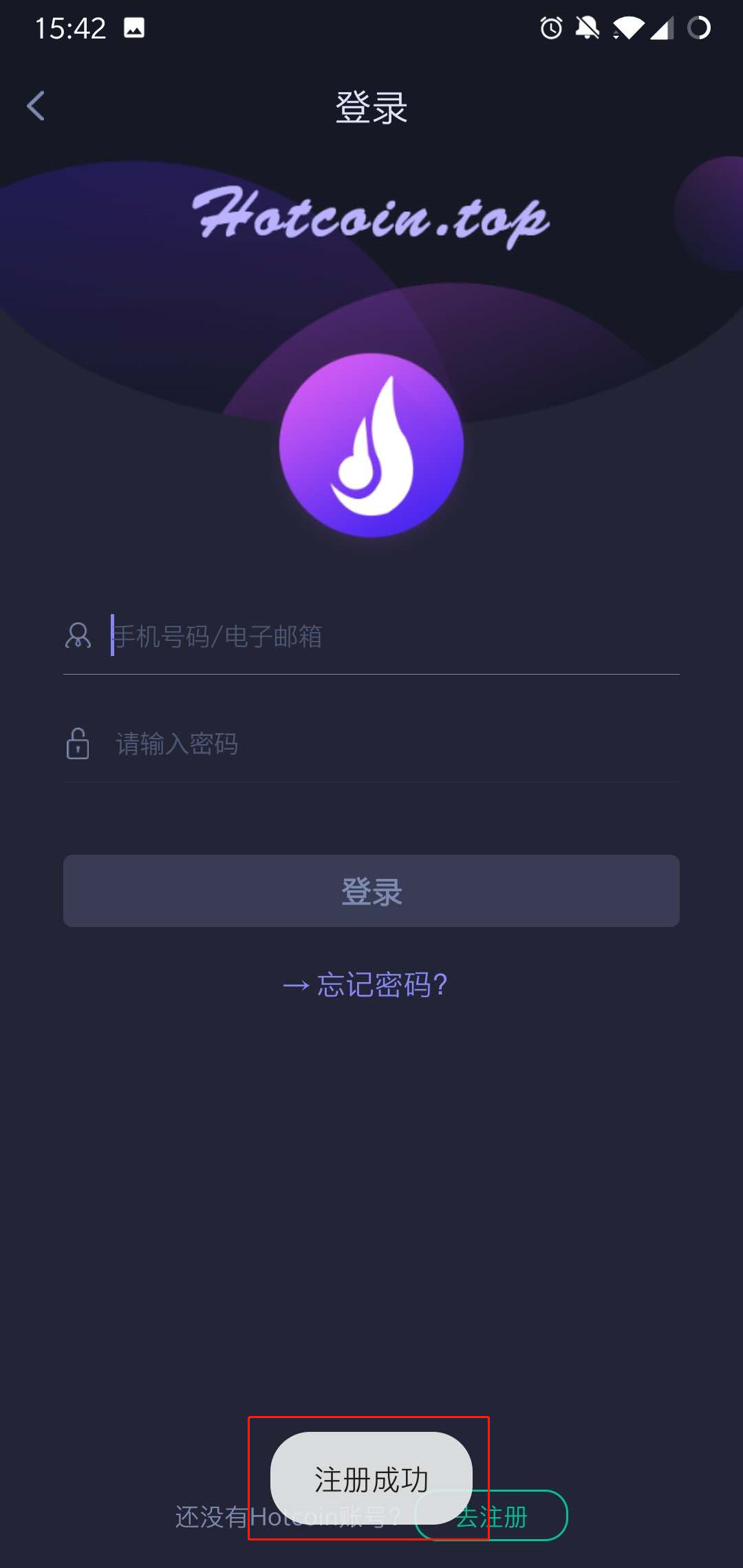
9..After the registration completed, you can login Hotcoin on the login page .
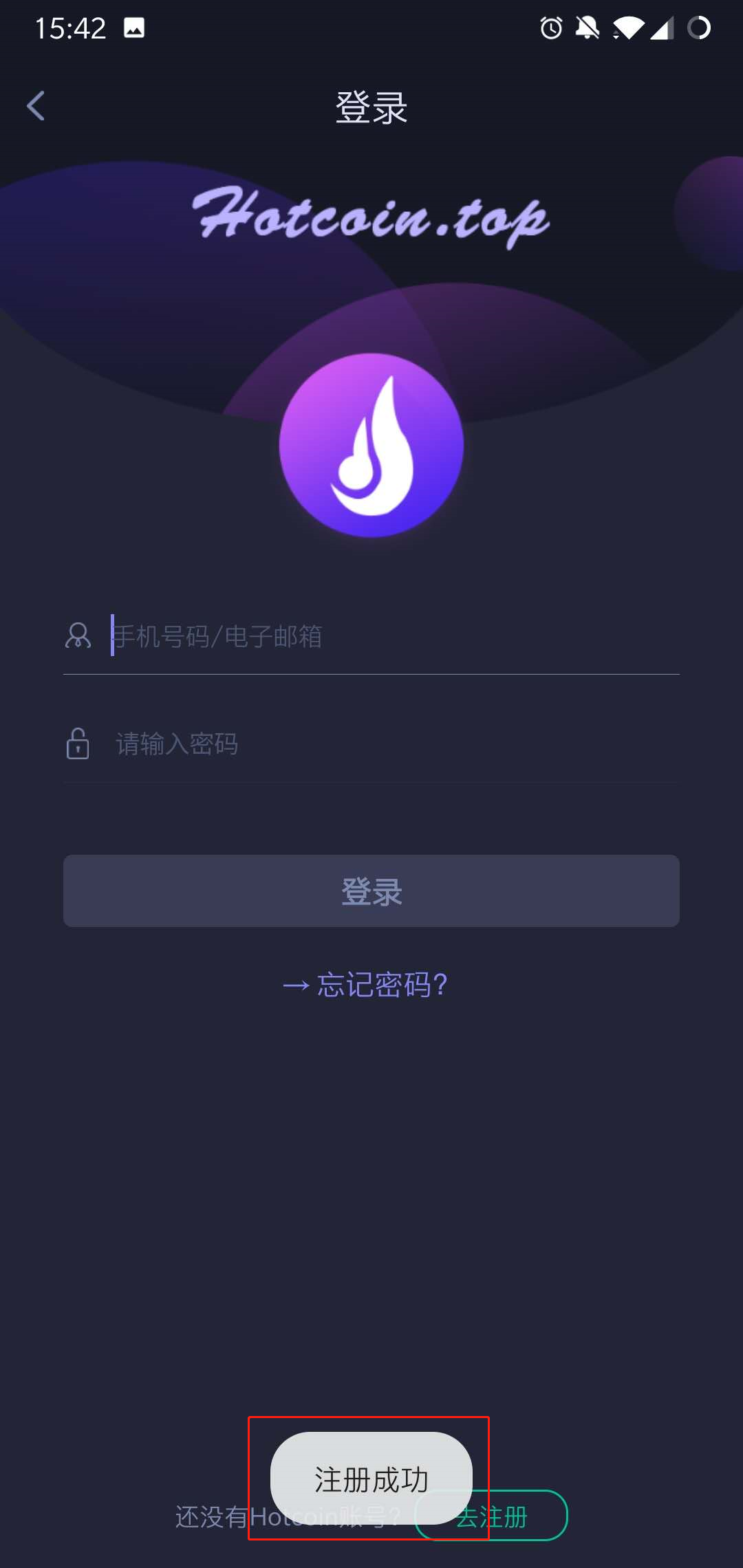
1560239559_1_.jpg

Final_10.jpg


Dépôt et retrait
Deposit
Withdrawal
acheter de la crypto-monnaie
P2P FAQ
Gestion des marchands
règles de protocole
Négociation au comptant et sur marge
Négociation au comptant
négociation à terme
Contract Grid
Contract documentary
Getting Started
Follower Guide
Lead Trader Guide
Financement des hotcoins
Autres sujets (liés au protocole)
NFT