HOTCOIN Logo
Comprar Crypto
Mercados
Comercio
Futuros
Ganar
Centro de recompensas
Más
Billetera Web3
Contactos de servicio

Service@hotcoin.com

Comentarios sobre el producto

Product@hotcoin.com

Cooperación empresarial

Business@hotcoin.com

Contactos Legales

Casecn@hotcoin.com

Contáctenos
Contactos de servicio

Service@hotcoin.com

Comentarios sobre el producto

Product@hotcoin.com

Cooperación empresarial

Business@hotcoin.com

Contactos Legales

Casecn@hotcoin.com

Sobre nosotros
Introducción a la plataforma
Centro de anuncios
Estado del sistema
Acuerdo de usuario
Política de Privacidad
Descripción Legal
producto
Futuro
Mancha
Copiar contrato
Trading con margen
Earn
compra P2P
Compra criptomonedas con tarjeta
Billetera Web3
Servir
Transmisión en vivo
Selección estricta de monedas calientes.
Centro Bonus
Invitación de amigos
Beneficios VIP
Descargar
Aplicar para Comerciante P2P
soporte
Colegio Hotcoin
Centro de Ayuda
Documentación de la API
Tarifa
Información criptográfica
Solicitud de listado
Servicio en línea
comentarios de los clientes
verificación oficial
Comercio
BTC USDC
ETH USDC
BTC USDT
ETH USDT
PI USDT
SOL USDT
XRP USDT
©2017-2026
Centro de Ayuda
/Account Function/Account Function Guide/
Android App Edition Download and Installation Guidance Tutorial
Centro de Ayuda
/Account Function/Account Function Guide/
Android App Edition Download and Installation Guidance Tutorial

Android App Edition Download and Installation Guidance Tutorial

Hotcoin
Compartir

Android(  Android Phone)download APP and complete register

1.Scanning the QR Code below, download and install the Hotcoin Official App.

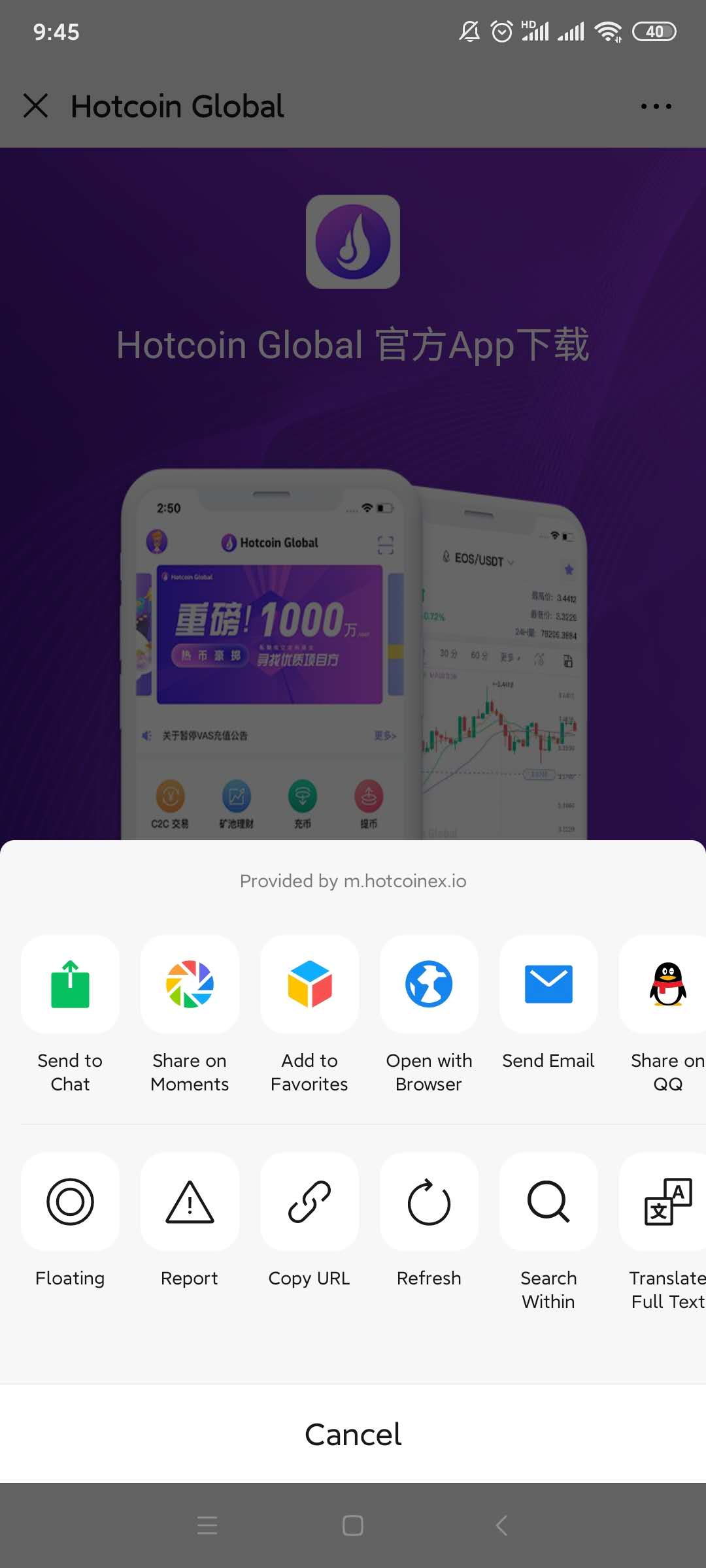
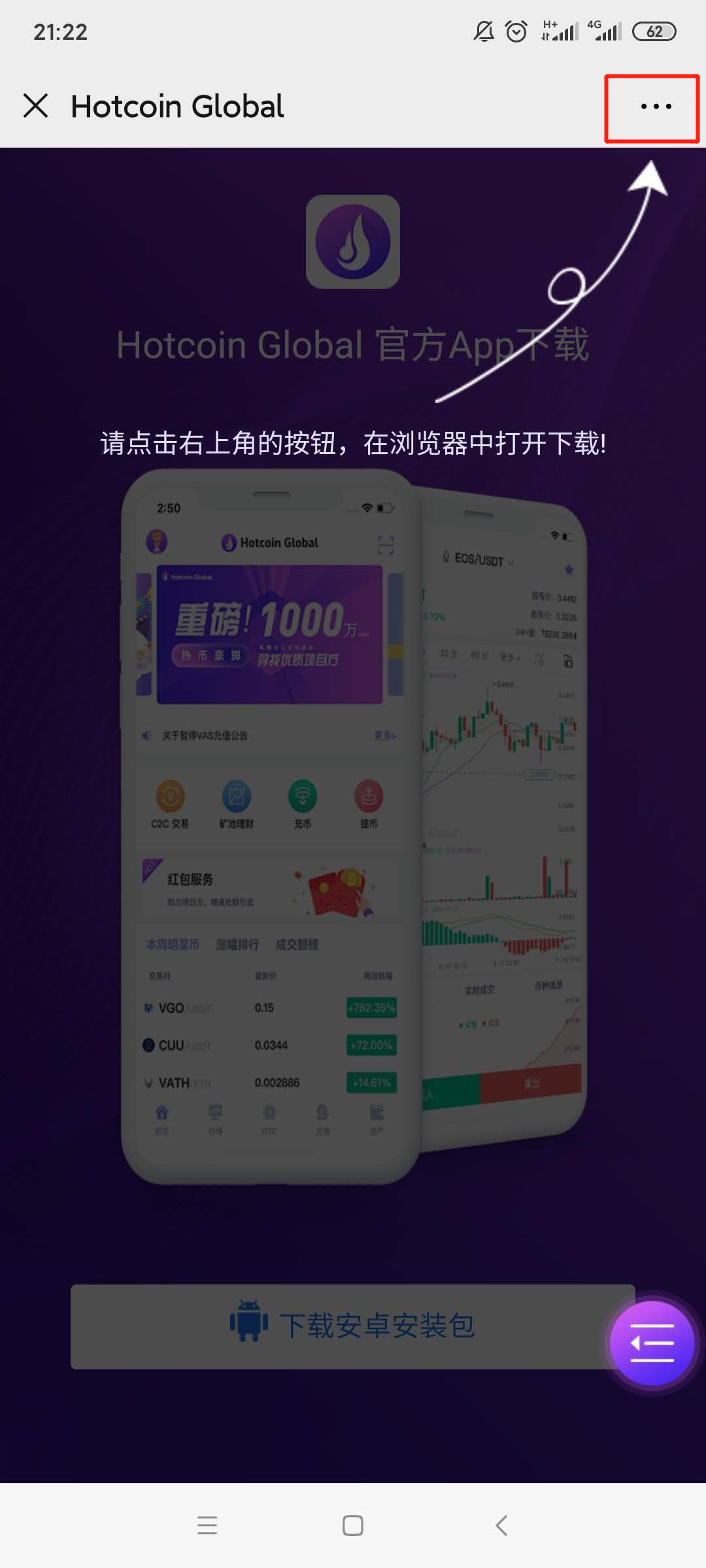
2.Download page will be poping up , please click on the “...” symbol on the upper right corner( ellipsis has been highlighted by red box)and select to open it in browser ;
 

mceclip3.png

1___20200414111400.jpg

3.

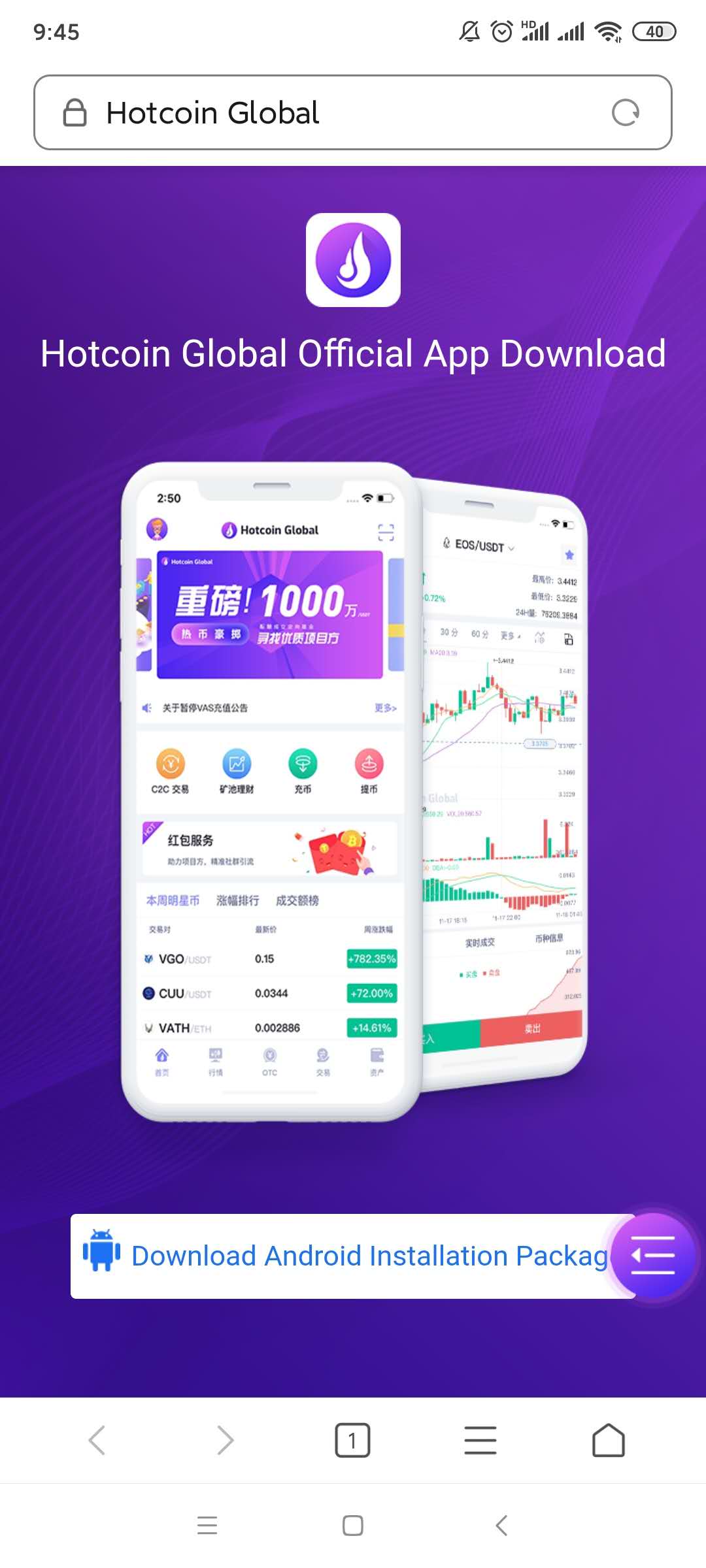
Turn to the download page and click the 【download Android installation package】button;
2___20200414111414.jpg

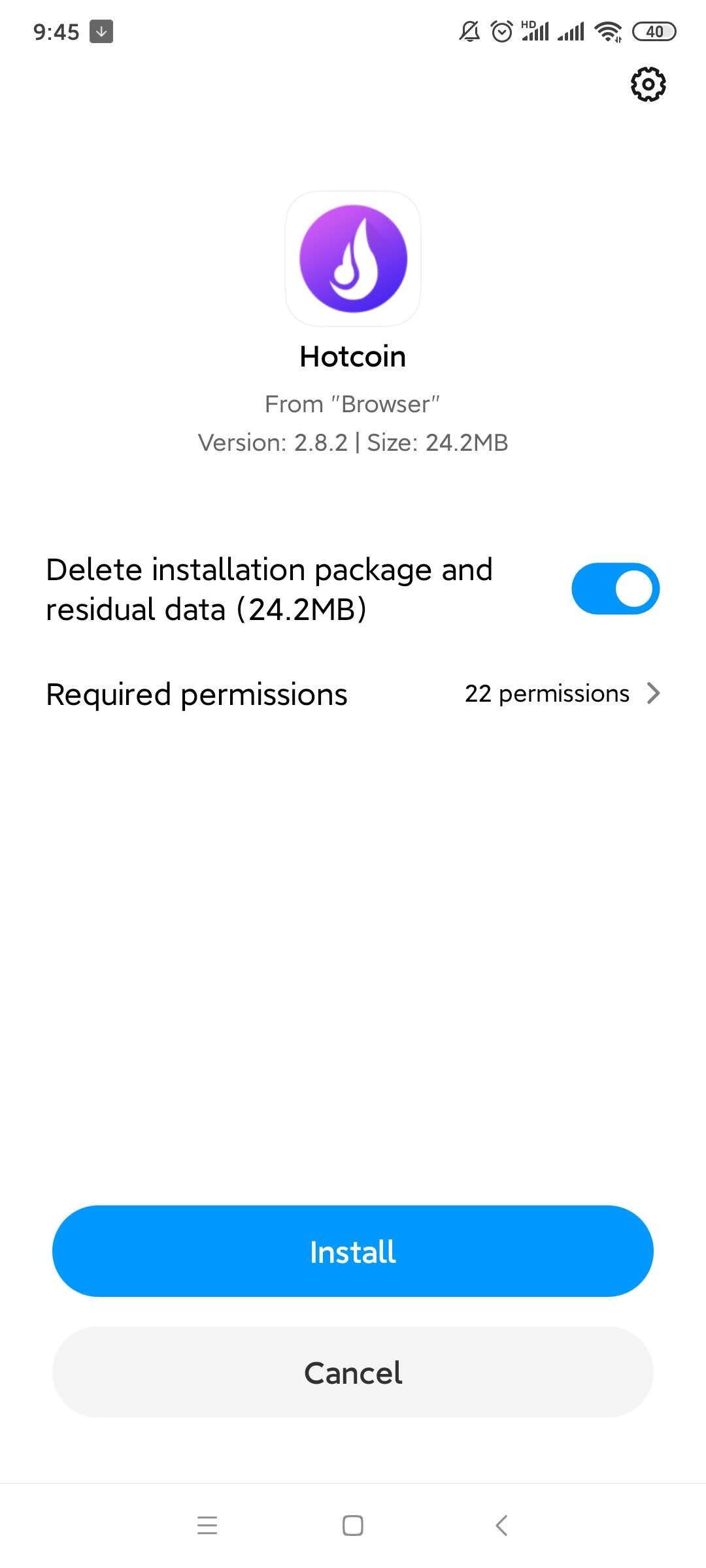
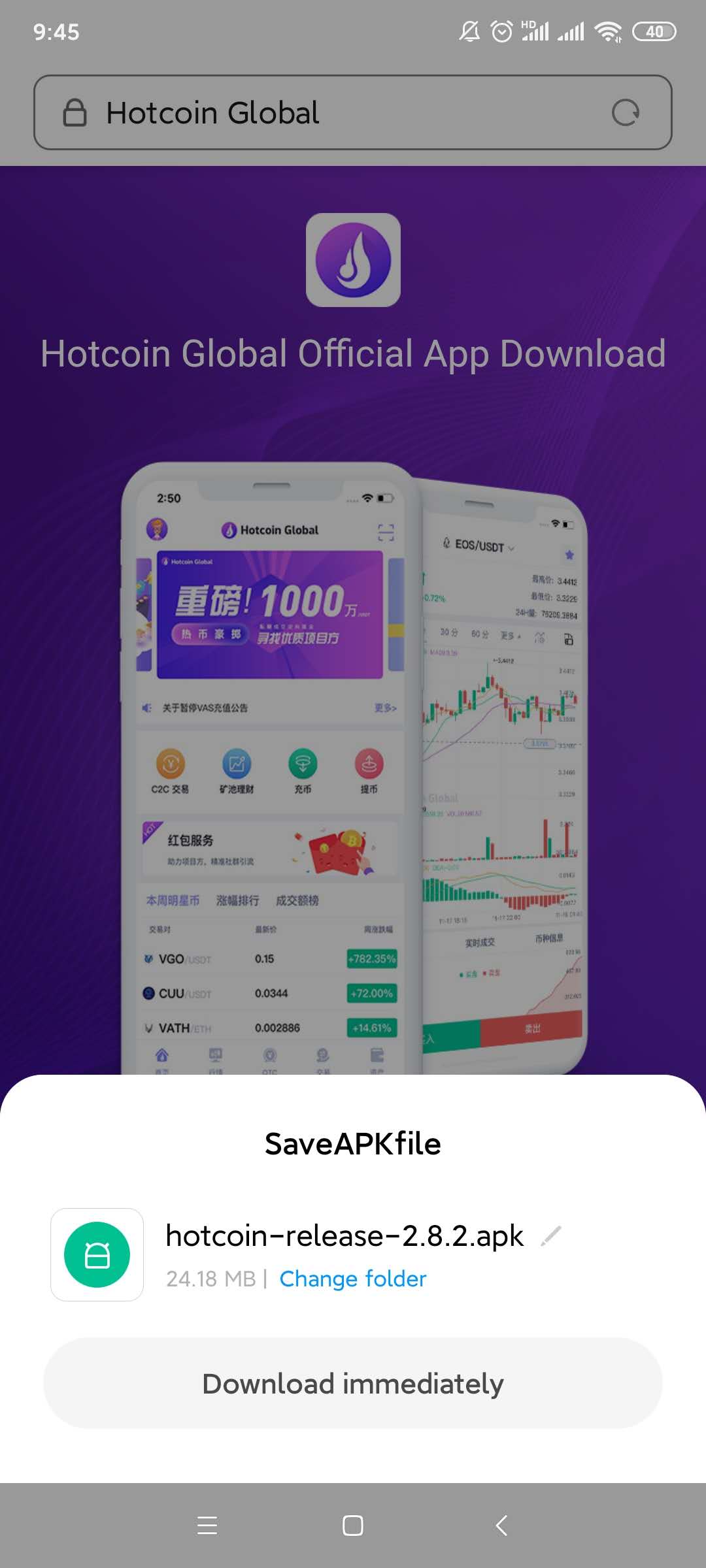
4.A file download box will be poping up, click on the “ Regular Download Version”; Select the “Install “ option after download finished;  
4___20200414111439.jpg

5___20200414111450.jpg

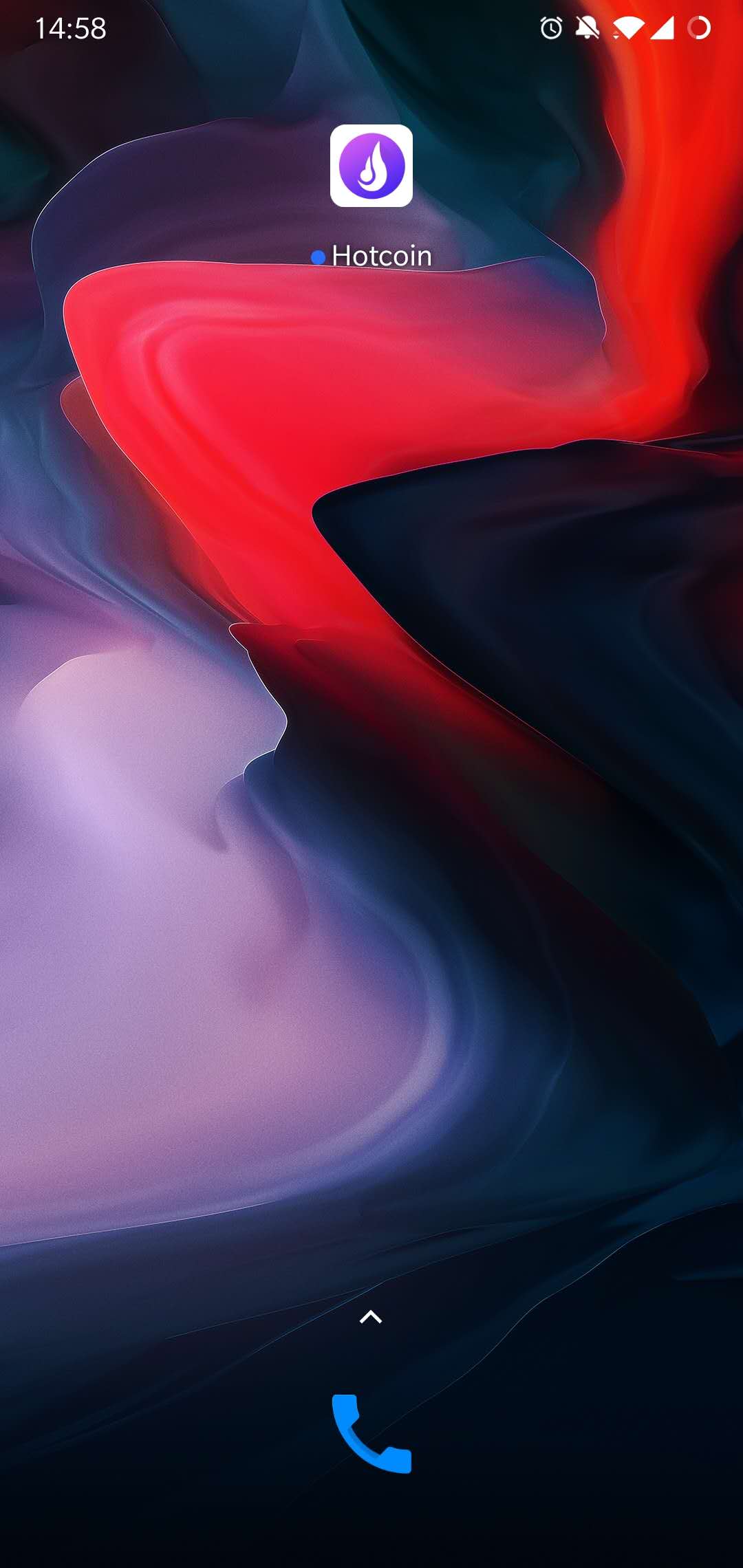
5.Installation Completed, please check on the home page of mobile phone.
7.jpg

6.

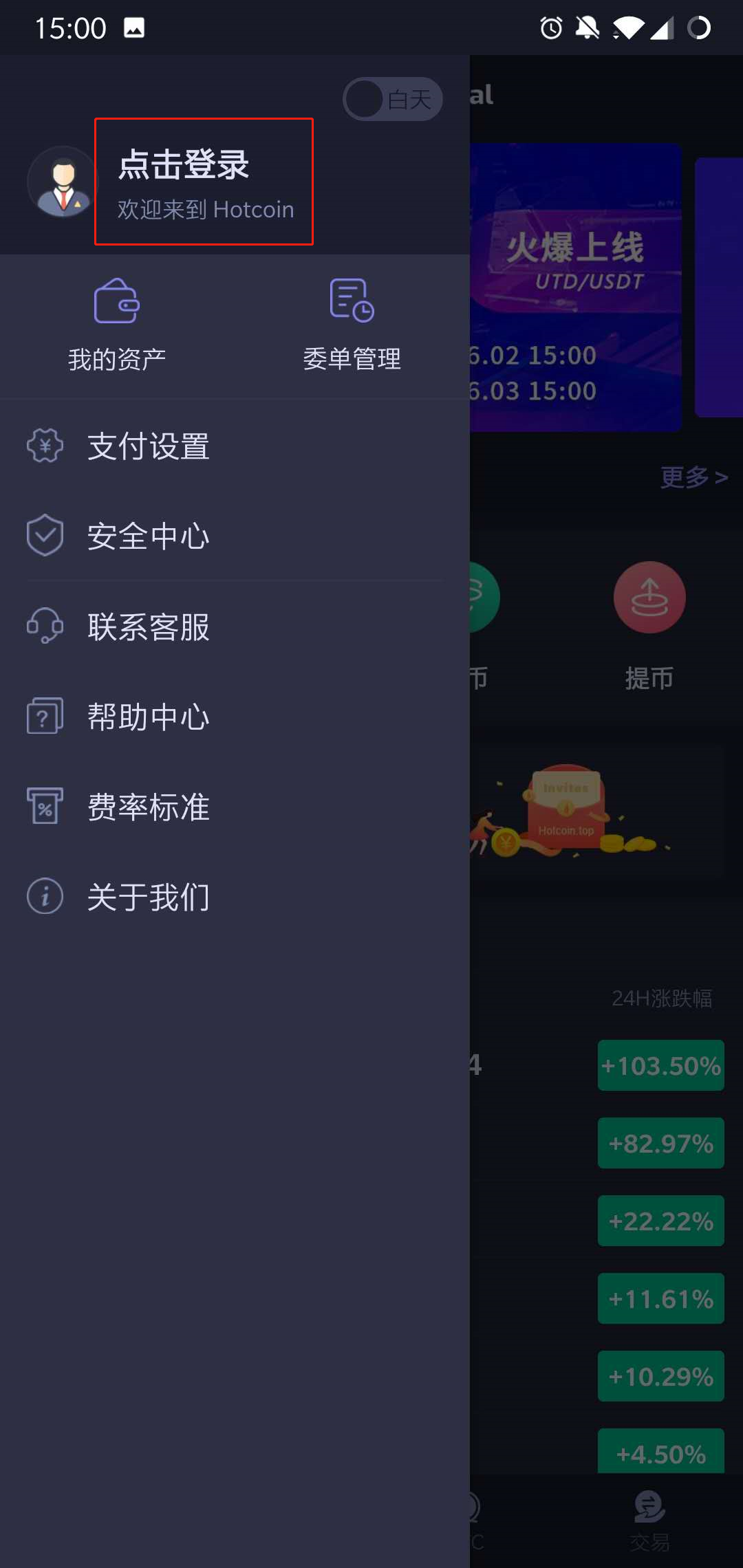
Open the App, enter the “ Personal Account”page,Press on the “Click To Login” Button.
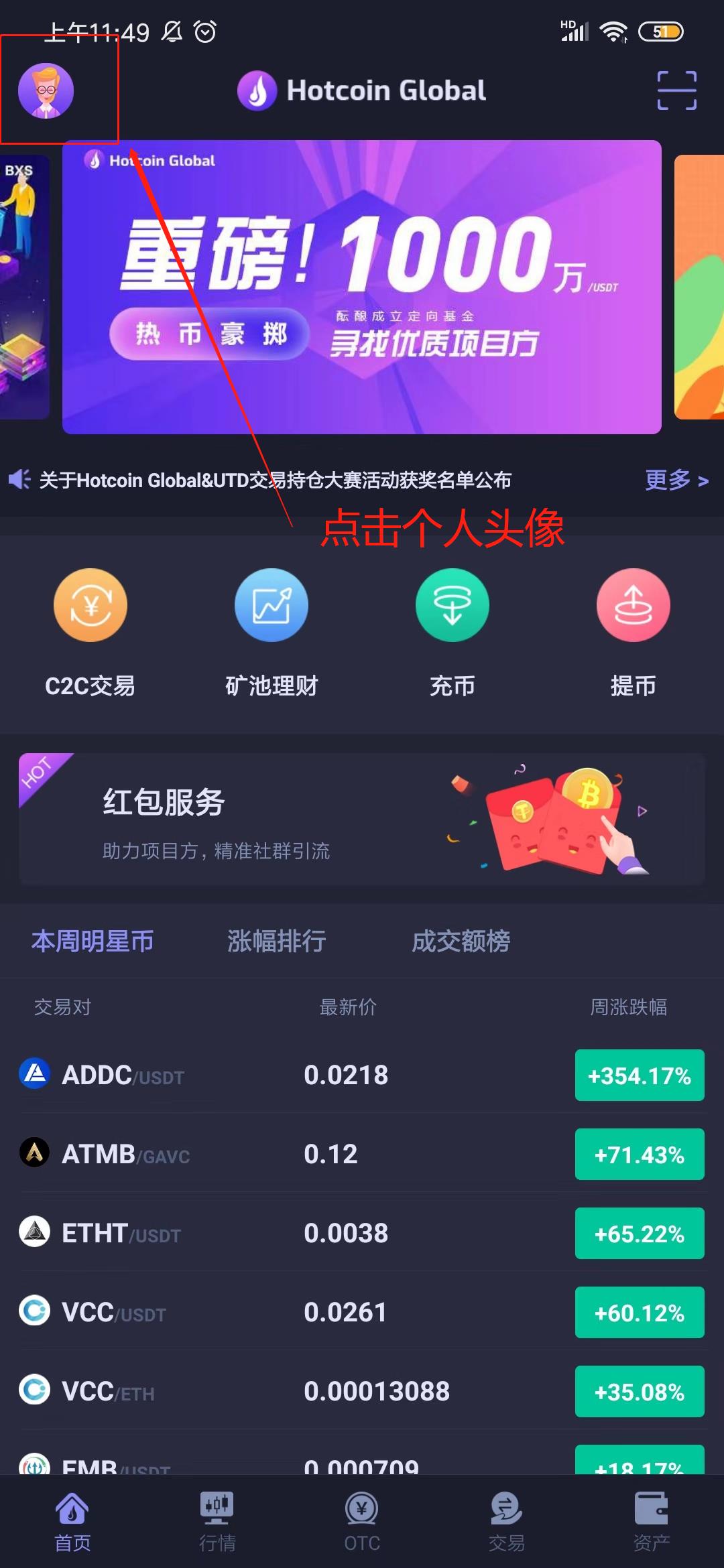
_______20191012135246.jpg 1560239202_1_.jpg

7.Click on the “Start Register” button, fill in the nickname, mobile No. and invitation code(Not required fields), and move on to the next steps.
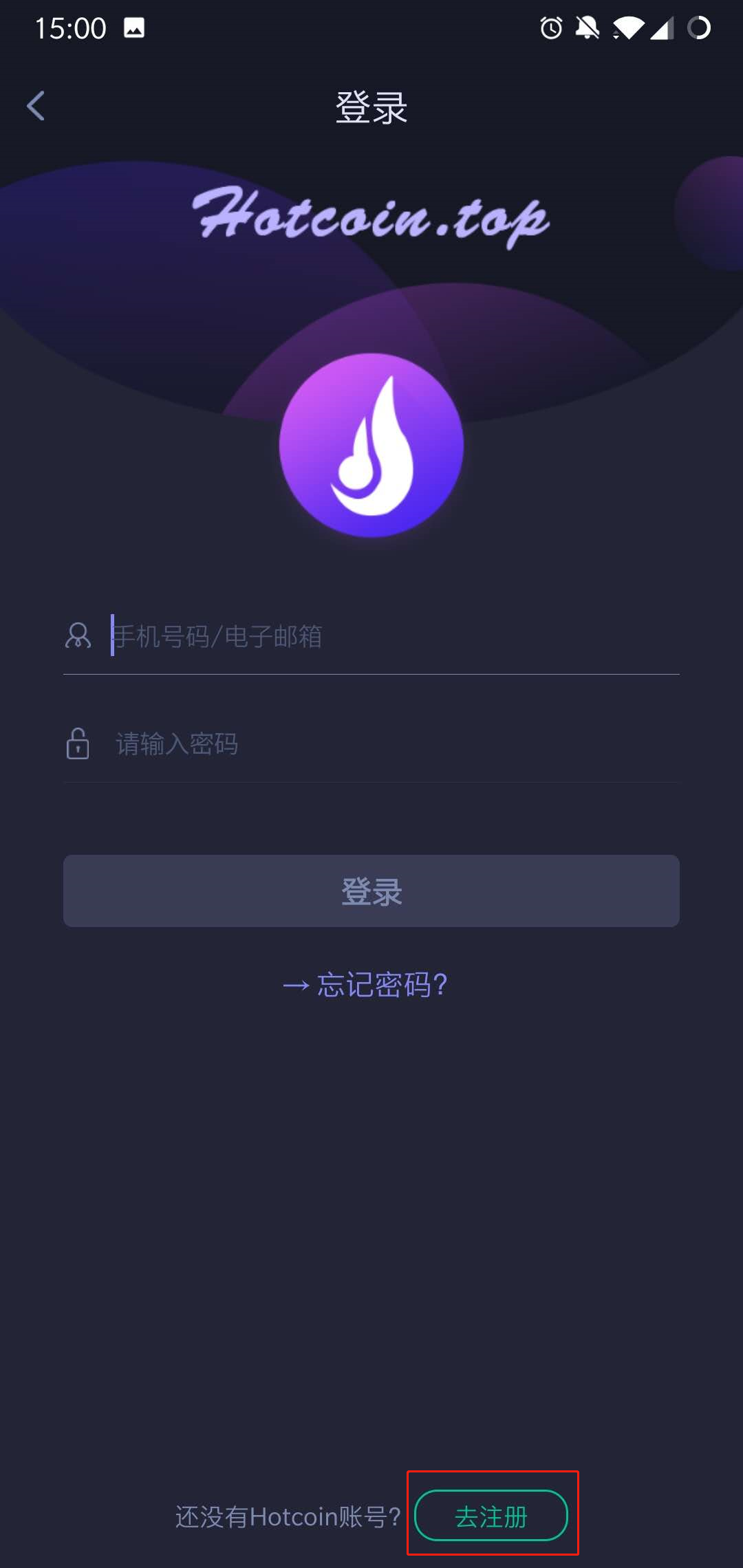
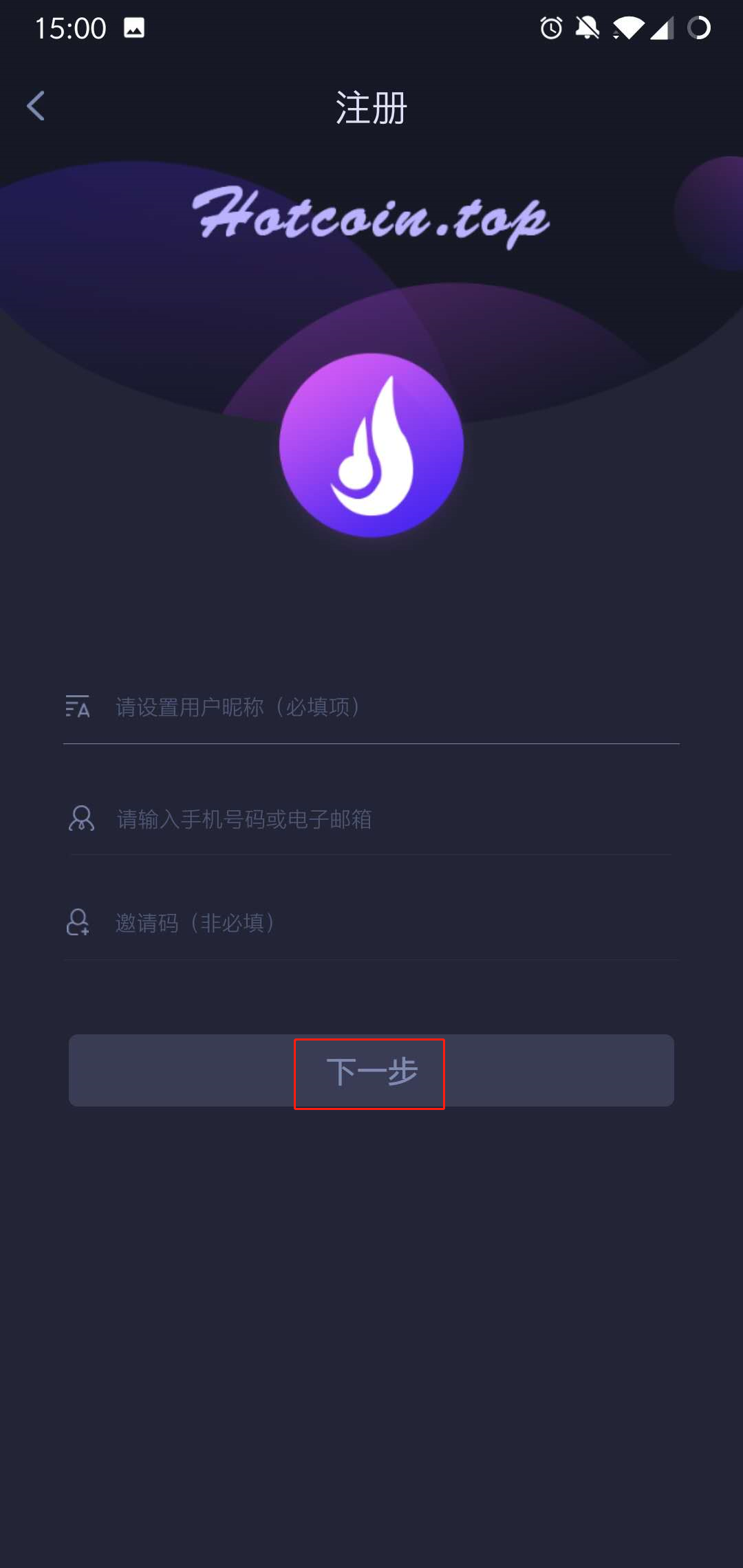
1560239251_1_.jpg 1560239309_1_.jpg

8.Setting passwords and confirm it, press on the 【Obtain verification code 】option, enter the password to complete registration
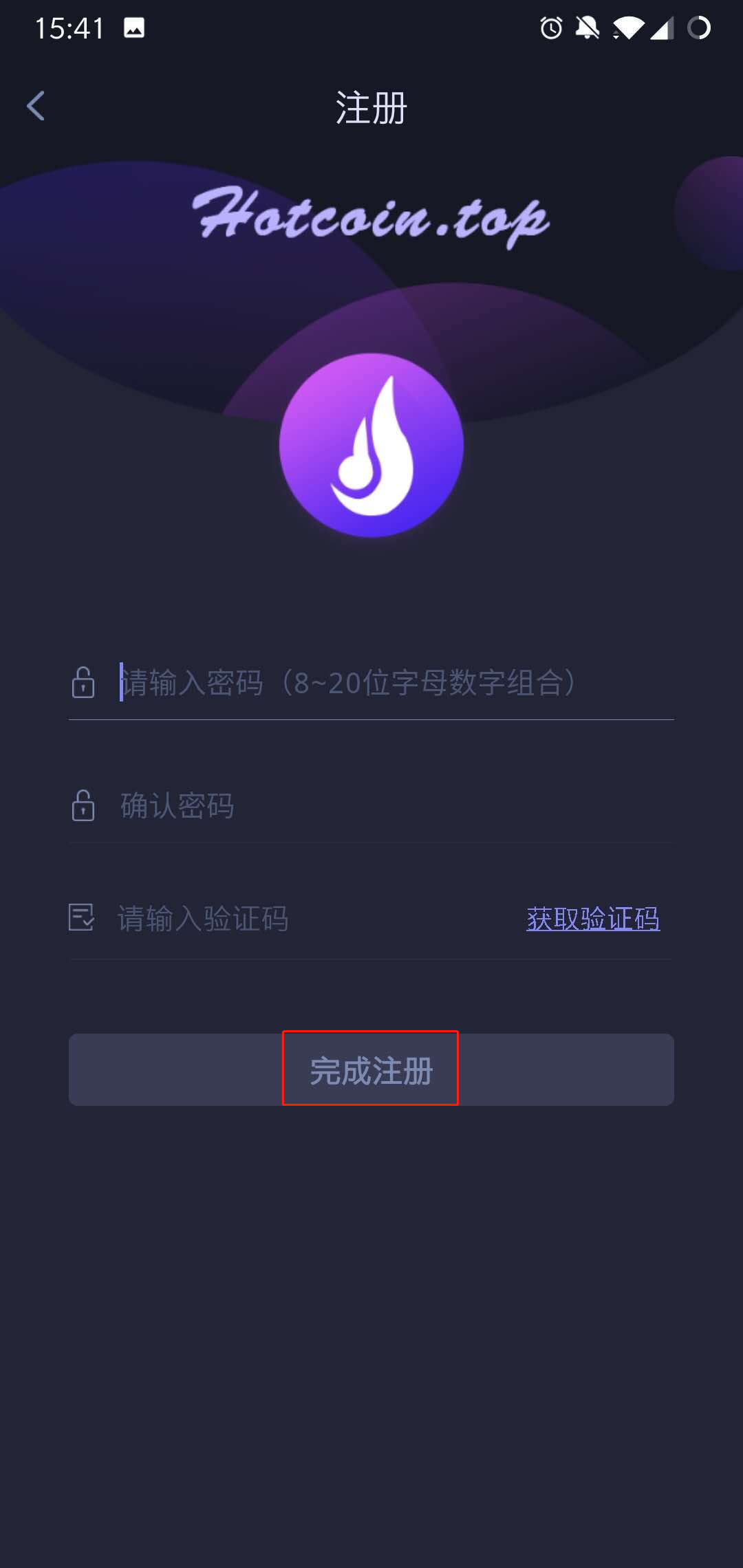
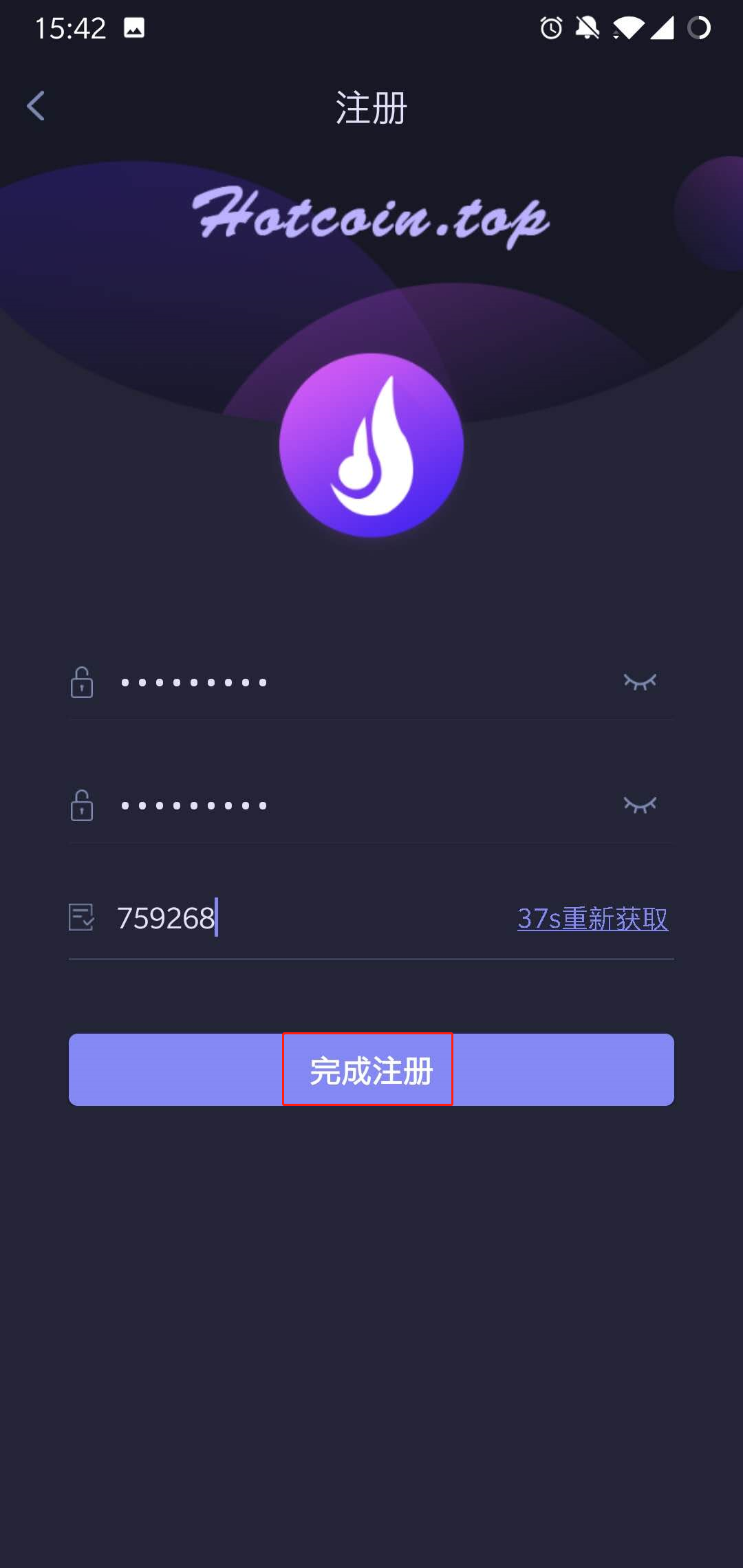
1560239409_1_.jpg 1560239488_1_.jpg

Notes: When you’re waiting for the verification code sent to the phone, there might be Slider Captcha pattern (slider verification pattern) occurred, please piecing them together to certain place.
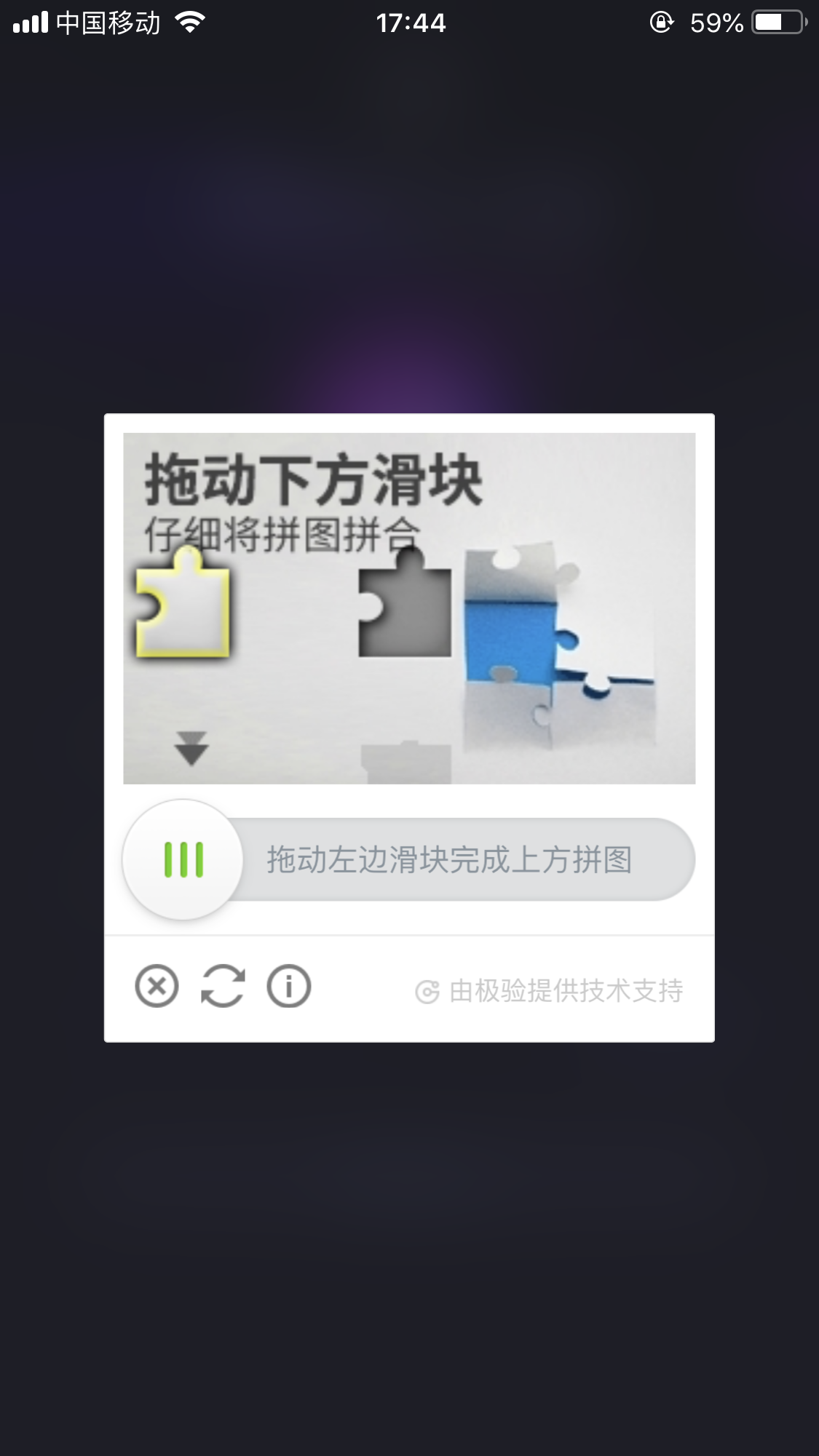
_____20191012174935.png

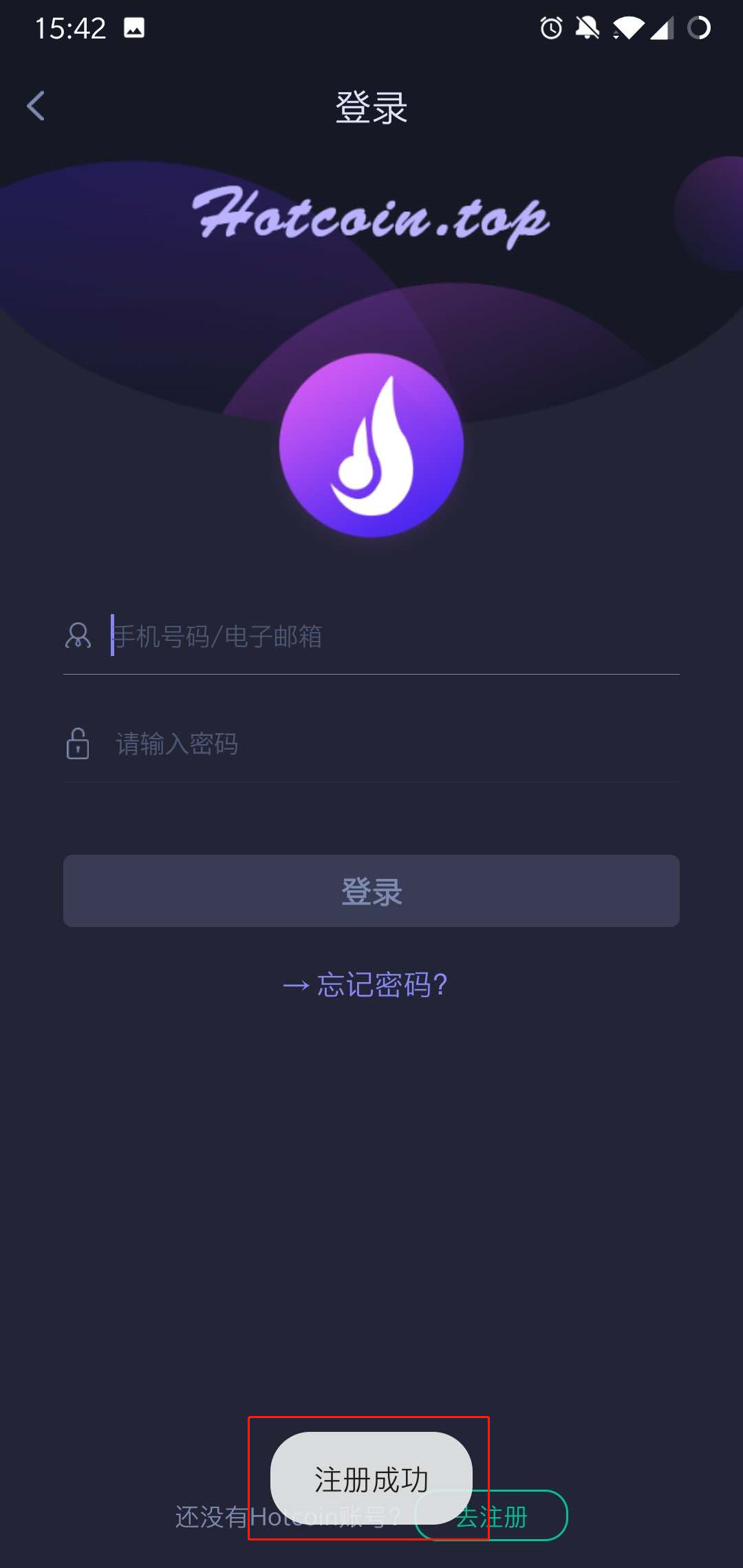
9..After the registration completed, you can login Hotcoin on the login page .
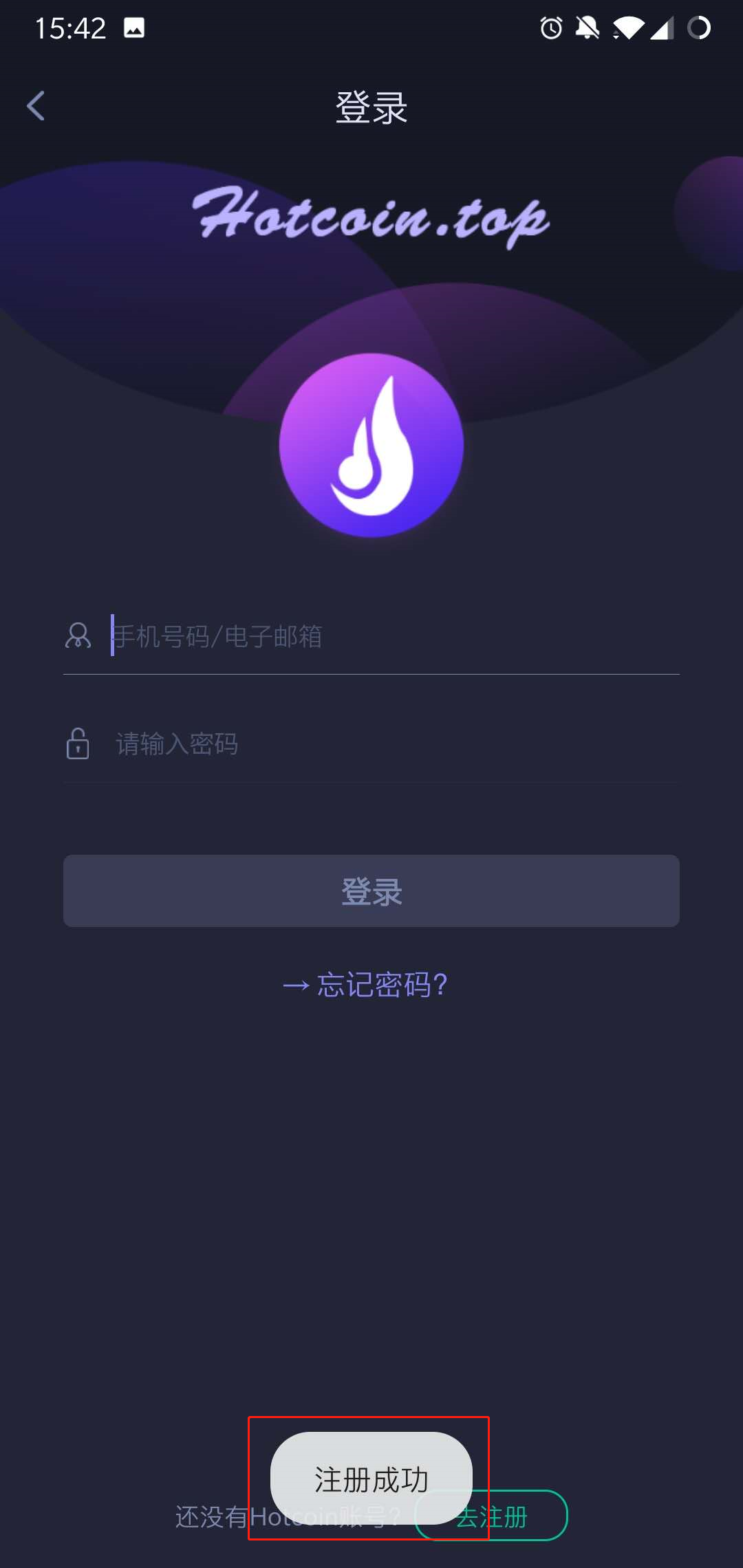
1560239559_1_.jpg

Final_10.jpg


Depósito y retiro
Deposit
Withdrawal
comprar criptomoneda
P2P FAQ
Gestión de comerciantes
reglas de protocolo
Comercio al contado y con margen
Comercio al contado
comercio de futuros
Contract Grid
Contract documentary
Getting Started
Follower Guide
Lead Trader Guide
Finanzas de monedas calientes
Otros temas (relacionados con el protocolo)
NFT